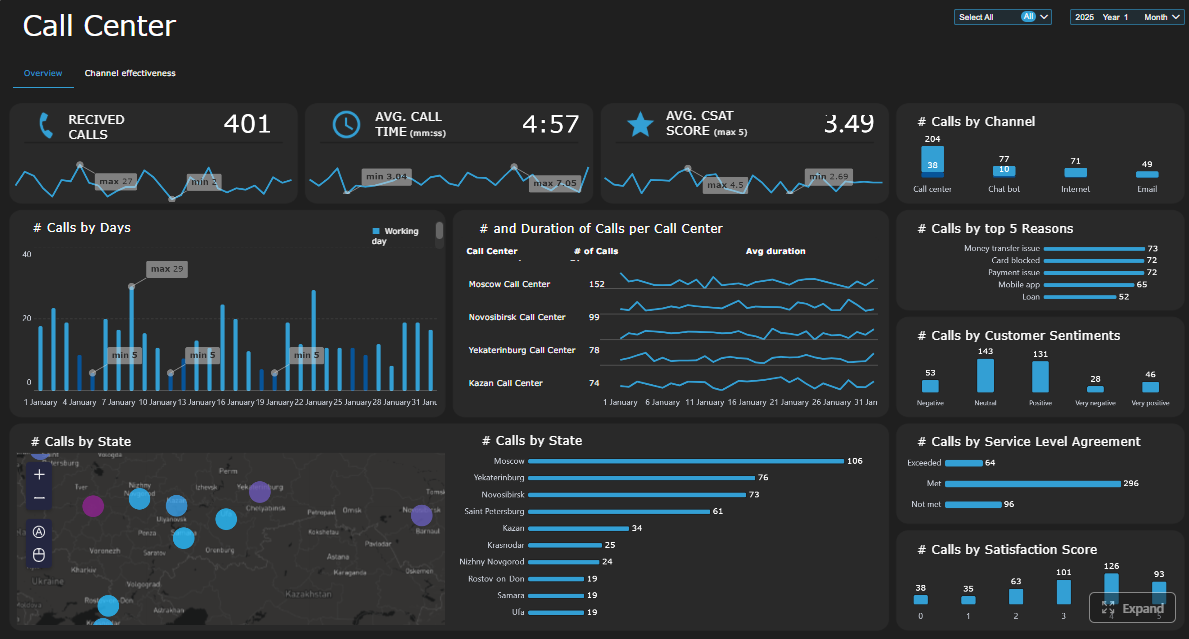
FineReport is an enterprise reporting and dashboard platform that helps operations leaders turn complex contact center data into customizable, real-time business intelligence.
Side-by-side comparison of the 9 best tools
Tool 1: FineReport — Best for customizable dashboards and KPI visibility
One-sentence overview:FineReport is a flexible reporting and dashboard platform built for teams that need highly customizable KPI views, cross-system data integration, and scalable operational reporting.
Key Features:
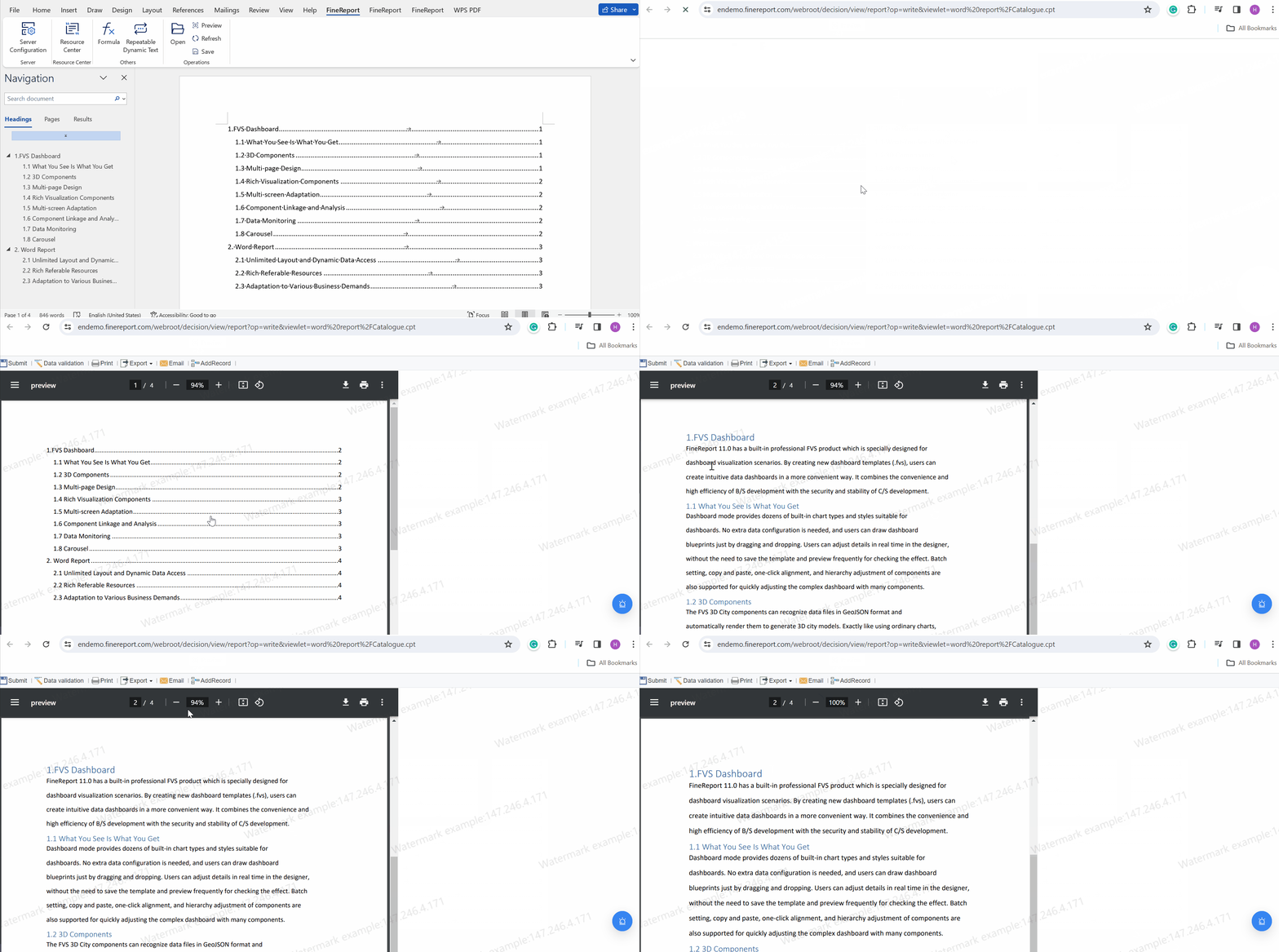
Drag-and-drop dashboard designer for call center KPIs
Pixel-level report customization for executive, manager, and supervisor views
Excellent flexibility for custom call center reporting software use cases
Strong fit for teams that need tailored dashboards instead of fixed templates
Useful for combining contact center data with broader operational BI
Good option for enterprises that care about governance and report standardization
Cons:
Requires thoughtful setup to model contact center metrics correctly
Not a native CCaaS platform, so voice platform integration quality depends on your stack
Best For (Target user/scenario): Operations leaders, BI teams, and multi-site service organizations that want deep dashboard customization and centralized KPI visibility across call center and business systems.
FineReport stands out because it addresses a common gap in the call center reporting software market: many platforms offer dashboards, but fewer let operations teams design reports exactly around their service model, management cadence, and executive reporting needs. If your organization wants to track service level, abandonment, AHT, occupancy, adherence, QA, and customer outcomes in one tailored environment, FineReport is a strong first option to evaluate.
It is especially useful when your contact center data does not live in one place. Many operations leaders need to combine data from telephony, workforce management, CRM, ticketing, and QA systems. FineReport is well suited to that kind of reporting layer, making it easier to create one source of truth for leaders who need both real-time monitoring and historical analysis.
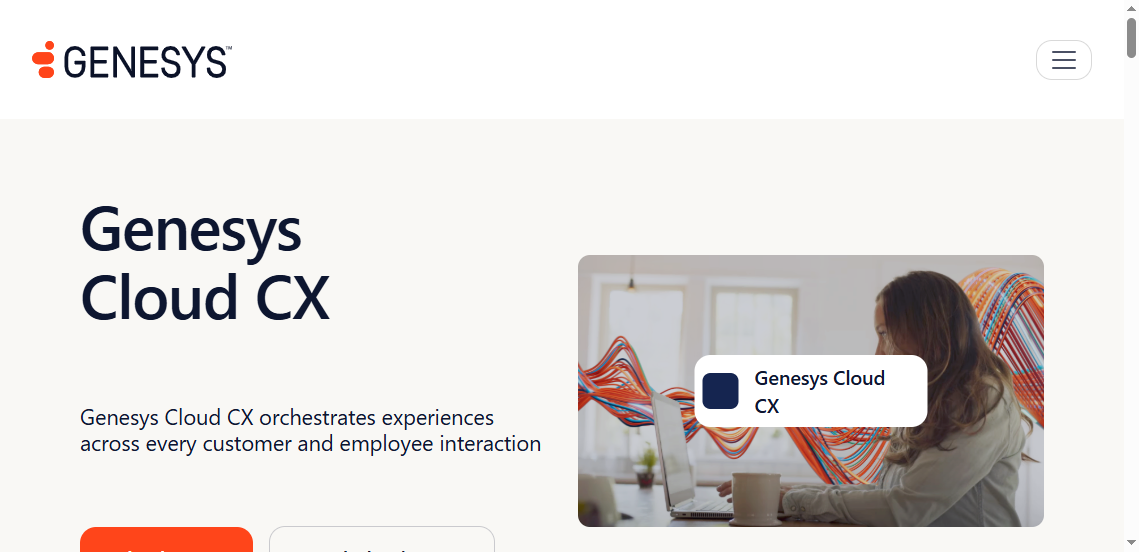
Tool 2: Genesys Cloud CX — Best for contact center analytics and performance tracking
One-sentence overview: Genesys Cloud CX is a broad contact center platform with strong native analytics, performance dashboards, and operational reporting for larger or growing service teams.
Native contact center analytics across queues, agents, and interactions
Omnichannel reporting for voice, chat, and digital support
Workforce engagement and scheduling connections
Customizable KPI widgets and supervisory dashboards
AI-assisted forecasting and interaction analysis in higher-tier plans
Pros & Cons:
Pros:
Strong native reporting within the Genesys ecosystem
Good fit for organizations that want analytics and routing in one platform
Supports complex, multi-site contact center environments
Cons:
Advanced analytics may require premium modules
Best value comes when you standardize more of your stack on Genesys
Best For (Target user/scenario): Enterprise and upper-midmarket contact centers that want robust analytics and performance tracking tightly connected to their CCaaS platform.
Genesys Cloud CX is often shortlisted by operations leaders because it combines routing, channel management, workforce tools, and reporting in one environment. For teams already using Genesys, its reporting can provide a more seamless view of queue health, agent activity, and service performance than a disconnected BI layer.
Its value is highest when you want native operational visibility without building every dashboard from scratch. That said, organizations with highly specific reporting requirements may still want an external reporting layer alongside it.
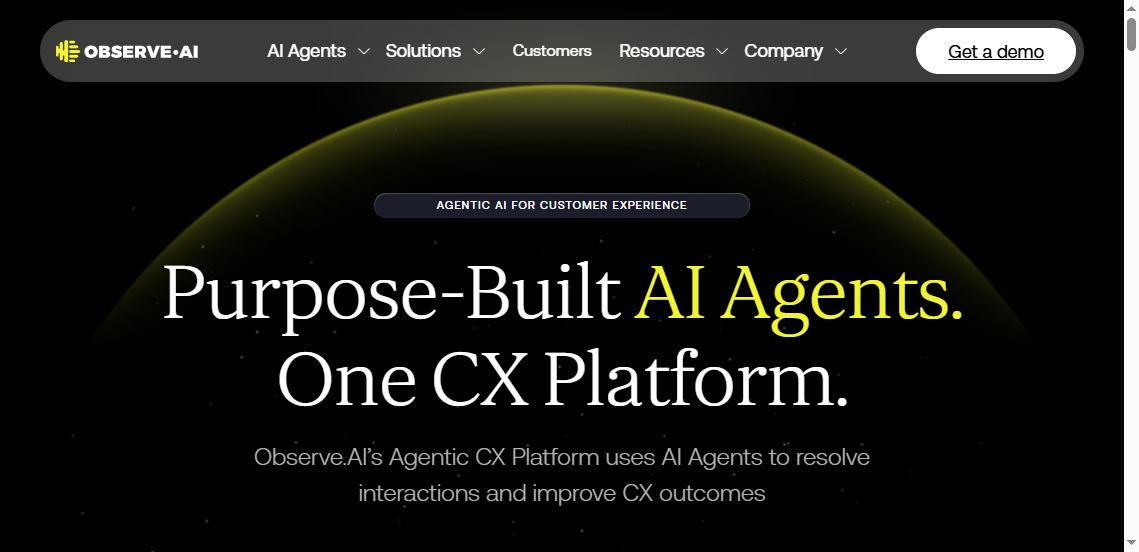
Tool 3: Observe.AI — Best for AI-powered call insights and automated reporting
One-sentence overview: Observe.AI focuses on AI-driven conversation intelligence, automated QA, and reporting that surfaces trends across large volumes of customer interactions.
Key Features:
AI-powered call transcription and conversation analysis
Automated quality monitoring and scorecards
Agent performance insights and coaching recommendations
Sentiment and compliance detection
Trend reporting based on 100% interaction analysis
Searchable voice analytics for issue discovery
Pros & Cons:
Pros:
Strong for uncovering patterns manual QA misses
Helps connect reporting to coaching and quality improvement
Useful for compliance-heavy and high-volume environments
Cons:
Less ideal as a pure dashboard replacement for broad business BI
Full value depends on call recording quality and integration maturity
Best For (Target user/scenario): Contact centers that want AI-powered reporting tied to QA, compliance, and coaching workflows.
Observe.AI is not just about standard KPI reporting. Its strength is helping managers understand what happened inside interactions, not only what happened to topline metrics. If a team wants to know why AHT is rising, why CSAT is dropping, or where compliance risk is concentrated, AI-led reporting can be more useful than queue dashboards alone.
For operations leaders, this makes Observe.AI a strong complement to traditional contact center reporting. It is particularly valuable when coaching quality and reducing blind spots matter as much as real-time wallboard metrics.
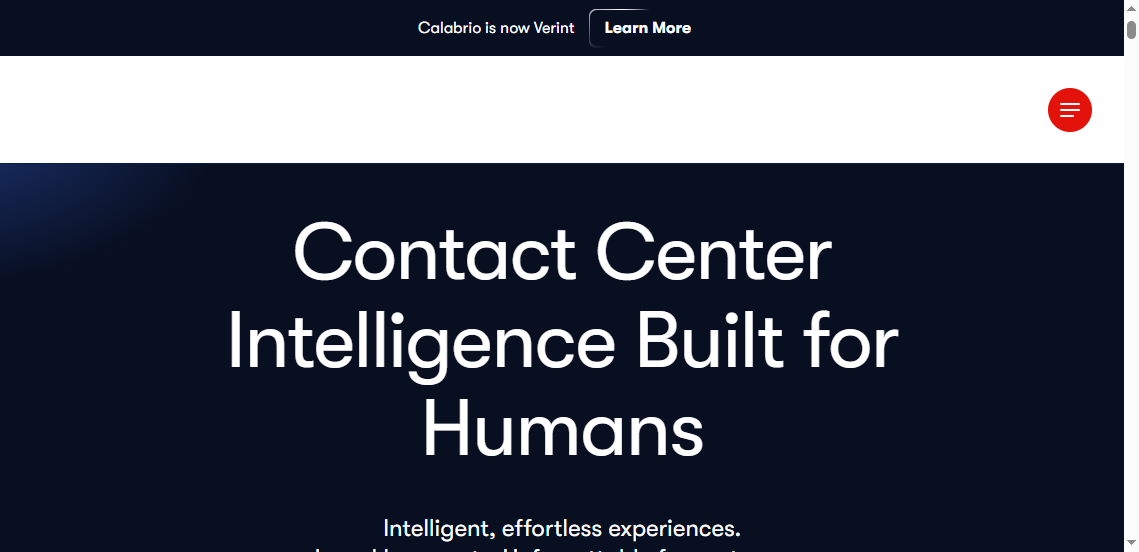
Tool 4: Calabrio ONE — Best for workforce performance management alignment
One-sentence overview: Calabrio ONE is a workforce engagement platform that connects reporting with quality management, workforce management, and agent performance improvement.
Trend analysis across service and workforce metrics
Tools for scheduling, adherence, and performance alignment
Pros & Cons:
Pros:
Good alignment between reporting and workforce operations
Useful for teams that want staffing and performance data in context
Well suited for structured contact center management environments
Cons:
Interface depth can feel complex for smaller teams
Some organizations may need time to fully adopt all modules
Best For (Target user/scenario): Operations teams that want reporting tightly linked to scheduling, adherence, quality, and workforce planning.
Calabrio ONE is particularly useful when reporting is not just for visibility but for workforce action. Many contact centers struggle because KPI dashboards are separated from scheduling and coaching decisions. Calabrio helps bridge that gap by aligning operational reporting with workforce management disciplines.
For leaders managing occupancy, shrinkage, schedule adherence, and agent consistency, this alignment can be more useful than standalone dashboard tools.
Why call center reporting software matters for operations leaders in 2026
The best call center reporting software no longer acts as a passive dashboard layer. In 2026, operations leaders are expected to respond to service issues in real time, justify staffing decisions, improve agent productivity, and explain customer outcomes to executives. That requires operational intelligence, not just static reports.
The shift from basic dashboards to real-time operational intelligence
Traditional call center reports were often backward-looking. Managers received daily or weekly summaries, reviewed service level misses after the fact, and manually compared spreadsheets from multiple systems. That model is too slow for modern support environments.
Today, leaders need:
Real-time queue visibility
Automated alerts for threshold breaches
Drill-down reporting by team, channel, and issue type
Trend analysis that supports rapid operational decisions
Shared dashboards for supervisors, workforce planners, QA leads, and executives
This shift matters because customer demand is more volatile, support channels are more fragmented, and labor costs are under heavier scrutiny. Good reporting software helps managers move from reacting late to intervening early.
How reporting tools help improve service levels, agent productivity, QA, and forecasting
Modern reporting platforms support improvement across four critical areas:
Service levels: Real-time monitoring helps supervisors detect queue spikes, abandonment risks, and response delays before they damage customer experience.
Agent productivity: Clear views into handle time, occupancy, after-call work, adherence, and resolution rates help identify both top performers and bottlenecks.
Quality assurance: Reporting connected to QA helps leaders understand whether poor outcomes come from training gaps, process issues, or customer demand complexity.
Forecasting: Historical patterns, interval data, and staffing analytics help workforce teams plan coverage more accurately.
A strong reporting environment turns operational metrics into decisions. Instead of asking whether performance dropped, managers can ask why it dropped and what to do next.
What separates reporting-focused platforms from broader contact center suites
Not every contact center tool is equally strong at reporting. Some platforms include basic dashboards as a built-in feature, while others are designed specifically for analytics, BI, or conversation intelligence.
Broader stakeholder access outside the contact center team
Stronger support for governance and standardized KPI definitions
By contrast, broader contact center suites usually prioritize routing, telephony, and agent workflows first, with reporting as one module among many. That difference matters if your leadership team needs a reporting layer that extends beyond the phone system.
Click To Try The Dashboard
How we compared the best call center reporting software tools
To identify the best options for operations leaders, the comparison focused on practical buying criteria rather than feature lists alone. Many platforms look similar at a glance, but the differences become clear when you evaluate how they support real operating decisions.
Core evaluation criteria: reporting depth, analytics, ease of use, integrations, AI features, and pricing transparency
We looked at six core areas:
Reporting depth: Can the platform handle real-time, historical, agent-level, queue-level, and executive reporting?
Analytics: Does it move beyond counts and averages into trends, root causes, and performance analysis?
Ease of use: Can supervisors and operations managers use it without depending on analysts for every change?
Integrations: Does it connect to telephony, CRM, workforce management, QA, and ticketing systems?
AI features: Does it offer automation, conversation analysis, anomaly detection, or predictive insight?
Pricing transparency: Is it reasonably clear what teams are paying for and which features are gated?
These criteria matter because operations leaders need software that works in daily practice, not just in demos.
Who each tool is best for: SMB teams, multi-site operations, enterprise contact centers, and hybrid support environments
Different teams have very different needs:
SMB teams may prioritize fast setup, affordability, and intuitive reporting
Multi-site operations often need standardized metrics and role-based visibility
Enterprise contact centers require scale, governance, compliance, and integration flexibility
Hybrid support environments need omnichannel views that combine voice, chat, email, and ticketing data
That is why the “best” platform depends heavily on your operating model.
Comparison factors operations leaders should weigh before choosing a platform
Before choosing a platform, operations leaders should weigh:
Whether reporting needs to be native to the contact center stack or cross-platform
How much dashboard customization is actually required
Whether AI-powered analysis is a must-have or just a nice-to-have
How important QA, coaching, and workforce alignment are to the use case
Whether executives need broader BI access outside contact center leadership
How much internal technical support is available for setup and maintenance
The right answer usually depends on whether your biggest pain point is visibility, insight, actionability, or governance.
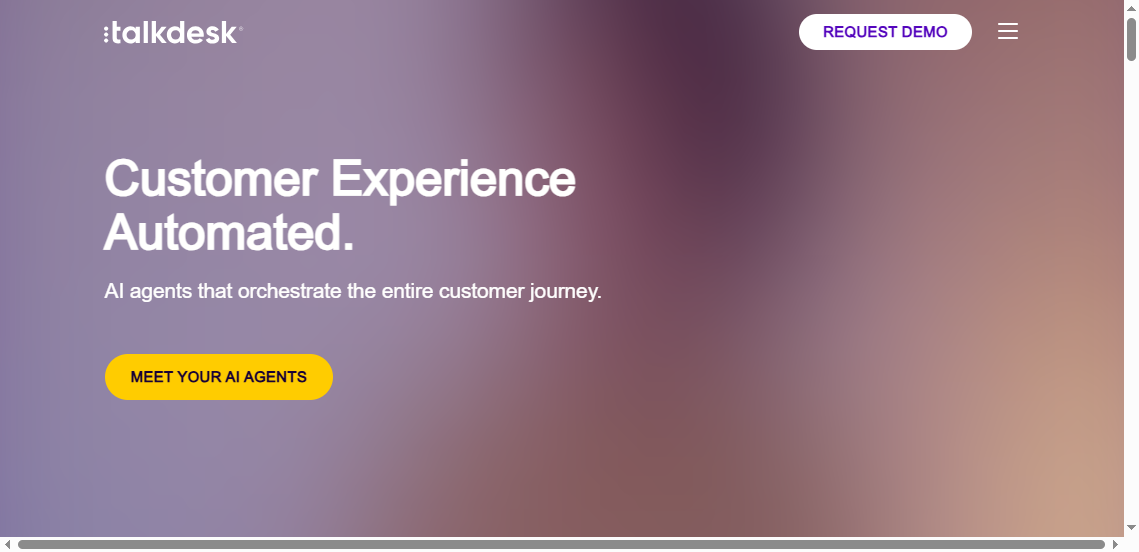
Tool 5: Talkdesk — Best for fast setup and actionable business intelligence
One-sentence overview: Talkdesk offers easy-to-use contact center analytics with prebuilt dashboards and reporting suited to teams that want fast time to value.
Key Features:
Prebuilt KPI dashboards for supervisors and managers
Real-time and historical reporting
Omnichannel visibility across customer interactions
AI-assisted analytics in broader Talkdesk ecosystem
Scheduled reporting and operational views
Pros & Cons:
Pros:
Faster adoption for teams that do not want heavy customization
User-friendly dashboards for operational managers
Strong fit for organizations already on Talkdesk
Cons:
Advanced customization can be more limited than BI-centric tools
Broader reporting flexibility may depend on add-ons or external tools
Best For (Target user/scenario): Mid-market teams that want straightforward reporting and actionable business intelligence with minimal setup effort.
Talkdesk is appealing when leaders want to avoid long implementation cycles. Its reporting experience is generally easier to adopt than more technical BI platforms, making it a practical option for teams that prioritize speed and usability.
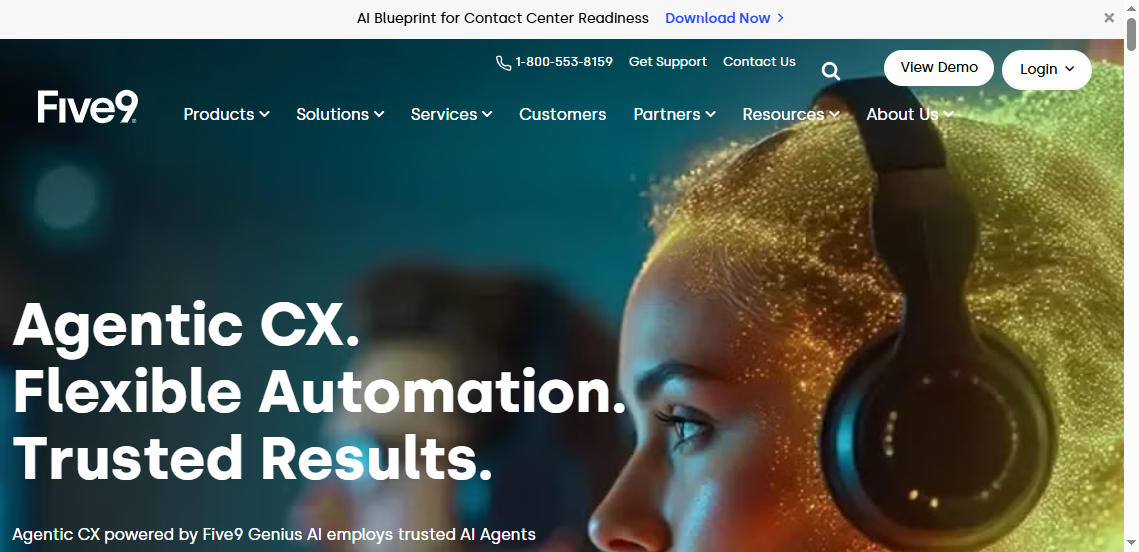
Tool 6: Five9 — Best for omnichannel visibility across voice and digital support
One-sentence overview: Five9 combines cloud contact center operations with reporting across voice and digital channels for teams that want one vendor for service delivery and analytics.
Omnichannel analytics across voice and digital channels
Supervisor and agent-level reporting
Workforce and performance visibility within broader Five9 stack
Pros & Cons:
Pros:
Strong option for teams standardizing on Five9
Good visibility into both real-time and historical metrics
Useful single-vendor model for operational simplicity
Cons:
Reporting is most valuable within the Five9 ecosystem
Custom BI needs may still require supplemental tooling
Best For (Target user/scenario): Contact centers that want omnichannel operational visibility while keeping reporting tied to their CCaaS platform.
Five9 works well for teams that prefer operational simplicity over assembling a reporting stack from multiple vendors. If you want native analytics tied directly to voice and digital operations, it is a practical contender.
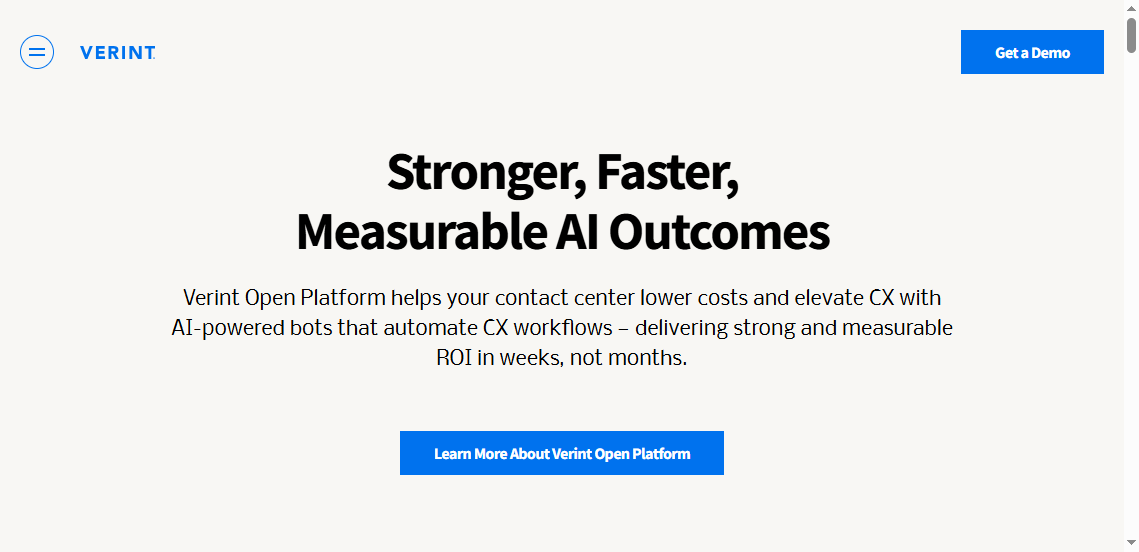
Tool 7: Verint — Best for enterprise governance, compliance, and audit-ready reporting
One-sentence overview: Verint provides enterprise-grade reporting and analytics with strong support for compliance, governance, and structured operational environments.
Role-based controls and enterprise governance features
Pros & Cons:
Pros:
Strong fit for regulated industries and large enterprises
Good governance and audit-readiness
Broad capabilities across workforce and quality domains
Cons:
Can be complex to implement and manage
May feel heavyweight for smaller or faster-moving teams
Best For (Target user/scenario): Large enterprises, regulated environments, and organizations that need strong controls around reporting and compliance.
Verint is often chosen where reporting is tied closely to risk management, formal governance, and structured oversight. It may not be the lightest platform, but it is often compelling for enterprise operations with strict requirements.
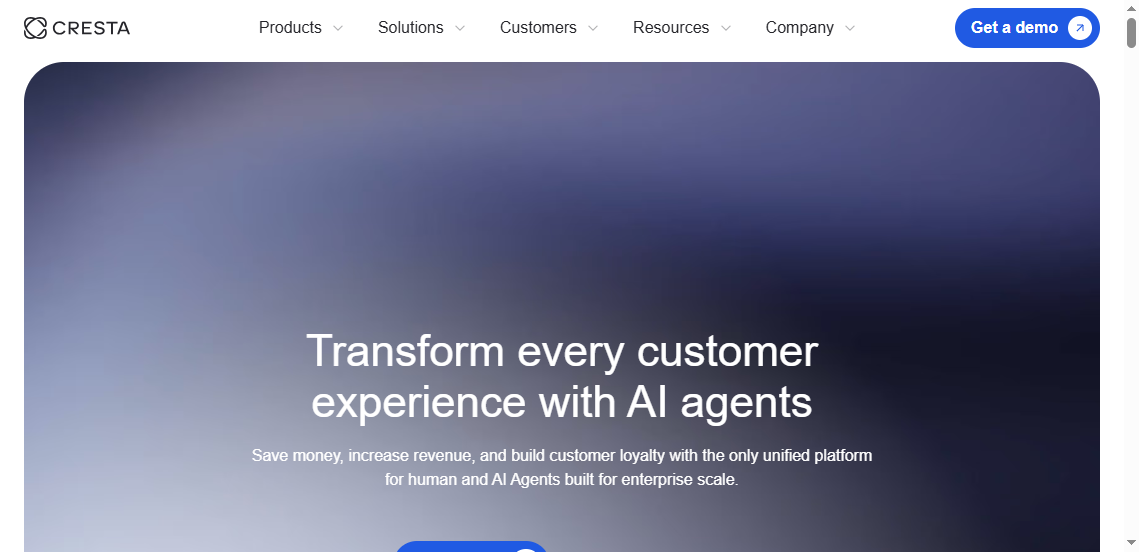
Tool 8: Cresta — Best for coaching workflows tied to analytics
One-sentence overview: Cresta uses AI to connect conversation analytics with in-the-moment guidance and post-call coaching insights.
Key Features:
Real-time agent assist and conversation intelligence
Performance analytics tied to coaching
AI-generated guidance and trend detection
Post-interaction analysis for manager review
Improvement workflows linked to observed behaviors
Pros & Cons:
Pros:
Strong link between analytics and coaching action
Valuable for teams focused on agent behavior improvement
Real-time support can reduce performance variability
Best value is for teams prioritizing live guidance and coaching
Best For (Target user/scenario): Contact centers that want analytics to directly shape agent coaching and performance improvement.
Cresta is best thought of as an action-oriented intelligence platform rather than a classic reporting layer. It is especially useful when the goal is to improve frontline performance, not just monitor KPIs.
Tool 9: Aircall — Best for cost-conscious teams that still need strong reporting
One-sentence overview: Aircall offers accessible call center reporting and phone analytics for smaller teams that need visibility without enterprise-level complexity.
May not satisfy advanced workforce, QA, or governance needs
Best For (Target user/scenario): Smaller support teams and growing businesses that want essential reporting without a heavyweight implementation.
Aircall is not the deepest analytics platform on this list, but it can be a sensible fit for teams that want useful reporting, CRM integration, and operational visibility at a more manageable cost and complexity level.
What call center software setup actually gives you useful BI
A reporting tool is only as good as the data model behind it. Many contact centers buy software expecting better visibility, but still struggle because key systems remain disconnected or metrics are defined inconsistently.
Which data sources need to connect for reliable reporting
Useful BI usually requires more than one source. At minimum, operations leaders should look to connect:
Telephony or CCaaS platform data
CRM or ticketing system data
Workforce management data
QA and coaching data
Customer feedback data such as CSAT or NPS
Knowledge base or case categorization data when relevant
This matters because service level alone does not explain outcomes. To understand performance properly, leaders need to connect interaction volume, staffing, agent behavior, issue complexity, and customer results.
Common integration gaps that distort performance metrics
Several common gaps can make reports misleading:
Call data is available, but CRM outcomes are missing
QA scores exist separately from agent KPI dashboards
Transfer data is incomplete, making resolution metrics unreliable
Workforce adherence is tracked in another system and never blended into reporting
Digital support channels are excluded, leading to partial performance views
Different teams use different metric definitions for the same KPI
When these gaps exist, leaders can make the wrong decisions from seemingly clean dashboards.
When to choose standalone analytics versus an all-in-one platform
A standalone analytics or BI platform is often the better choice when:
Data lives across multiple systems
Executive reporting needs are broader than contact center operations
Your organization has BI resources and wants more control
An all-in-one platform is often the better choice when:
You want faster deployment
Most operational data already sits in one CCaaS ecosystem
Your reporting needs are mostly standard
You want fewer vendors and simpler administration
In practice, many mature organizations use both: native operational dashboards for real-time supervision and a separate BI layer for strategic reporting.
The right call center reporting software depends less on popularity and more on fit. Operations leaders should start with management needs, not vendor categories.
Match reporting needs to your operating model, channels, and management cadence
Ask how your team actually runs:
Do supervisors need minute-by-minute queue management?
Do executives need weekly cross-site reporting?
Are you voice-only, or fully omnichannel?
Do QA and workforce teams need access to the same views?
How often do KPI definitions change?
A fast-moving support operation may need configurable dashboards and alerting, while a regulated enterprise may care more about audit trails and governance.
Prioritize must-have metrics, automation, and stakeholder access
Before shortlisting vendors, define:
Which metrics are non-negotiable
Which reports must be automated
Which stakeholders need self-service access
Which drill-downs managers need to investigate problems
Whether AI features should inform coaching, forecasting, or issue detection
This avoids buying software based on broad claims instead of actual reporting requirements.
Questions to ask vendors before committing to a rollout
Use the buying process to test real-world fit. Ask vendors:
How are service level, occupancy, and adherence calculated?
Can dashboards be customized by role and site?
What reporting is available in real time versus historically?
What AI features are included versus paid separately?
How long does implementation typically take?
What internal resources are required from our side?
Can we export or govern data outside the platform?
How do you support executive reporting beyond contact center managers?
The strongest vendors will answer clearly and show how their platform handles your specific reporting model.
For teams that need maximum flexibility, especially across multiple systems and stakeholder groups, FineReport deserves serious consideration. Its strength is not just showing contact center numbers, but helping operations leaders build the exact reporting environment they need to run service performance with clarity and control.
FAQs
Call center reporting software helps teams track operational metrics like service level, abandonment, average handle time, and agent performance. It turns raw contact center data into dashboards and reports that support staffing, coaching, and customer experience decisions.
Key features include real-time dashboards, historical reporting, custom KPI views, data integrations, scheduled reports, and role-based access. Many buyers also look for drill-down analysis and AI-powered insights for quality and performance trends.
Built-in CCaaS reporting is often easier to deploy and works well for standard operational visibility. A separate platform is usually better when you need deeper customization, cross-system reporting, or a single view across CRM, telephony, WFM, and BI data.
FineReport works as a customizable reporting and dashboard layer for contact center data. It is especially useful when organizations want tailored KPI dashboards and need to combine data from multiple systems rather than rely only on fixed native reports.
Yes, the right software helps leaders spot bottlenecks, coaching needs, and service issues faster. Better visibility into metrics and interaction trends can support smarter staffing, targeted coaching, and faster improvements to customer outcomes.
Product Trial
FineReport
Pixel-perfect reports · Interactive dashboards · Easy data entry · Digital twins