If you are trying to standardize reimbursements, control business spending, or simply avoid messy month-end reconciliation, choosing the right expense report template Excel file matters more than most teams expect. A weak spreadsheet slows submissions, creates approval bottlenecks, and increases the risk of formula mistakes. A well-designed one helps employees log expenses faster, gives managers cleaner visibility, and makes finance reviews far less painful.
Best expense report template Excel options at a glance
The best free download depends on who is using it and how often. A solo freelancer usually needs client and project fields. A growing business often needs department totals, reimbursement status, and approval notes. A travel-heavy team needs mileage and lodging breakdowns. Leadership, meanwhile, may care more about yearly rollups and category trends than individual line items.
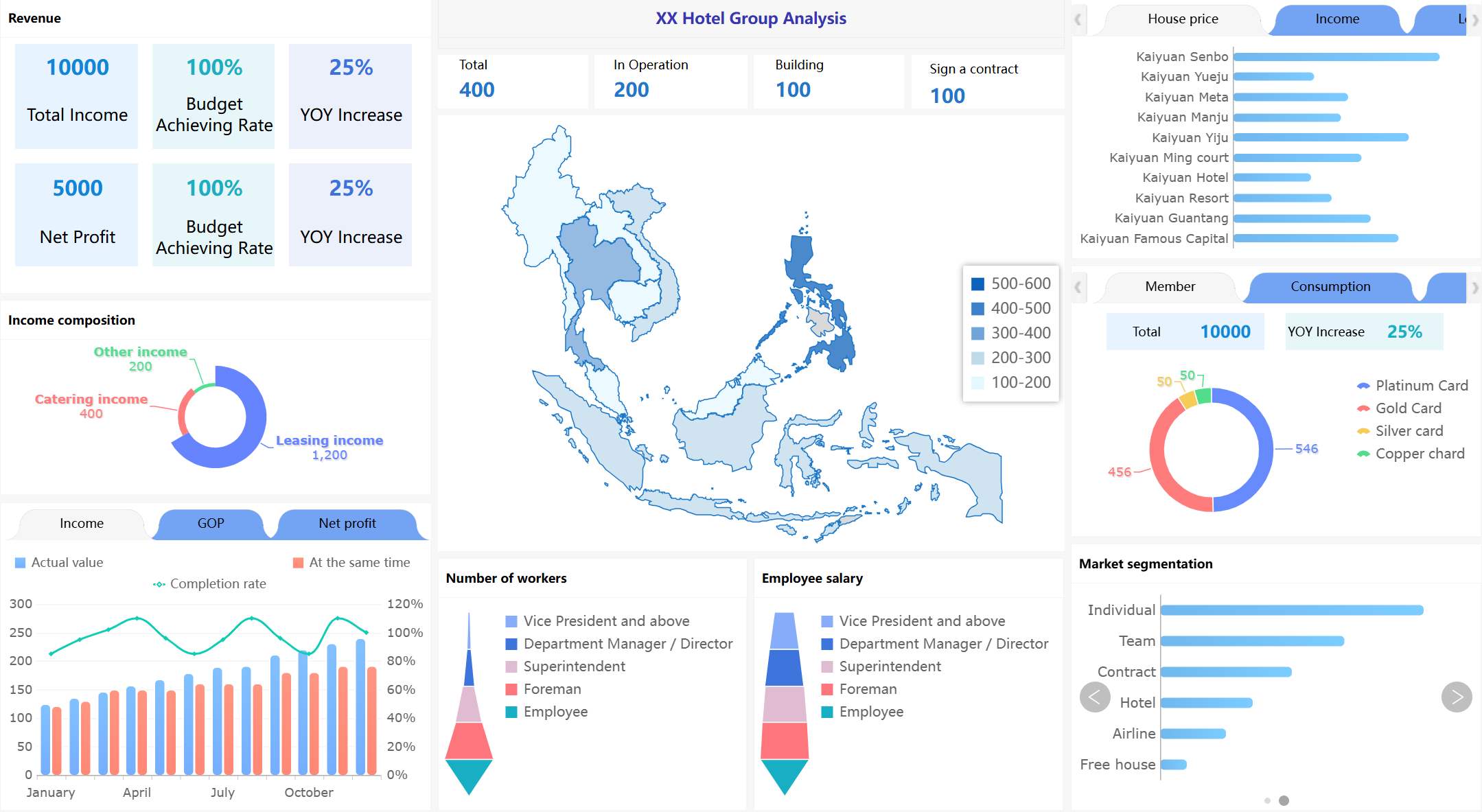
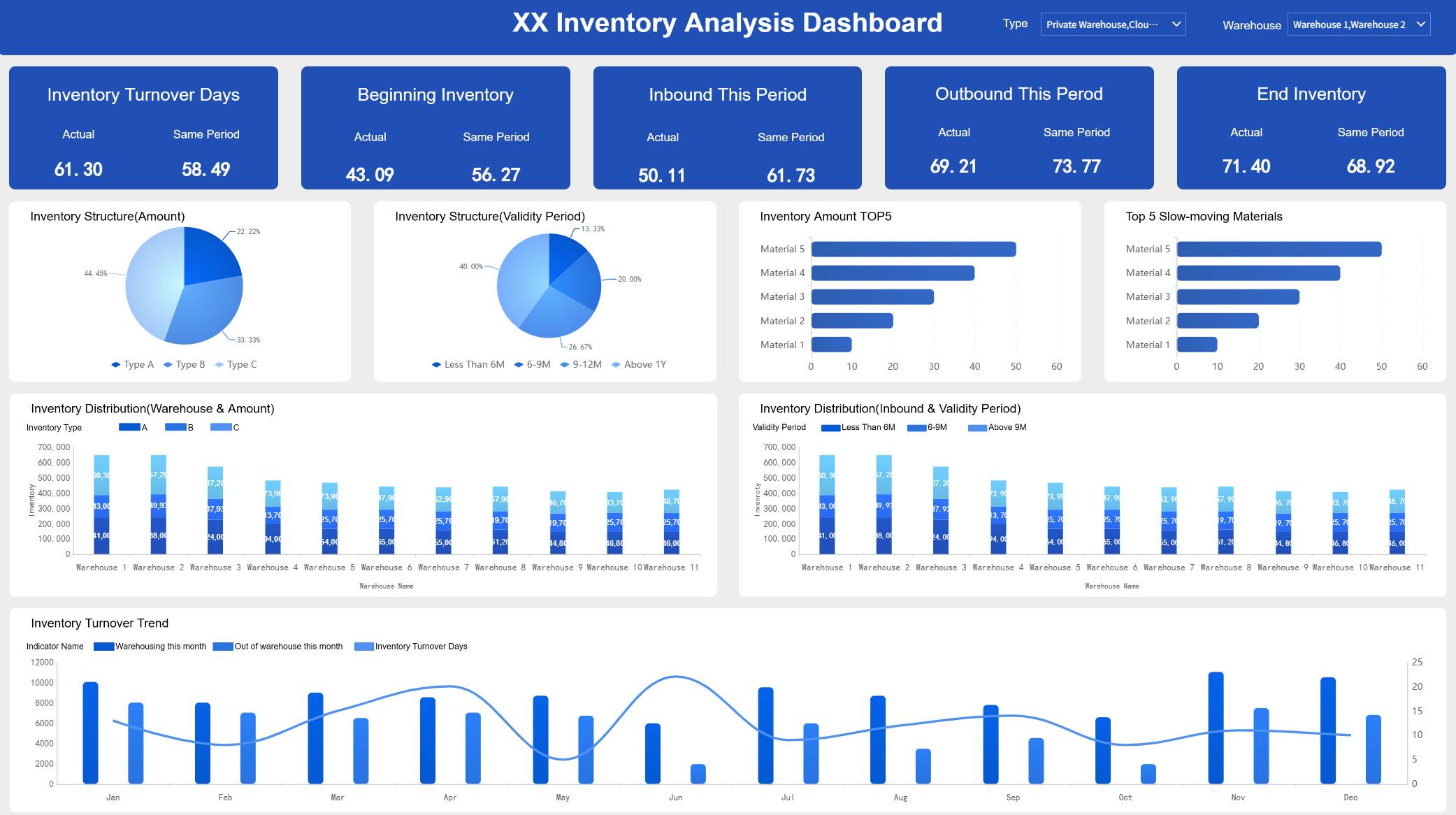
All reports in this article are built with FineReport
Here is a practical comparison of the most useful template styles in 2026.
When evaluating any expense report template Excel download, focus on whether it captures the metrics that actually drive reimbursement accuracy and financial visibility:
Total expense amount: The full value of submitted expenses before adjustments.
Reimbursable amount: The portion owed back to the employee or contractor.
Expense category total: Spending grouped by travel, meals, software, supplies, or other categories.
Submission date: The date the report was filed for review.
Expense date: The actual date the cost was incurred.
Receipt reference: A receipt ID, attachment note, or proof-of-purchase marker.
Tax amount: VAT, sales tax, or other tax-related values tied to each line item.
Mileage total: Distance traveled for business use, often tied to a reimbursement rate.
Approval status: Pending, approved, rejected, or reimbursed.
Department or project total: Aggregated spend by cost center, team, client, or project.
Monthly summary: Rollup of spending over a calendar month.
Year-to-date total: Cumulative expense value used for planning and budget control.
A simple way to choose: if one person submits occasional claims, use a lightweight spreadsheet. If multiple people submit recurring reports, choose a more structured sheet with summaries and approval fields. If management wants trend reporting, use a template with monthly or annual rollups from day one.
How to compare free expense report templates before you download
Not all free templates are built with the same purpose. Some are little more than printable forms. Others are closer to mini reporting systems. Before downloading, decide whether your main goal is speed, control, or analysis.
Core features that matter most
A good template should make reporting easy for employees and useful for reviewers. At minimum, look for these fields and capabilities:
Expense categories so users can classify meals, transport, lodging, office supplies, subscriptions, and other costs.
Date fields for both transaction date and submission date.
Receipt references to support audits and reduce back-and-forth.
Tax columns for VAT or sales tax tracking.
Mileage fields if employees use personal vehicles for work.
Reimbursement status so finance can distinguish submitted costs from paid claims.
Built-in formulas to automate totals and subtotals.
Monthly or yearly summaries for reporting visibility.
Print-friendly layout for teams that still require signed forms.
Customization options for logo, policy reminders, approval notes, and internal coding.
The stronger the template structure, the less manual cleanup finance has to do later.
Common trade-offs between simple and advanced spreadsheets
There is no universally perfect spreadsheet. There is only a better fit for your workflow.
Simple templates are best when:
Reporting is infrequent
One user fills out the file
Approvals are informal
Finance only needs a total and receipts
Advanced templates are better when:
Reports are submitted regularly
Multiple users need consistency
Managers review and approve claims
Leadership wants category or trend analysis
The trade-off is straightforward. Easier templates reduce setup time, but often limit analysis. More detailed spreadsheets improve visibility, but they can feel heavy for occasional users.
A spreadsheet template is enough when volume is low, categories are stable, and review happens manually. Finance software becomes a better fit when you need stronger controls, audit trails, mobile capture, automated approvals, or centralized reporting.
9 free expense report templates compared by use case
Below is a practical, scenario-based breakdown of the nine template styles most people actually need.
Best for individual employees and monthly reimbursements
For standard employee claims, the best option is a simple monthly expense report template. It should include date, category, description, amount, receipt reference, and total reimbursement at the bottom.
Why it works:
Clean layout for fast entry
Easy for managers to review
Good receipt matching
Low training requirement
This is the right choice if your team just needs a basic expense report without extra setup or advanced analysis.
A close second is the printable reimbursement form, especially for field teams or smaller businesses that still review documents manually. It is less dynamic, but highly accessible.
Best for freelancers, consultants, and project-based work
Freelancers and consultants need more than a generic reimbursement sheet. They need to track expenses with Excel spreadsheets by client, project, and billable status.
The strongest options here are:
Freelancer expense tracker
Project-based expense sheet
These templates help separate:
Client-billable expenses
Non-billable business overhead
Tax-related records
Project-specific travel or software costs
If you invoice clients, choose a template with:
Client name
Project code
Billable or non-billable flag
Payment method
Tax field
Notes for invoice backup
This structure reduces confusion at invoicing time and makes tax preparation cleaner.
Best free expense report template for small businesses
This type of sheet is a stronger fit for owners and operations managers who want one spreadsheet that supports both reimbursement and internal oversight. It balances usability with visibility.
A department expense summary template can also work well if spending is split across marketing, sales, operations, and admin. That gives leadership a cleaner view without needing separate reporting files.
Best for annual reviews and budget planning
If your priority is visibility over time, choose an annual expense report. This format rolls up monthly entries into a yearly summary, which is useful for both budget planning and variance analysis.
Best use cases include:
Comparing annual spending trends
Preparing year-end reviews
Supporting leadership budget discussions
Aligning expense reporting with annual budget spreadsheets
A good annual layout includes:
Monthly tabs or sections
Category totals by month
Quarterly or yearly rollups
Trend charts or summary blocks
For finance leaders, this is the best template style for spotting seasonal cost spikes and recurring expense patterns.
Pros and cons of using expense report template Excel in 2026
Excel remains a practical option, but it is no longer the best answer for every team.
Where Excel still works well
Excel still performs well when teams need a low-cost, flexible, familiar tool.
Its advantages include:
Flexible formatting for different reporting needs
Familiar formulas that most business users already understand
Easy sharing across teams and managers
Quick customization for categories, branding, and notes
Low barrier to entry for small businesses and solo users
For teams already operating in spreadsheets, Excel is still a strong option for straightforward workflows.
Where Excel can fall short
The limitations appear as soon as reporting volume or process complexity grows.
Weak approval controls compared with dedicated tools
No built-in audit trail
Manual receipt capture
Limited real-time visibility for managers and finance teams
If several departments submit recurring reports, spreadsheets often create more cleanup work than they save.
How to pick the right expense report template for your workflow
Choosing the right spreadsheet is less about file design and more about workflow fit.
Match the template to your reporting needs
Use this simple decision framework:
Occasional expense claims: Choose a lightweight sheet with minimal fields.
Monthly employee reimbursements: Use a standardized monthly template with approval status.
Freelance or client work: Prioritize project, client, and billable fields.
Travel-heavy roles: Choose a template with mileage, lodging, meals, and trip purpose.
Leadership reporting needs: Use yearly summaries and category rollups.
Small business oversight: Select a template with department totals and approval notes.
A mismatch creates friction fast. For example, a minimalist form is frustrating for a consulting business that needs project-level reporting. An advanced multi-tab workbook is unnecessary for a solo operator filing two claims a month.
Customize your download without overcomplicating it
The best templates are rarely the most complex. They are the easiest to maintain.
Use this consultant-style implementation approach:
Start with your real fields, not every possible field
Add only what your workflow uses today: date, category, amount, receipt, and notes. Expand later if needed.
Standardize category names early
Keep categories consistent across all users. This prevents messy summary reporting.
Keep formulas simple and visible
Avoid overly clever logic. If the next reviewer cannot understand the math, the template will break over time.
Add only one level of approval tracking
For spreadsheet workflows, simple statuses like Pending, Approved, and Reimbursed are usually enough.
Test with actual submissions before rollout
Run one month of real entries through the template and check where users get stuck.
These small decisions do more for reliability than adding extra tabs or decorative formatting.
Final verdict: which free expense report template is best by use case
For most users, the best overall expense report template Excel choice in 2026 is a monthly expense report with built-in formulas, category tracking, receipt references, and a simple approval section. It offers the best balance of speed, flexibility, and reporting value.
Building this manually is complex; use FineReport to utilize ready-made templates and automate this entire workflow. If your current spreadsheet process is causing delays, inconsistent entries, or limited visibility, FineReport helps you move from static files to governed, visual, and scalable expense reporting without rebuilding everything from scratch.
A good template should capture expense date, category, amount, receipt reference, reimbursement status, and automatic totals. If your team travels often, it should also include mileage, lodging, meals, and tax fields.
Start with your use case: simple monthly claims, travel reimbursements, project-based billing, or annual reporting. The best option is the one that matches your workflow without adding unnecessary fields or manual work.
Yes, if submissions are occasional and approvals are informal, a simple template can work well. Growing teams usually benefit from added fields like approval notes, department totals, and reimbursement tracking.
Yes, many templates are designed for travel-heavy teams and include mileage, transportation, lodging, and meal categories. The most useful ones also calculate reimbursement totals automatically.
If multiple employees submit reports frequently, approvals get delayed, or formula errors become common, a spreadsheet may no longer be enough. At that stage, a structured reporting tool like FineReport can give finance better control and visibility.
Product Trial
FineReport
Pixel-perfect reports · Interactive dashboards · Easy data entry · Digital twins