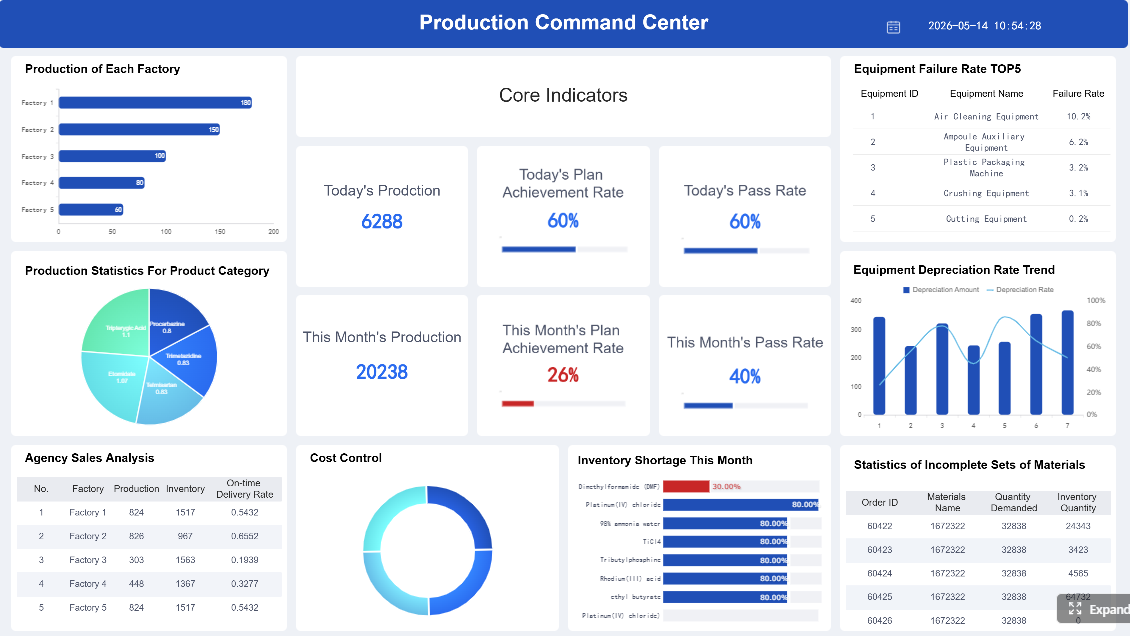
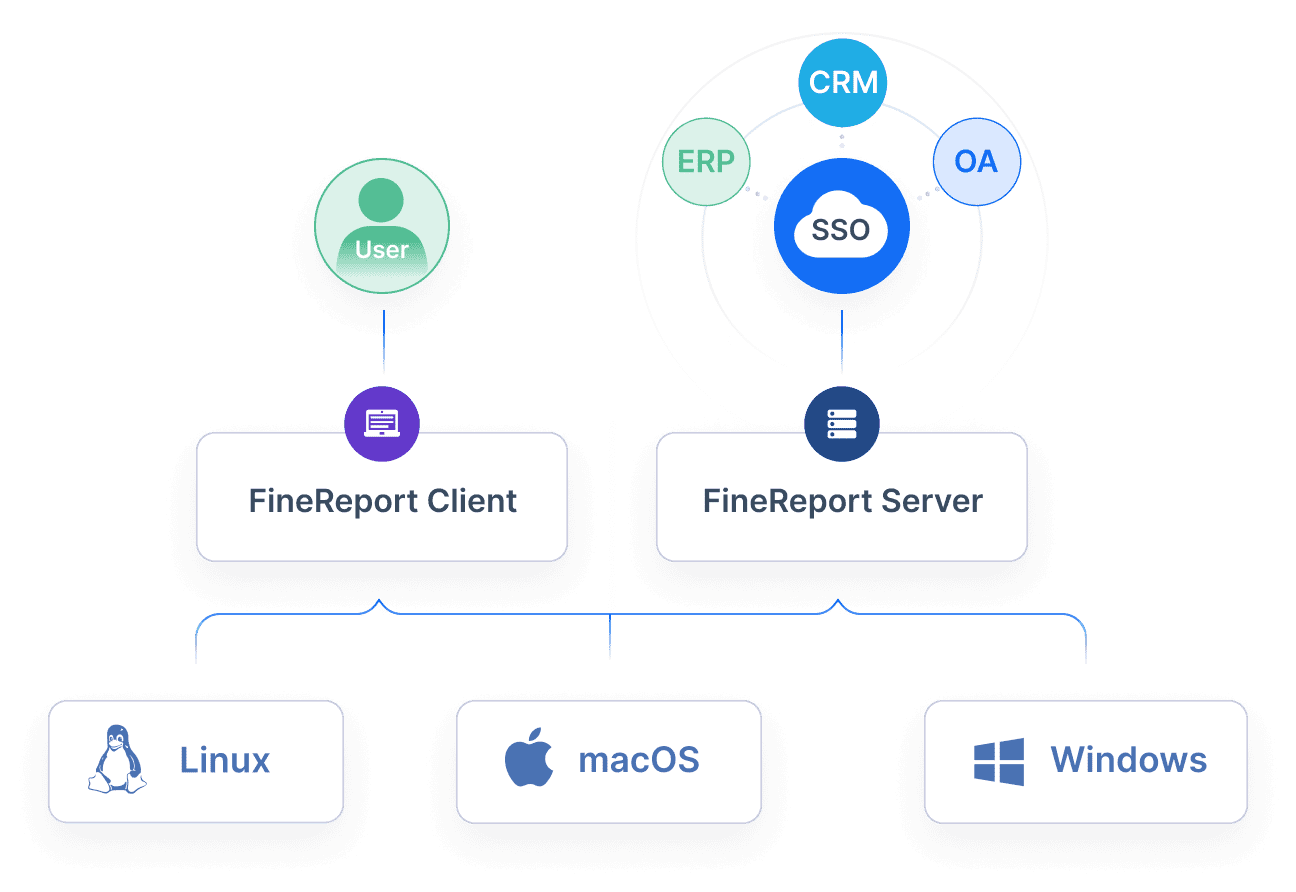
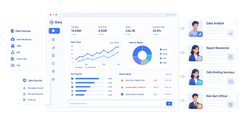
FineReport is an enterprise-grade reporting and dashboard platform that helps teams build real-time, highly customizable project reports from multiple data sources.
Click To Try The Dashboard
10 best project reporting software tools compared
How the tools were evaluated
This comparison focuses on the factors that matter most when selecting project reporting software in 2026:
Reporting customization and dashboard quality: Can teams build executive summaries, status dashboards, portfolio views, and drill-down reports without major workarounds?
Data accuracy, automation, and integrations: Does the tool sync reliably with project, finance, CRM, ERP, or time-tracking systems?
Collaboration features, learning curve, and total cost of ownership: Is it practical for daily use across project managers, executives, department heads, and field teams?
Solid project tracking, time/cost reporting, data sovereignty
More setup and maintenance effort
The 10 tools at a glance
Here is a quick snapshot of each tool’s standout value, strongest advantage, and ideal fit.
FineReport: Best for organizations that need advanced, executive-ready project reporting across multiple systems.
Monday.com: Best for teams that want visually simple reporting and fast onboarding.
Asana: Best for cross-functional teams that prioritize usability and clean status communication.
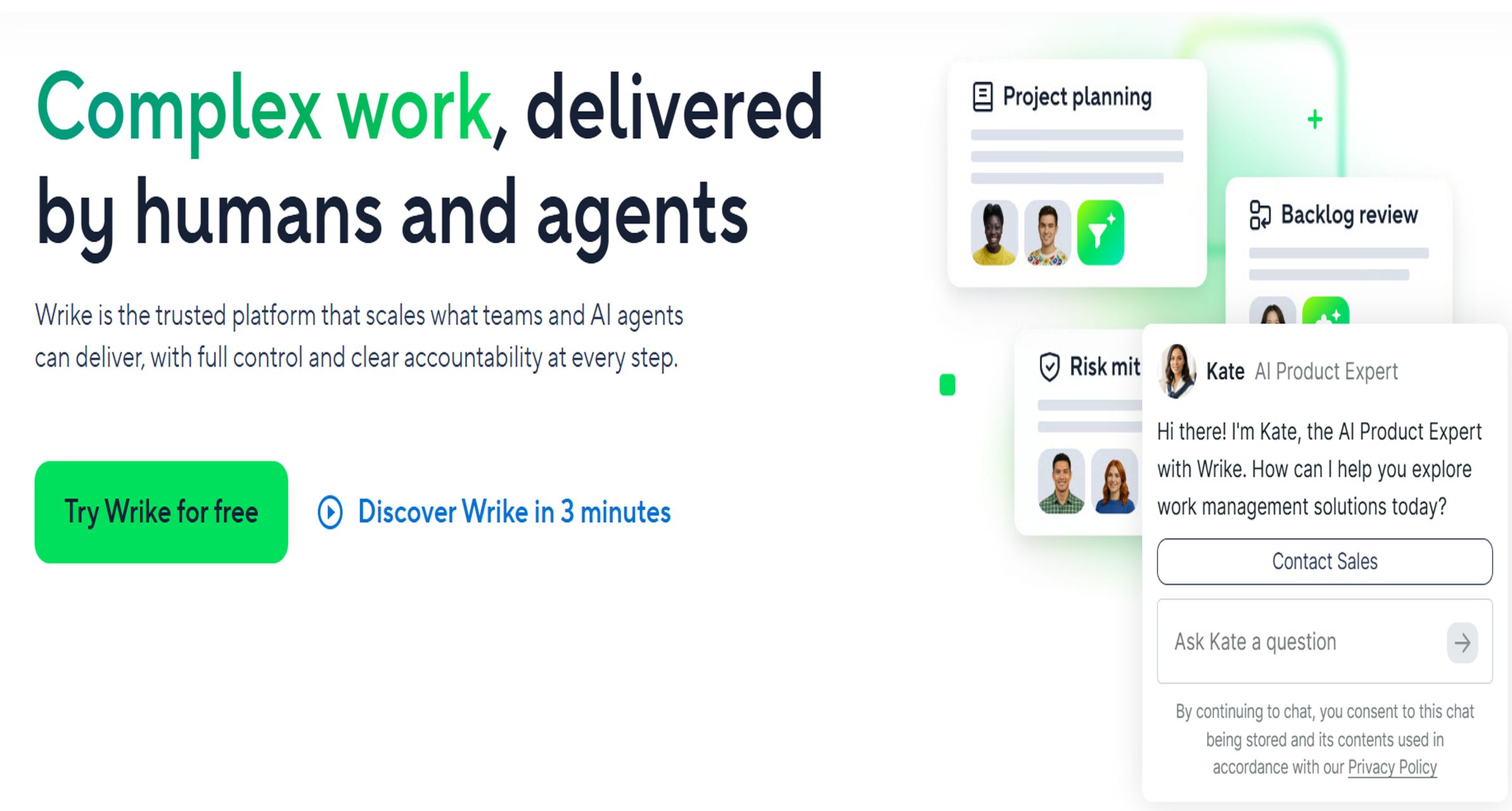
Wrike: Best for PMOs and service teams that need robust reporting with workflow depth.
ClickUp: Best for teams that want customizable dashboards inside an all-in-one workspace.
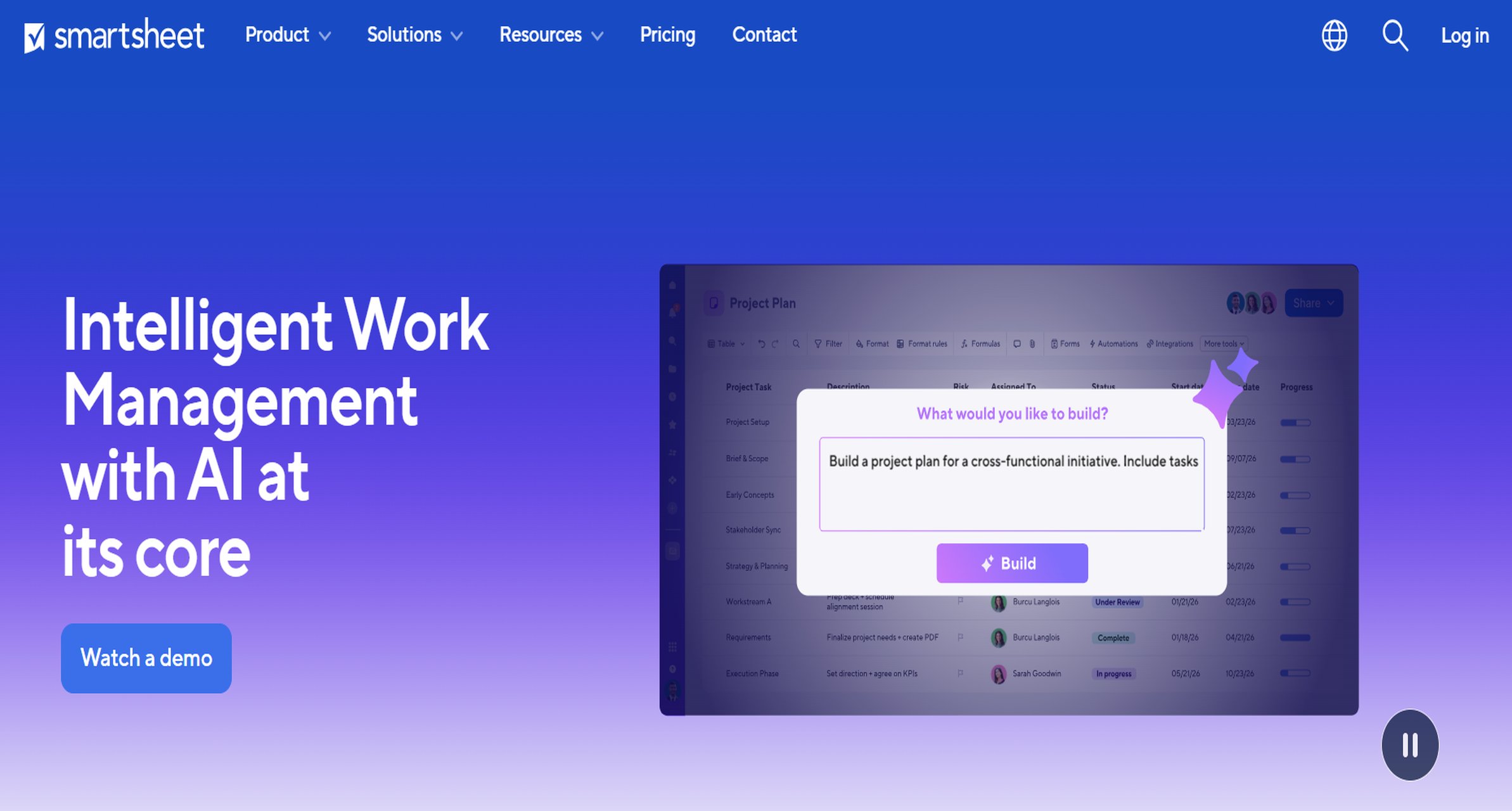
Smartsheet: Best for operational teams comfortable with spreadsheet-style project tracking.
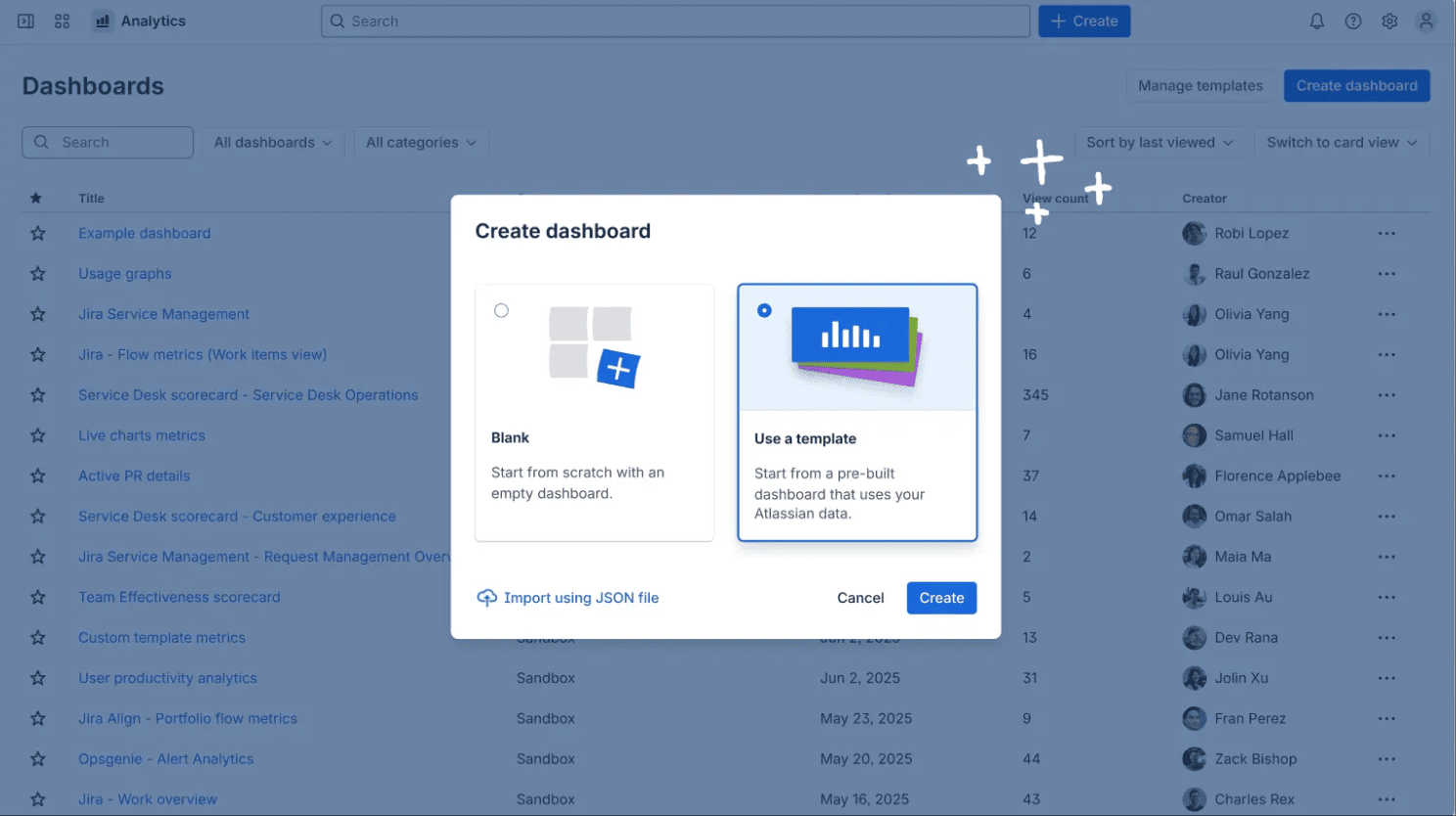
Jira + Atlassian Analytics: Best for software delivery teams needing sprint, issue, and engineering reporting.
Procore: Best for construction companies managing field reports, budgets, and compliance workflows.
Microsoft Project / Power BI: Best for enterprises already invested in Microsoft’s ecosystem.
OpenProject: Best open-source option for teams that want control, self-hosting, and flexibility.
Why project reporting software matters in 2026
Modern organizations no longer need static weekly status decks alone. They need project reporting software that can deliver real-time visibility, connect multiple workstreams, and present executive-ready summaries without manual spreadsheet consolidation.
Real-time project visibility across tasks, milestones, budgets, risks, and resources
Cross-project dashboards for PMOs, department leaders, and executives
Automated status reporting that reduces manual updates
Role-based views so leaders, clients, and contributors each see relevant information
Presentation-ready outputs for board meetings, client reviews, and internal governance
Common reporting pain points are also getting harder to ignore. Agencies struggle to combine utilization, deadlines, and client status. Product teams need roadmap and sprint reporting in one place. IT organizations want incident, delivery, and capacity visibility. Operations teams need recurring summaries that pull from several business systems. Construction teams need field updates, cost tracking, and documentation tied together.
The tools in this guide were compared using six practical criteria:
Reporting depth
Ease of use
Integrations
Automation
Pricing
Scalability
In-depth reviews: features, pros, cons, and best use cases
Best all-around tools for most teams
1. FineReport
One-sentence overview:FineReport is a powerful reporting and dashboard platform for teams that need highly customizable, real-time project reporting across departments and systems.
If your main challenge is not task tracking but turning fragmented project data into decision-ready reports, FineReport stands out. It is particularly strong where executives want polished summaries while project managers need drill-down visibility. For companies evaluating project reporting software primarily for reporting sophistication rather than simple task boards, FineReport deserves a place near the top of the shortlist.
2. Monday.com
One-sentence overview: Monday.com is a visual work management platform that makes project reporting accessible for teams that want dashboards quickly without a steep learning curve.
Key Features
No-code dashboards
Timeline, workload, and status views
Automation for recurring updates and alerts
Multiple project templates
Basic portfolio reporting
Integrations with Slack, Teams, Google Workspace, and more
Pros & Cons
Pros
Easy for non-technical users to adopt
Strong visual interface for status reporting
Good fit for small teams and growing businesses
Flexible enough for marketing, operations, and internal project workflows
Some reporting capabilities are gated by plan tier
Less ideal for highly regulated or heavily data-driven reporting environments
Best For (Target user/scenario)
Cross-functional teams
Product and marketing organizations
Companies prioritizing usability and adoption
4. ClickUp
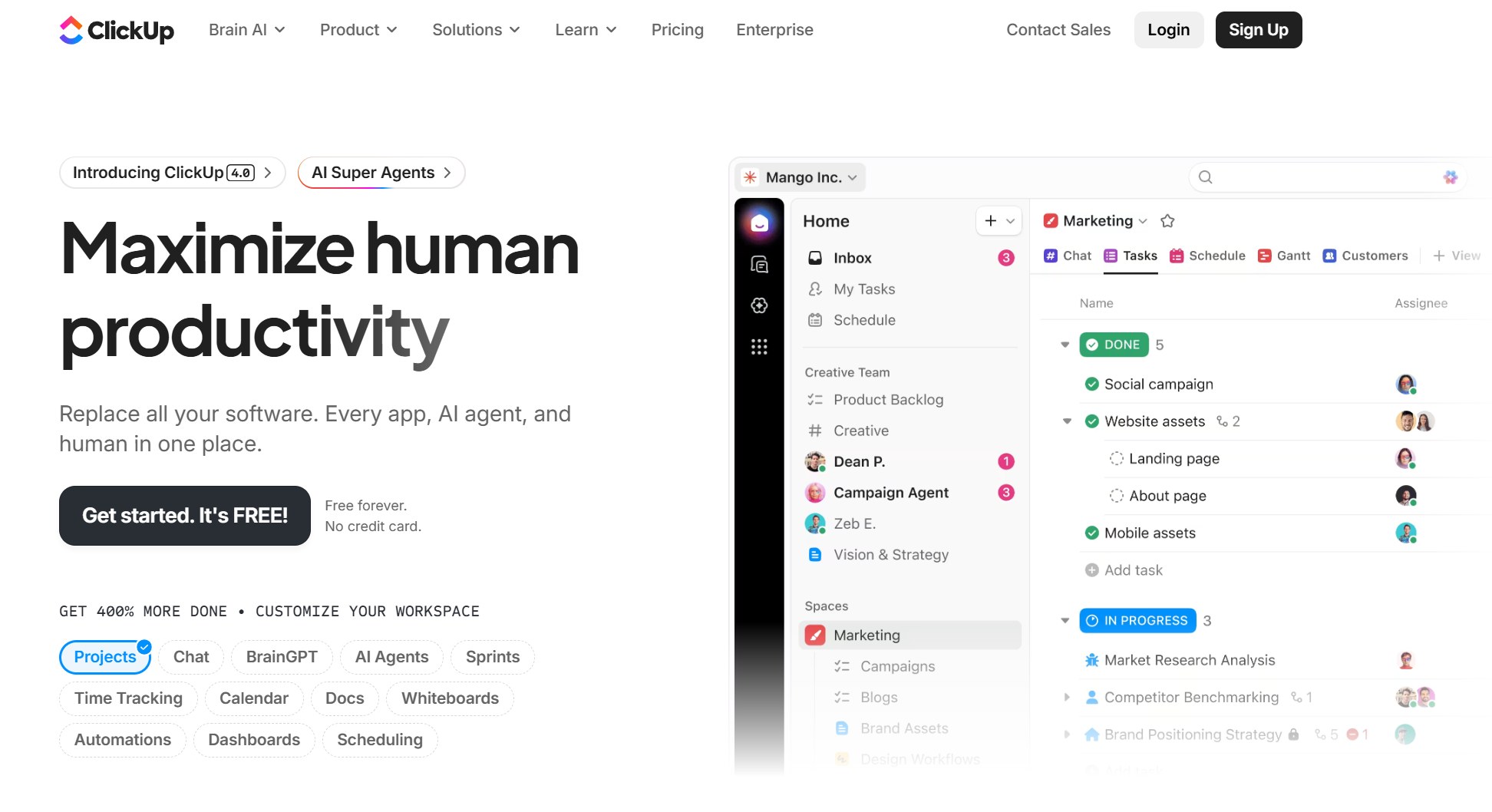
One-sentence overview: ClickUp combines project management, docs, dashboards, and custom views in a highly flexible all-in-one platform.
Key Features
Custom dashboards and widgets
Task, list, board, Gantt, and calendar views
Goal tracking and workload reporting
Time tracking
Broad automation capabilities
Docs and embedded collaboration tools
Pros & Cons
Pros
Very flexible for different reporting styles
Good value for teams wanting many capabilities in one tool
Can support both simple and fairly advanced reporting needs
Useful for agencies and fast-scaling teams
Cons
Interface can feel busy
Requires governance to stay organized at scale
Reporting quality depends heavily on setup discipline
Best For (Target user/scenario)
Growing teams
Agencies
Teams wanting customizable reporting inside a single workspace
5. Smartsheet
One-sentence overview: Smartsheet is a spreadsheet-style work management platform with strong reporting for teams that prefer grid-based project control.
Useful for PMOs that manage many standardized project templates
Good support for structured data collection
Cons
User experience can feel less intuitive than newer visual tools
Dashboard aesthetics are functional more than elegant
Advanced governance may require admin maturity
Best For (Target user/scenario)
Operations teams
PMOs
Organizations that already work heavily in spreadsheets
Best specialized tools for enterprise, construction, and regulated workflows
6. Wrike
One-sentence overview: Wrike is a mature work management platform designed for teams that need stronger reporting, resource visibility, and workflow control.
Key Features
Custom dashboards and analytics
Resource and workload management
Request forms and approval workflows
Time tracking
Proofing and collaboration features
Role-based permissions
Pros & Cons
Pros
Strong reporting for mid-size and enterprise teams
Good workflow depth for marketing, PMO, and professional services teams
Better governance than many lightweight tools
Supports structured intake and delivery processes
Cons
Learning curve is higher than more beginner-friendly tools
Interface can feel dense
Pricing may be less attractive for smaller teams
Best For (Target user/scenario)
Mid-size to enterprise teams
PMOs
Professional services and marketing operations groups
7. Jira + Atlassian Analytics
One-sentence overview: Jira paired with Atlassian reporting tools is a strong choice for software and IT teams that need detailed delivery visibility.
One-sentence overview: Microsoft Project combined with Power BI offers deep reporting potential for enterprises already standardized on Microsoft tools.
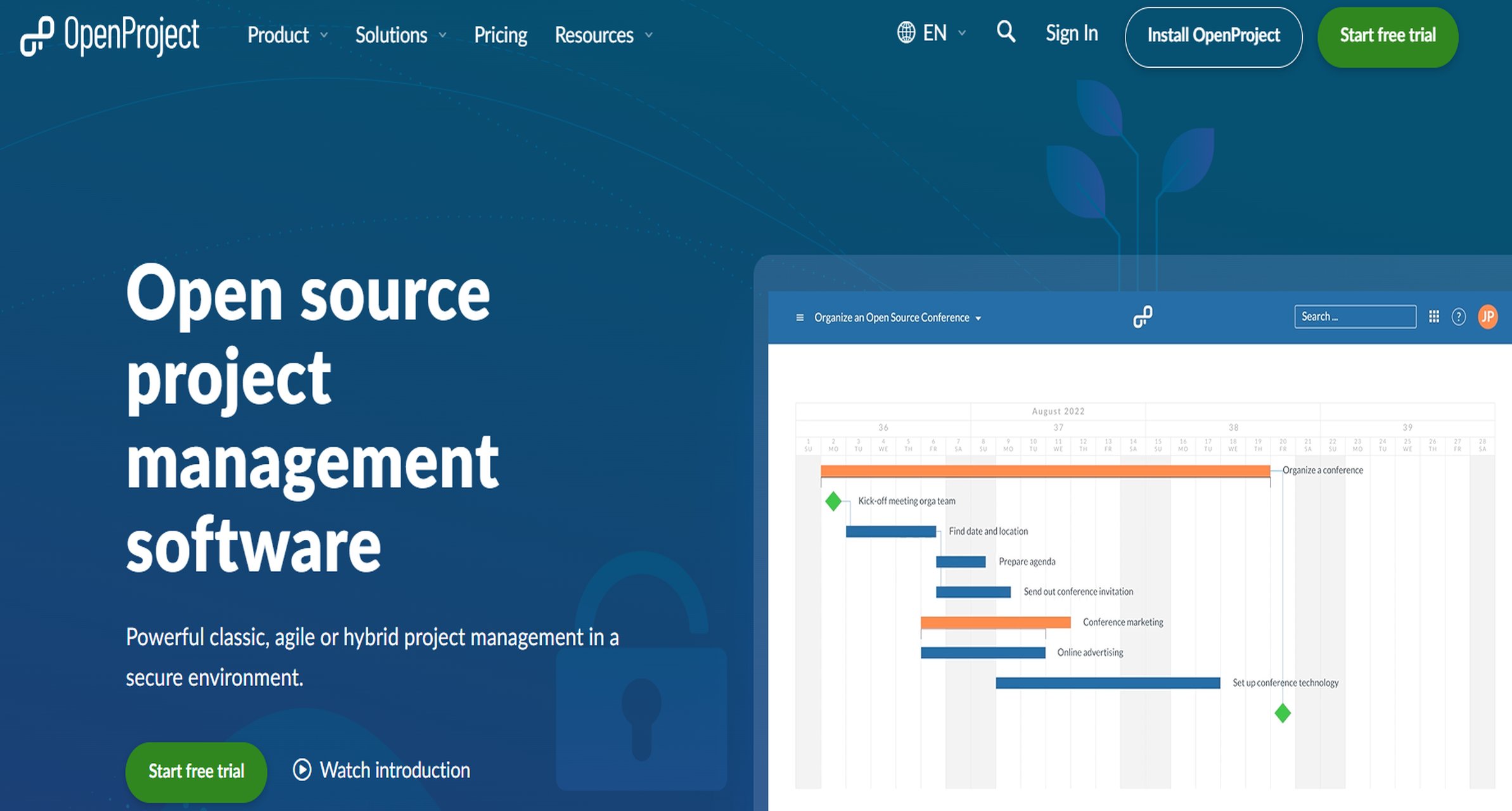
One-sentence overview: OpenProject is an open-source project management platform that offers strong control, self-hosting options, and practical reporting for teams with technical ownership.
Key Features
Gantt charts and project scheduling
Agile boards
Time tracking and cost reporting
On-premises deployment options
Open API and customization potential
Role-based access and data sovereignty support
Pros & Cons
Pros
Strong open-source alternative
Good fit for organizations with security or hosting requirements
Supports classic, agile, and hybrid project management
Flexible for teams that want more control over infrastructure
Cons
More setup and maintenance than SaaS tools
UI is functional rather than highly polished
Reporting is solid, but not as refined as specialist BI platforms
Before choosing any project reporting software, clarify what stakeholders actually need to see.
Ask these questions first:
Which reports are required weekly, monthly, and quarterly?
Do executives need summaries, or do they expect drill-down detail?
Do project managers need resource, budget, risk, timeline, or portfolio reporting?
Will clients or external stakeholders access reports directly?
How important are integrations with existing project management, finance, CRM, or BI tools?
Do you need scheduled PDF-style reporting, live dashboards, or both?
How many departments will contribute data?
A common buying mistake is selecting a tool that is excellent at task management but weak at reporting. If reporting maturity is the core need, a platform like FineReport can be a stronger choice than relying solely on the built-in dashboard layer of a work management tool.
Red flags and deal-breakers
Even popular tools can fail in practice if they have basic reporting limitations.
Watch for these issues:
Limited dashboard customization that prevents useful stakeholder views
Weak data syncing across tools leading to conflicting numbers
Poor permission controls or auditability in sensitive environments
Reporting features locked behind expensive tiers
No practical way to standardize reporting templates
Manual report creation that consumes PM time every week
If a vendor demo shows attractive charts but cannot easily answer how data stays accurate, how permissions work, and how reports scale across projects, treat that as a warning sign.
Final recommendations
If you need a shortlist based on buying priorities, these are the strongest picks:
Best choice if you want fast adoption:Monday.com
Best choice if you need deep reporting sophistication:FineReport
Best choice if you need industry-specific workflows:Procore
Best choice if you want maximum flexibility on a tighter budget:OpenProject
For most organizations, the best project reporting software is not necessarily the tool with the most features. It is the one that gives decision-makers accurate, timely, and usable visibility without creating extra reporting work for the project team. If your organization already has project systems in place but struggles to produce executive-ready reporting, FineReport is one of the strongest options to evaluate first.
FAQs
Project reporting software helps teams track progress, budgets, risks, resources, and deadlines in one place. It turns project data into dashboards and reports that support status updates and executive decision-making.
Start by matching the tool to your reporting complexity, team size, and existing systems. The best choice depends on how much customization, automation, integration, and scalability you need.
FineReport is a strong fit for enterprises that need highly customizable dashboards, pixel-perfect reports, and data integration across multiple systems. It is especially useful when built-in reporting in task tools is too limited.
Yes, many tools can automatically pull live data, refresh dashboards, and schedule recurring reports. This reduces manual spreadsheet work and improves reporting consistency.
The most important features include real-time visibility, cross-project dashboards, data integrations, reporting customization, automation, and role-based access. Teams also look for tools that are easy to use and can scale with growing reporting demands.
Product Trial
FineReport
Pixel-perfect reports · Interactive dashboards · Easy data entry · Digital twins