When a production outage, service degradation, or security-related incident hits, the immediate goal is recovery. But once systems are stable, IT teams need a more durable outcome: a clear understanding of what happened, why it happened, and what must change to prevent a repeat. That is what a strong root cause analysis report template should support.
For modern incident teams, the reporting need is not only documentation. It is also operational visibility, post-incident learning, owner follow-up, and management communication. With FineReport + Dora, teams can ask for a report summary in chat, generate structured narratives from trusted report assets, receive scheduled briefings, and push exceptions to the right owner. That makes RCA reporting easier to standardize and easier to consume across engineering, operations, and leadership.
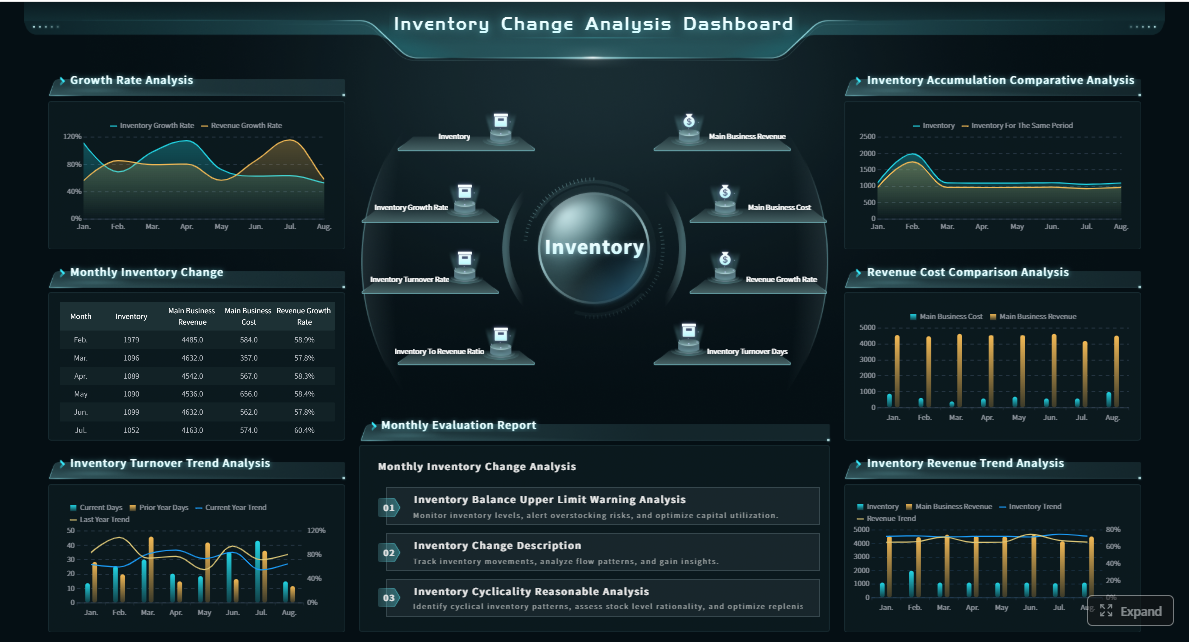
Click To Try The Dashboard
All reports in this article are built with FineReport
What a root cause analysis report template should achieve
A root cause analysis report template is not just a form to fill out after an incident. It is a structured way to turn a messy operational event into a repeatable learning process.
Explain the purpose of an RCA report in IT incident response and post-incident learning
In IT operations, an RCA report should do three things well:
document the incident clearly
explain the verified root cause and contributing factors
track corrective and preventive actions to closure
This matters because many teams recover quickly but learn slowly. They may fix the symptom, restart the service, roll back a release, or expand compute capacity, yet still fail to address the deeper condition that made the incident possible.
A useful RCA report helps teams answer questions such as:
What failed first?
What evidence supports that conclusion?
Why did monitoring, process, or design controls not stop the incident earlier?
What actions are required to reduce recurrence risk?
Clarify when to use a formal report versus a lightweight incident summary
Not every event needs a full formal RCA.
A lightweight incident summary is often enough when:
impact was low
recovery was fast
cause was obvious and isolated
no meaningful prevention work is needed
A formal root cause analysis report template is better when:
the incident had customer, revenue, or compliance impact
multiple teams or systems were involved
there is uncertainty about the true cause
executives, auditors, or external stakeholders may review the event
the team needs formal action tracking for prevention
A good operating model is to define severity-based thresholds. For example, major incidents, repeated failures, and control breakdowns should automatically trigger a formal RCA workflow.
Define the readers of the report, from engineers to managers and auditors
The report has to serve different audiences at the same time:
Engineers need technical depth, evidence, and architecture context.
Incident managers need timeline accuracy and cross-team accountability.
Operations leaders need business impact, action status, and trend visibility.
Risk, compliance, or audit teams need traceability, approvals, and follow-through records.
Executives need a concise, structured explanation of impact, cause, and prevention.
That is why the best RCA templates balance plain-language summaries with detailed evidence sections. FineReport is useful here because teams can standardize the report layout, required fields, workflow states, and management views across all incidents.
Section-by-section root cause analysis report template for IT incident teams
Below is a practical framework for a root cause analysis report template that IT incident teams can reuse across outages, service degradations, infrastructure failures, and major operational defects.
1. Incident overview
This section should give any reader a fast, reliable understanding of the event.
Include:
incident title or ID
date and time window
affected systems or services
severity level
incident commander or owner
customer or business impact
current status
Write the summary in plain language. Avoid starting with internal jargon or obscure component names unless you define them.
Report Element: Incident title and classification Definition: A clear identifier for the event, including severity and service scope. Business value: Helps teams sort, compare, and escalate incidents consistently. AI use:Dora can summarize the event header, classify it into recurring incident patterns, and include it in a scheduled management briefing.
Report Element: Systems affected Definition: The applications, infrastructure layers, integrations, or customer-facing services impacted. Business value: Shows operational blast radius and helps leaders understand service exposure. AI use:Dora can retrieve related FineReport incident records and explain which services were disrupted most often.
Report Element: Business impact Definition: User, revenue, SLA, compliance, or internal productivity consequences. Business value: Connects technical failure to business risk and prioritization. AI use:Dora can generate a structured report summary for non-technical readers and highlight material impact changes between incidents.
To make this section useful, keep it short but complete. A strong overview should let a manager understand the incident in under a minute.
The timeline is often the most important section in the entire report. It reconstructs the incident from first signal to final closure.
Capture:
initial trigger time
first detection time
alert creation
escalation points
investigation milestones
mitigation actions
recovery confirmation
post-incident closure
Also note the evidence source for each key event:
logs
system alerts
monitoring dashboards
ticketing systems
deployment records
chat channels
on-call paging systems
Report Element: Detection timestamp Definition: When the team or monitoring system first became aware of the issue. Business value: Reveals alerting gaps and time-to-detect performance. AI use:Dora can compare detection time against historical incident trends and flag delayed discovery patterns.
Report Element: Escalation and response milestones Definition: Handoffs and actions taken by responders during the incident lifecycle. Business value: Shows where coordination worked or failed. AI use:Dora can produce a chart-based answer that summarizes incident flow and identifies long wait periods between steps.
Report Element: Evidence mapping Definition: The source behind each timeline entry. Business value: Improves confidence, auditability, and review quality. AI use:Dora can link the narrative summary back to trusted FineReport report assets and source records.
A strong timeline avoids hindsight editing. Record what the team knew at each point, not just what became obvious later.
3. Root cause and contributing factors
This is where many RCA reports fail. Teams often stop at the visible failure rather than identifying the underlying condition that allowed it.
Distinguish clearly between:
symptoms: what users or systems experienced
triggers: what immediately set the event in motion
root cause: the underlying reason the event could occur
contributing factors: conditions that increased likelihood or impact
For consistency, choose one analysis method and use it every time:
5 Whys for operational simplicity
fault tree analysis for complex failure paths
causal factor mapping for multi-system incidents
Report Element: Root cause statement Definition: A concise explanation of the underlying failure mechanism. Business value: Prevents teams from closing incidents with superficial fixes. AI use:Dora can help structure the causal narrative, compare with similar incidents, and draft a management-ready explanation from trusted evidence.
Report Element: Contributing factors Definition: Secondary conditions such as alert noise, missing safeguards, poor dependency visibility, or process weaknesses. Business value: Helps teams design stronger preventive controls. AI use:Dora can summarize recurring contributing factors across incident categories in periodic briefings.
Report Element: Analysis method used Definition: The formal approach used to derive findings. Business value: Improves consistency and review discipline across teams. AI use:Dora can guide teams through a governed AI workflow that follows the chosen RCA structure rather than generating free-form answers.
An example distinction:
Symptom: API latency spiked above SLA.
Trigger: A configuration change exhausted a connection pool.
Root cause: Capacity limits and pool settings were not validated against peak traffic patterns before release.
A report is only useful if it changes future behavior. This section turns analysis into execution.
Separate actions into two categories:
corrective actions: what fixes the identified weakness
preventive actions: what reduces recurrence or limits impact in the future
Each action should include:
owner
target date
priority
status
success measure
dependency or approval requirement
Report Element: Immediate corrective fix Definition: Short-term remediation applied after the incident. Business value: Restores operational stability quickly. AI use:Dora can include these updates in daily or weekly follow-up summaries for managers.
Report Element: Long-term preventive action Definition: Process, tooling, architecture, or governance improvements designed to reduce recurrence. Business value: Converts incidents into resilience improvements. AI use:Dora can track overdue actions, push reminders, and flag unresolved risk items to responsible owners.
Report Element: Success criteria Definition: Measurable indicator that the action actually reduced risk. Business value: Prevents teams from closing actions without evidence. AI use:Dora can retrieve action completion status from FineReport workflows and generate exception pushes when deadlines slip.
This section is where operational discipline shows. “Improve monitoring” is not an action. “Deploy P95 latency alert for service X with owner Y and review threshold after 30 days” is.
5. Detection and monitoring gaps
Many incidents are not caused only by technical failure. They are made worse because the team did not detect the issue quickly enough or lacked the right signal.
Include:
what detection worked
what detection failed
missed alerts
noisy alerts
dashboards that lacked context
observability blind spots
Report Element: Missed or delayed detection Definition: Where monitoring failed to identify the issue promptly. Business value: Improves time-to-detect and lowers business impact in future incidents. AI use:Dora can summarize alert effectiveness and highlight recurring monitoring blind spots across incident reports.
Document what recovery actions worked, what did not, and whether mitigation introduced tradeoffs.
Include:
rollback or failover effectiveness
manual workarounds used
restoration duration
residual risk after recovery
Report Element: Mitigation effectiveness Definition: Assessment of actions taken to contain or recover from the event. Business value: Helps refine runbooks and escalation playbooks. AI use:Dora can generate recurring summaries of which recovery patterns are most reliable by incident type.
7. Communication and coordination review
Incident handling is often slowed by unclear ownership or fragmented communication.
Capture:
key teams involved
handoff quality
stakeholder communication timing
customer communication issues
meeting or war-room coordination gaps
Report Element: Coordination breakdowns Definition: Delays or confusion in communication, ownership, or escalation. Business value: Reduces organizational friction during future incidents. AI use:Dora can prepare a structured post-incident briefing that summarizes who needed to act, when, and where coordination lagged.
8. Lessons learned
This section should be short, practical, and reusable.
Good lessons learned usually focus on:
design assumptions that failed
operational habits that need to change
controls that should be standardized
recurring weaknesses seen across multiple incidents
Report Element: Reusable lesson Definition: A concise takeaway that can inform future engineering or operations work. Business value: Turns single incidents into organizational learning. AI use:Dora can group lessons by service, incident type, or platform and surface them in periodic briefings.
9. Approvals, follow-through, and closure
Major incidents often require formal sign-off and evidence of action completion.
Include:
RCA reviewer
approver
approval date
action review cadence
closure criteria
reopened risk conditions if actions are delayed
Report Element: Closure governance Definition: The formal process that verifies RCA quality and action completion. Business value: Prevents reports from becoming static documents with no operational follow-up. AI use:Dora can serve as a Risk Alert Officer, pushing reminders for overdue approvals, unresolved action items, and upcoming review checkpoints.
How to write each section clearly and consistently
A strong root cause analysis report template succeeds because it is easy to understand and easy to reuse.
Keep the report factual and blame-free
The best RCA reports focus on systems, decisions, and conditions. They do not turn into personal performance reviews.
Good practice includes:
describe what happened, not who to blame
support every major finding with evidence
note uncertainty where facts are incomplete
avoid emotional or defensive language
Blame-free reporting does not mean weak accountability. It means stronger accountability because actions are tied to verified causes, not assumptions.
For example:
Weak: “The engineer forgot to validate the change.”
Better: “The change process did not require automated validation of pool limits against production traffic ranges.”
That wording makes prevention possible.
Use a repeatable framework for analysis and corrective actions
Consistency matters more than elegance. A reusable template should standardize:
severity definitions
field names
analysis method
evidence references
action tracking structure
closure rules
This is where FineReport can be valuable as the reporting foundation. Teams can create a governed RCA form, approval workflow, action dashboard, and management cockpit so every post-incident review follows the same structure.
For IT teams, this is also where the role shifts in the AI era. Rather than manually building every incident report from scratch, IT can focus on:
integrating incident, monitoring, and ticketing data
defining semantic rules for incident fields and KPIs
standardizing RCA templates
governing permissions and report access
building reusable AI Skills for recurring post-incident workflows
RCA reports are often written once and barely used again. That is a consumption problem, not just a documentation problem. Teams may store reports in a wiki or shared drive, but managers still struggle to extract trends, responders still chase follow-up manually, and business users rarely read long reports.
Dora is not a replacement for reporting. FineReport provides the trusted reporting and semantic foundation: incident fields, workflow states, severity definitions, action trackers, management reports, and operational cockpits. Dora turns those governed assets into a scenario-specific AI assistant or AI digital employee for RCA reporting and follow-up.
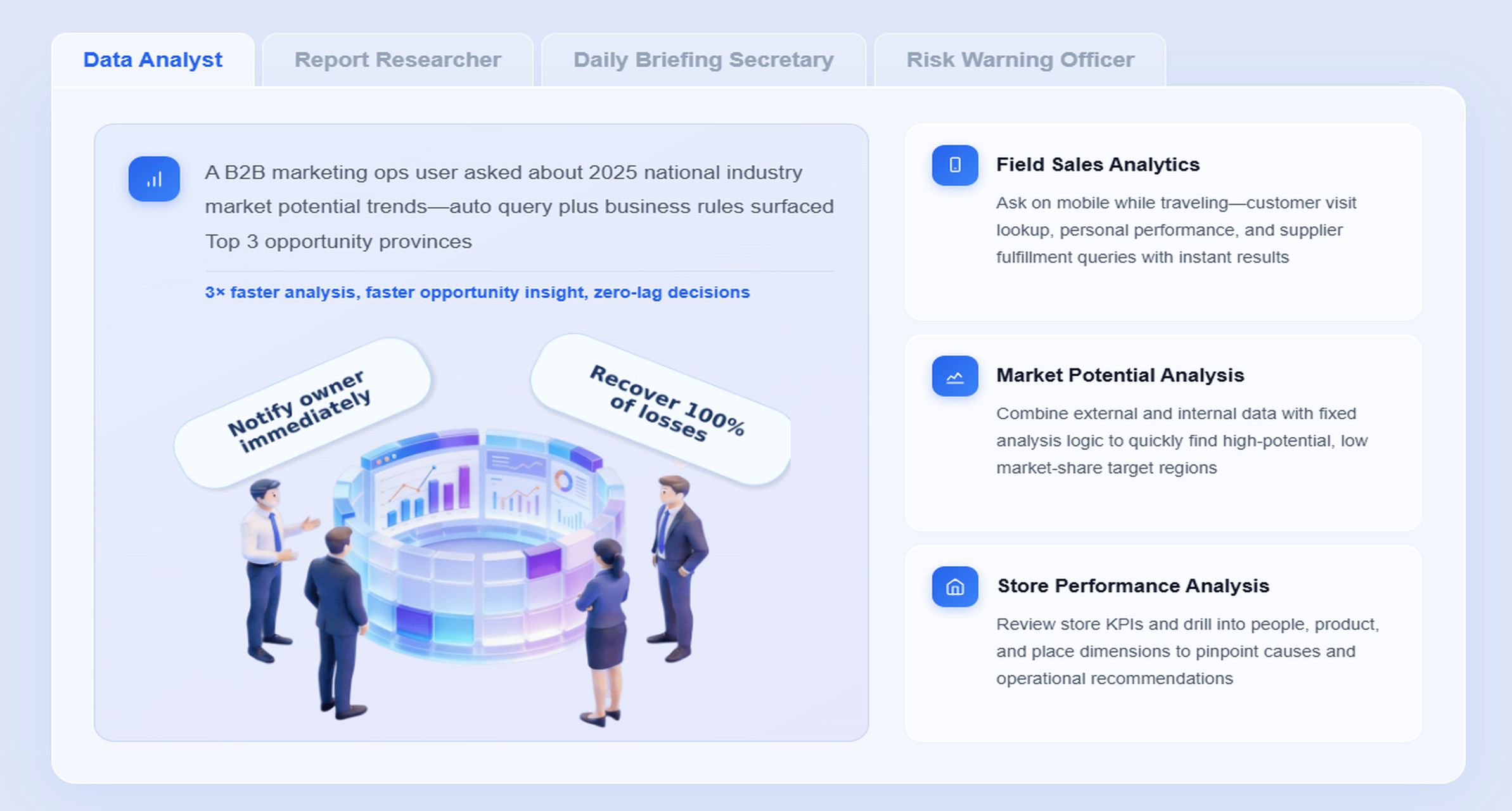
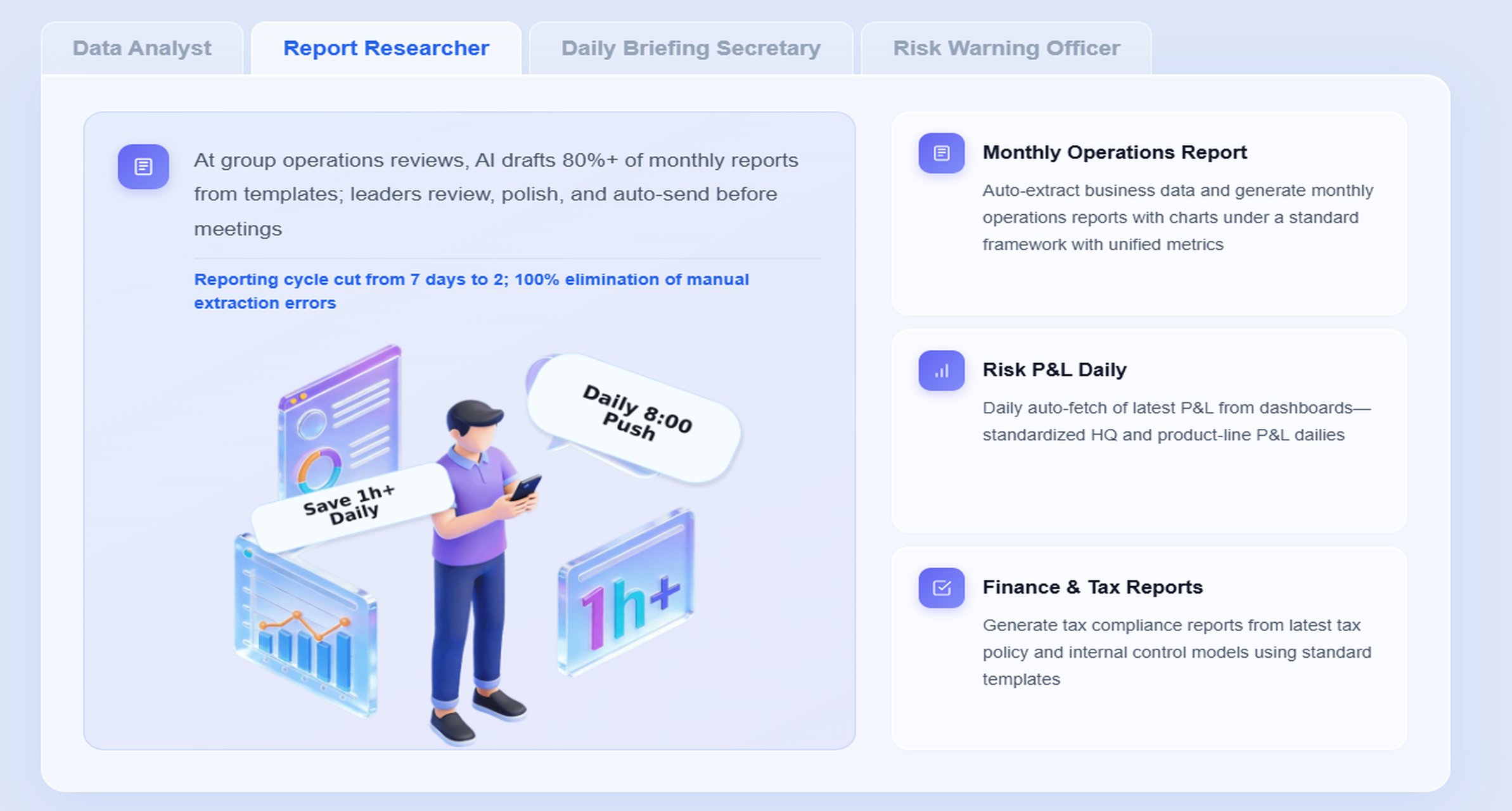
A particularly relevant digital employee here is the Report Researcher, often combined with the Risk Alert Officer for exception follow-up.
Here is a scenario-specific chat example:
“Summarize this month’s root cause analysis report backlog, highlight repeated database-related incidents, list overdue preventive actions by owner, and prepare a management briefing for tomorrow’s operations review.”
How Dora works in this RCA reporting scenario
Retrieve trusted FineReport report or operational cockpit data. Dora accesses approved RCA reports, incident dashboards, action tracking tables, and severity views built in FineReport.
Understand KPI definitions, report templates, filters, business terms, and semantic rules.
It works within governed incident terminology such as severity, overdue status, corrective action type, and review period.
Generate structured report summaries and chart explanations through chat. Dora can turn long incident records into concise management narratives, technical summaries, or owner-specific action lists.
Detect exceptions and overdue follow-up items.
It can identify repeated incident patterns, action deadline breaches, or unresolved high-risk items that need attention.
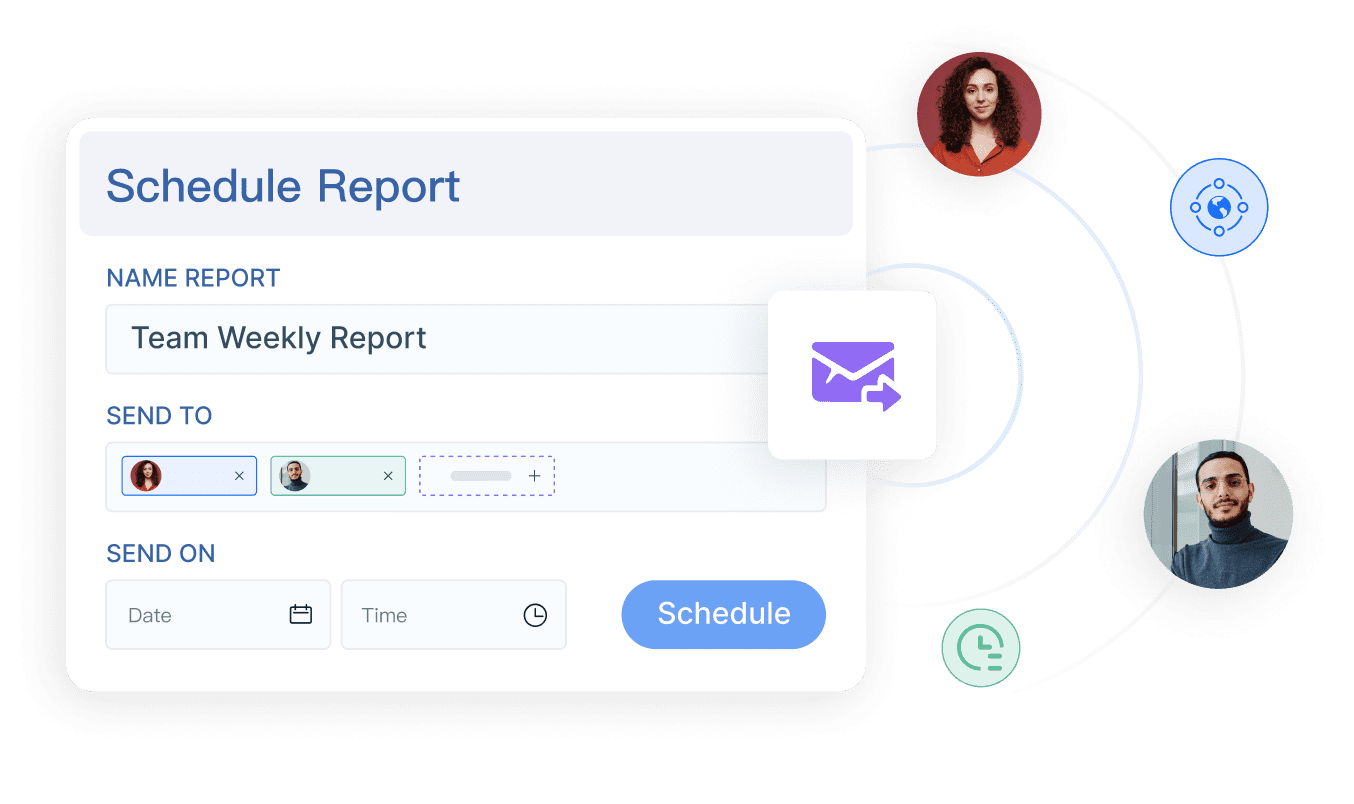
Push scheduled summaries, alerts, and suggested follow-up actions.
As a Daily Briefing Secretary or Risk Alert Officer, Dora can deliver periodic RCA backlog summaries to team leads and managers.
Produce follow-up records for review. Dora supports governed AI workflow execution, helping teams maintain auditable review trails rather than relying on ad hoc prompts.
Why this works better in enterprise reporting environments
Many teams experiment with generic AI tools for incident summaries, but operational RCA use cases need more control than raw prompt-based output.
FineReport + Dora is stronger for enterprise landing because it combines:
natural-language query over trusted reporting assets
permissions aligned with existing report access
KPI governance and severity rules
reusable report templates
structured report summaries instead of free-form responses
scheduled pushes and exception alerts
Skills-based execution for more controllable and auditable workflows
This matters for operations directors and executives. Dora is not an AI experiment. It is a landed digital employee for recurring reporting work such as incident review summaries, action backlog follow-up, recurring outage analysis, and risk escalation support.
For business users and managers, the value is simple: they get timely report summaries, chat-based answers, scheduled briefings, and exception pushes without searching across tickets, dashboards, and long documents.
Common mistakes in RCA reports and how to avoid them
Even teams with mature incident processes can weaken the value of a root cause analysis report template if they repeat the same documentation habits.
Mistaking symptoms for root causes
This is the most common failure.
A team may write:
root cause: “database timeout”
root cause: “high CPU”
root cause: “deployment failure”
Those are often observable effects or immediate triggers, not the deeper reason.
To avoid this:
ask what condition allowed the failure
identify missing control points
separate direct technical failure from governance or process weakness
use a structured method like 5 Whys or causal mapping every time
Incomplete analysis leads to repeated incidents because the organization keeps fixing what happened, not why it was able to happen.
Writing actions that are vague or unowned
Weak actions sound responsible but do not produce change.
Examples of weak actions:
improve alerting
review deployment process
enhance communication
optimize database
Replace them with specific commitments:
add saturation alert for node pool X with owner Y by date Z
require automated config validation in pre-production pipeline
document rollback authority in the incident playbook
review preventive action completion in weekly operations meeting
Specificity requires:
one owner
one due date
one measurable outcome
This is also a strong fit for Dora as a Risk Alert Officer. When action records live in FineReport workflows, Dora can monitor overdue items, summarize risk exposure, and push follow-up to the right owner.
Skipping lessons learned and follow-through
Many teams stop after writing the report. The lesson section gets two generic bullets, and action tracking disappears after the review meeting.
A better model includes:
checkpoint review after 30 or 60 days
action status dashboard
recurring exception reminders
trend reporting by incident type or platform
This is where reporting automation matters. FineReport can standardize the action status views, while Dora can generate periodic summaries and escalation prompts for open preventive work.
Example outline and practical ways to adapt the template
A good root cause analysis report template should be complete enough for serious incidents and light enough that teams will actually use it.
A template only improves incident learning if the surrounding process is designed well.
1. Standardize report templates, KPI definitions, business terms, and exception rules
Do not let every team invent its own severity labels, action status values, or definition of “resolved.” Standardization improves analysis quality and makes cross-incident reporting possible.
2. Build a semantic layer inside the reporting workflow
This is especially important for AI readiness. FineReport should act as the trusted reporting layer where incident fields, severity definitions, action states, and review dimensions are governed consistently. Dora performs better when it can work from a stable semantic foundation rather than loosely structured documents.
3. Treat data quality as part of the AI implementation
If timestamps are inconsistent, ownership fields are incomplete, or incident categories are unreliable, AI summaries will be weaker too. Data quality is not a separate cleanup project. It is part of making AI report consumption usable in enterprise operations.
4. Start with high-value recurring reports instead of automating every report
For most teams, the best starting point is not all incident records. It is recurring high-friction workflows such as:
weekly major incident summary
monthly RCA action backlog review
repeated problem pattern analysis
overdue preventive action monitoring
That is where Dora can land quickly as a Daily Briefing Secretary, Report Researcher, or Risk Alert Officer.
5. Preserve permission governance and use human review for AI-generated narratives
AI-generated report summaries should respect FineReport access boundaries. Also, teams should review structured narratives before broad distribution, especially for major incidents or auditor-facing content. Start with human-in-the-loop review and expand governed Skills over time.
Building this manually is complex. FineReport helps teams standardize trusted reports, operational cockpits, templates, and reporting workflows. Dora turns those assets into an AI assistant that can answer report questions in chat, generate structured summaries, push scheduled briefings, monitor exceptions, and follow up with responsible owners.
For RCA and IT incident teams, that means a more practical operating model:
FineReport manages the reporting foundation for incidents, timelines, action records, and review dashboards.
Dora acts as the enterprise Data Agent layer for report consumption, structured summarization, exception push, and governed follow-up.
IT teams spend less time manually assembling status updates and more time improving data quality, semantic governance, templates, and reusable Skills.
FineReport + Dora is not only a reporting upgrade; it is a practical fourth-generation Agentic BI path. FineReport provides governed reports and operational cockpits. Dora provides the AI assistant layer for scenario execution, with more controlled Skills, lower token waste, faster execution paths, and more stable workflows than prompt-only agents.
Get Ready-to-Use Dashboard Templates in Fine Gallery
The strongest Dora pitch is scenario + product + service: FineReport provides the trusted reporting foundation, Dora provides the AI digital employee, and implementation service connects data, governance, semantic setup, Skills, report templates, permissions, and rollout.
If your team wants a root cause analysis report template that is not just documented but operationalized, this combination is worth serious consideration. It helps teams move from static post-incident writeups to governed reporting, structured summary delivery, and repeatable follow-through.
A strong RCA report template should cover the incident overview, timeline, impact, investigation findings, verified root cause, contributing factors, and corrective or preventive actions. It should also assign owners and track actions through closure.
Teams should use a formal RCA report for major incidents with customer, revenue, compliance, or cross-team impact. A simple summary is usually enough for low-impact issues with an obvious cause and no meaningful prevention work.
Start with evidence such as logs, alerts, configuration changes, and timeline data, then test each hypothesis until the cause is verified. Methods like 5 Whys or cause-and-effect analysis can help, but the conclusion should always be supported by facts.
The timeline shows what happened before, during, and after the incident, which helps teams separate triggers from deeper causes. It also improves accountability and makes it easier for technical and non-technical readers to understand the sequence of events.
FineReport and Dora can help standardize RCA reporting by organizing trusted report data, generating summaries, and supporting scheduled briefings or follow-up workflows. This makes reports easier to produce, review, and act on across engineering and leadership teams.
Product Trial
FineReport
Pixel-perfect reports · Interactive dashboards · Easy data entry · Digital twins