Project dashboard templates are ready-made tools that help you track and visualize your project’s progress. If you want the best free options for 2026, you’re in the right place. Using free templates means you save money, boost team speed, and make smarter decisions without extra costs.
Here’s what you gain when you use free project dashboard templates:
Visuals highlight issues that spreadsheets can hide.
Forecasting accuracy
Spot trends and react faster.
Risk control
Catch cost overruns before they get bigger.
You can explore many free templates and discover how FineReport stands out if you need something advanced.
Best Free Project Dashboard Templates for 2026
You want the best free project dashboard templates for 2026? Here’s a quick list of the top options that help you track, manage, and visualize your projects—without spending a dime.
FineReport Project Dashboard Template
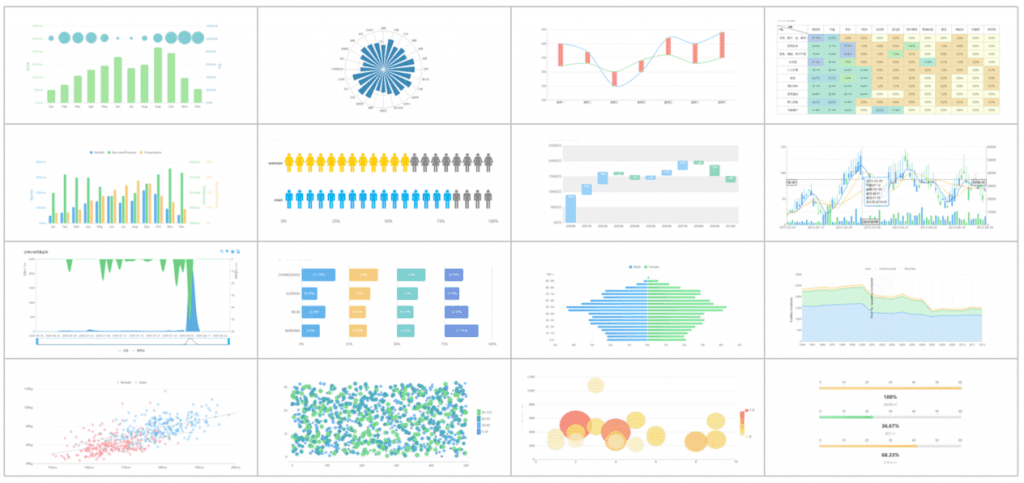
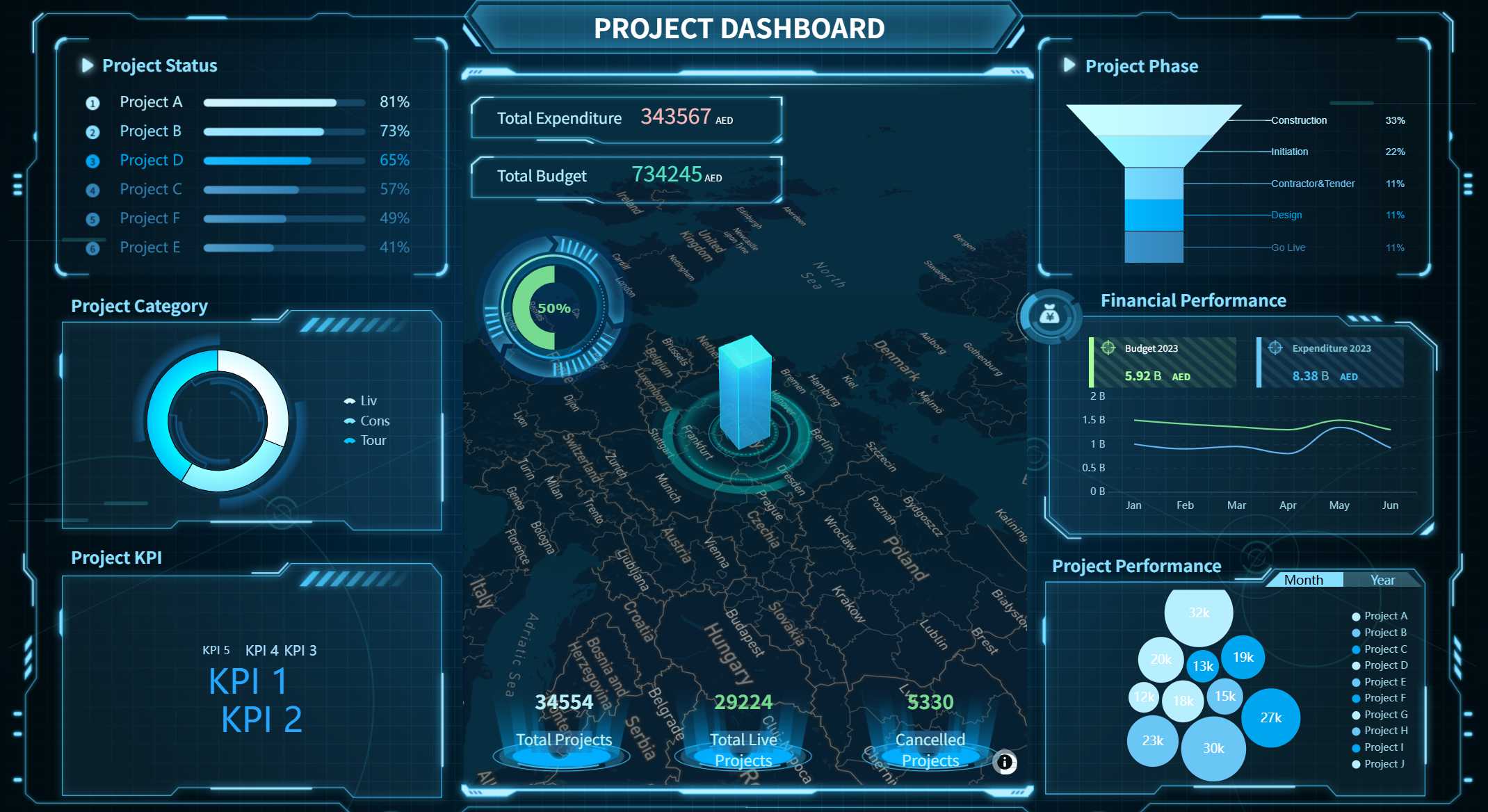
FineReport stands out as a powerhouse for anyone who wants more than just basic tracking. You get a project dashboard template that combines drag-and-drop design, multi-source data integration, and advanced visualization. FineReport lets you build dashboards with 3D charts, automate reporting, and access everything on mobile. You can connect to almost any database or file, making it perfect for complex projects or enterprise teams.
Tip: If you need a free project management dashboard that scales with your business, FineReport is a top pick.
Google Sheets Free Dashboard Template
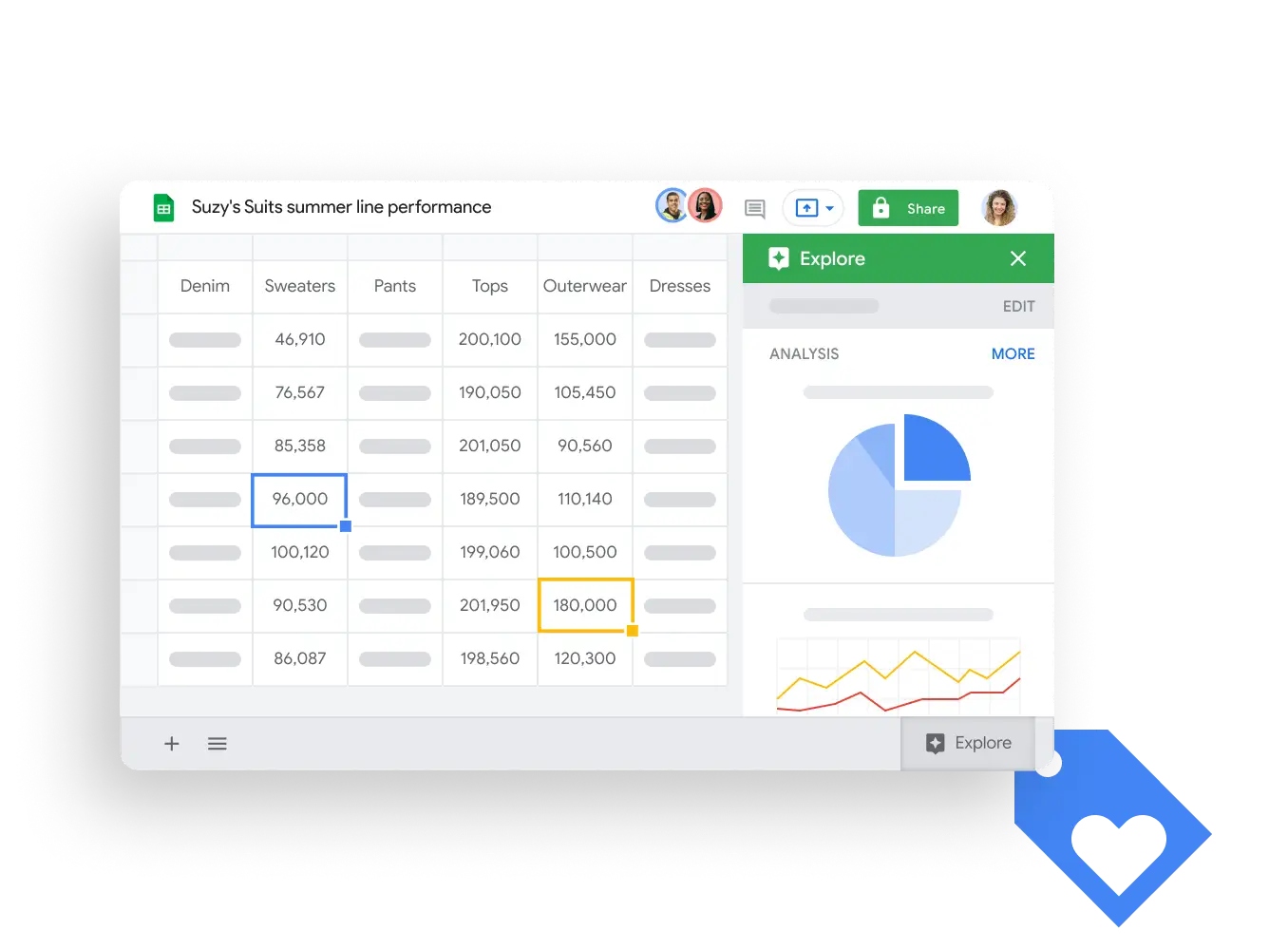
Google Sheets gives you a flexible project dashboard template that’s easy to use. You probably already know how to use Sheets, so there’s no learning curve. You can collaborate in real time, customize your dashboard, and turn raw data into charts and graphs. This makes it a great choice for teams that want a simple, cloud-based solution.
Everyone edits and views the dashboard at the same time.
Customization
Tweak templates for any project or workflow.
Data Visualization
Instantly create charts and graphs from your data.
Built-in Calculations
Use formulas, filters, and conditional formatting for insights.
Excel Project Dashboard Template
Excel remains a favorite for many project managers. The free project dashboard template in Excel helps you track tasks, visualize progress, and manage resources. You get comprehensive features for analytics and reporting, so you can make data-driven decisions. Excel templates capture key data points and ensure you don’t miss important updates.
Feature
Benefit
Comprehensive features
Track, visualize, and manage all project tasks.
Data-driven decision-making
Use analytics to oversee your project’s health.
Key data points captured
Monitor every activity and milestone efficiently.
Notion Free Project Dashboard Template
Notion offers a project dashboard template that’s all about customization. You can change status labels, add your branding, and adjust the layout to fit your workflow. Notion works well for teams that want a flexible, all-in-one workspace for notes, tasks, and dashboards.
Customization Option
Description
Customize Status Labels
Match your workflow with custom status categories.
Add Your Branding
Insert your logo, company name, and colors.
Change the Dashboard Layout
Rearrange sections to suit your style.
Trello Project Dashboard Template
Trello’s free project management dashboard uses boards, lists, and cards to keep your team organized. You can drag and drop tasks, set deadlines, and track progress visually. Trello works best for agile teams or anyone who likes a Kanban-style workflow. You can add Power-Ups for extra features, making it a flexible choice for many projects.
ClickUp Free Dashboard Template
ClickUp’s free project dashboard template brings everything together in one view. You can monitor workload, deadlines, and task statuses with customizable widgets and dynamic charts. ClickUp makes it easy to balance workloads and see real-time updates. You get a high-level overview of all your projects, which helps you spot bottlenecks and keep things moving.
You can track progress, deadlines, and task statuses in one place.
Customizable widgets and charts give you real-time insights.
Monitor workload balance and task distribution easily.
Airtable Project Dashboard Template
Airtable combines the simplicity of a spreadsheet with the power of a database. Its free project dashboard template lets you see real-time updates, assign tasks, and communicate directly on records. Different teams can customize their views, so everyone gets what they need. Airtable keeps all your project details in one place, making collaboration smooth.
Real-time updates mean everyone sees the latest info.
Teams can customize how they view the same data.
Centralized project details reduce confusion and wasted time.
Assign tasks and comment directly for better communication.
Asana Free Project Dashboard Template
Asana’s free project management templates work for all kinds of teams. You can track marketing campaigns, software sprints, events, or construction projects. The dashboard template helps you monitor tasks, budgets, and deadlines. Asana’s visual boards and timelines make it easy to see what’s next and who’s responsible.
Team Type
Uses of Asana Dashboard
Marketing Team
Track content, budgets, influencer tasks, and campaigns.
Software Development
Plan sprints, log bugs, and monitor testing.
Event Planning
Manage venues, vendors, and guest lists.
Construction Managers
Monitor labor, budgets, and site progress.
Monday.com Project Dashboard Template
Monday.com gives you a colorful, visual project dashboard template that’s easy to customize. You can track progress, assign tasks, and automate updates. The platform supports integrations with other tools, so you can pull in data from different sources. Monday.com works well for teams that want a modern, user-friendly dashboard with lots of automation.
Wrike Free Dashboard Template
Wrike’s free dashboard templates let you see real-time project updates. The cloud-based platform means your team can log task completions instantly. The dashboard always shows the latest information, so you don’t have to chase down manual reports. Wrike is great for teams that need up-to-date insights and easy access from anywhere.
Note: You can also explore other popular free dashboard templates like Kero, Sales Dashboard, Finance SaaS Dashboard, Marketing Dashboard, Analytic Dashboard, Directory Dashboard, Gentelella, Concept, and SRTDash. These templates offer unique layouts, components, and demos for different project needs.
If you want to get the most out of free project management templates, try a few options and see which one fits your workflow best. FineReport is a top choice if you need advanced features, automation, and enterprise-level capabilities.
Key Benefits of Free Dashboard Templates
Project dashboard templates are ready-made layouts that help you track, visualize, and manage your projects with less effort. Free dashboard templates give you instant access to project tracking tools without extra cost, making them a smart choice for teams in 2026.
Cost Savings and Accessibility
You don’t need to spend money to get started with free project dashboard templates. These tools let you manage your projects without buying expensive software. You can use them from anywhere, which is perfect for remote or distributed teams. Check out how they boost accessibility:
See updates on workloads and progress instantly, no matter where your team works.
Collaboration facilitation
Work together easily, even if your team is spread across different locations.
Project Dashboard created by FineReport (Click to Engage)
Enhanced Efficiency and Collaboration
Free project management tools make project tracking simple and fast. You get visual timelines for planning and scheduling. You can see detailed task progress, which helps you allocate resources better. Here’s what you gain:
Transparency helps your team move in the same direction.
KPI dashboards show you the big picture and key metrics.
Customization and Integration
You can change almost anything in these free templates. Adjust dropdown lists, columns, and colors to fit your workflow. Most free project management tools connect with cloud platforms, so you get real-time updates and better teamwork. You can adapt the template for any project, making it a flexible solution for all your project tracking needs.
Why Choose FineReport for Project Dashboards
FineReport stands out in reviews for its advanced features. You get drag-and-drop design, 3D dashboards, and mobile access. FineReport connects to many data sources and offers enterprise-grade security. If you want a free dashboard that grows with your business, FineReport is a top choice for project management tools.
How to Select the Right Project Dashboard Template
Project dashboard templates are ready-made layouts that help you track, visualize, and manage project data in one place. Choosing the right template means you get clear insights, better teamwork, and a tool that fits your project—without wasting time or money.
Assessing Project Needs
Start by thinking about what your project really needs. Do you want to track deadlines, budgets, or team performance? Make a list of your must-have features. If you work with complex data or need advanced visuals, FineReport’s free templates give you flexibility and power. Always match the template to your project goals.
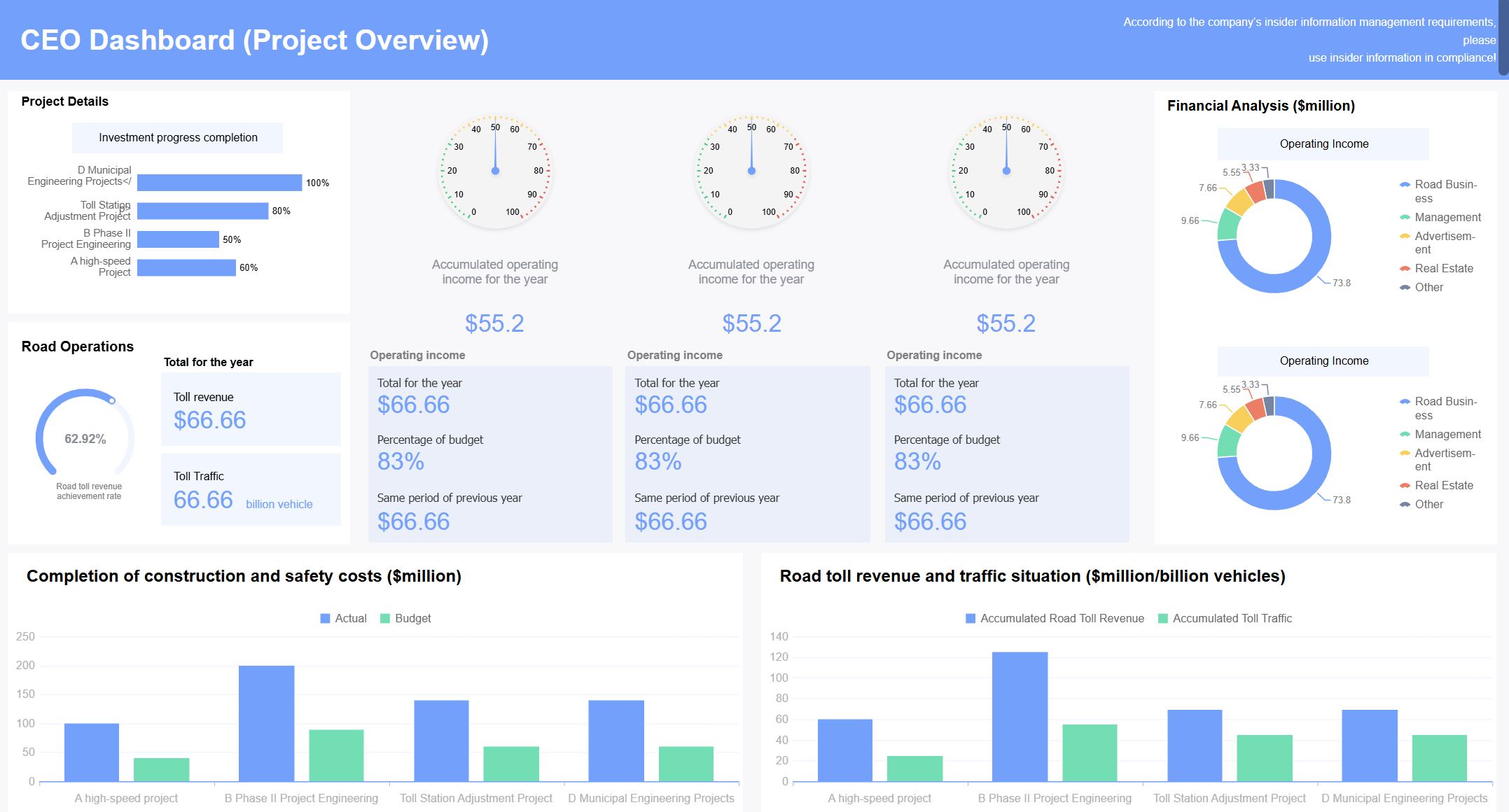
Project Dashboard (Click to Engage)
Comparing Features and Integrations
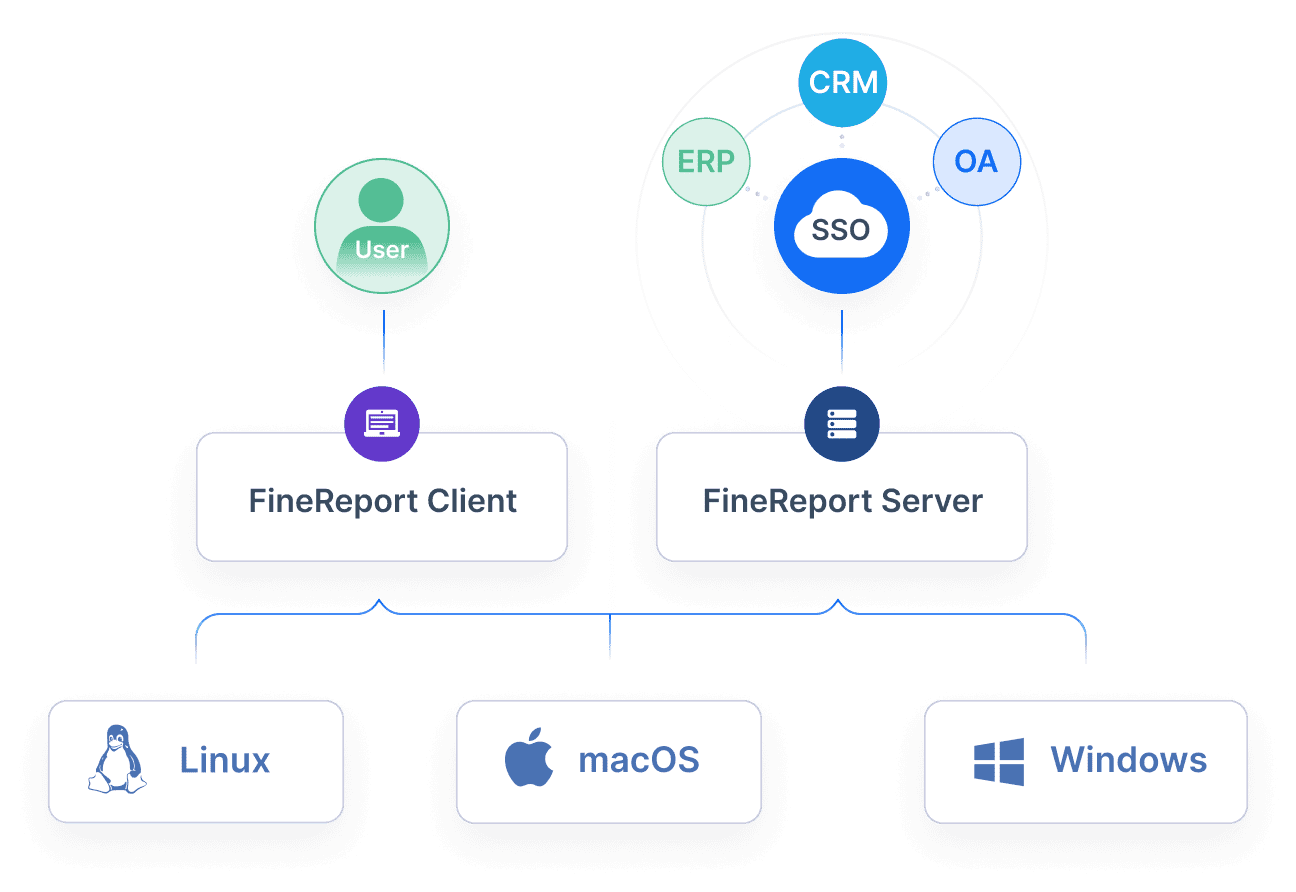
Not all free templates offer the same features. Look for dashboards that organize information clearly and let you pick the KPIs that matter most. You want a tool that connects with your current systems and lets you customize layouts. FineReport stands out here, offering drag-and-drop design and easy integration with many data sources.
Think about your team. A small group might need a simple dashboard, while a larger team could need more advanced options. Free templates like those from FineReport scale well, so you can start small and grow as your team does. Make sure everyone can use the dashboard without extra training.
Know who will use the dashboard and tailor it for them.
Pick KPIs that match your project’s success.
Choose a tool that’s user-friendly, customizable, and integrates with your systems.
Tip: Test a few free templates before you decide. FineReport’s compatibility and flexibility make it a smart choice for many teams.
Quick Guide to Using Free Project Dashboard Templates
A project dashboard template is a ready-made layout that helps you track project progress, tasks, and key metrics in one place. You can set up a dashboard quickly, customize it for your needs, and start managing your project with a clean and minimal design.
Downloading and Setting Up
First, pick a template that matches your project style. Download it from the provider’s website or open it in your favorite tool, like FineReport, Google Sheets, or Excel. FineReport makes this step easy with built-in templates and a clean and minimal design. Follow the setup prompts, connect your data, and you’re ready to go.
Customizing for Your Project
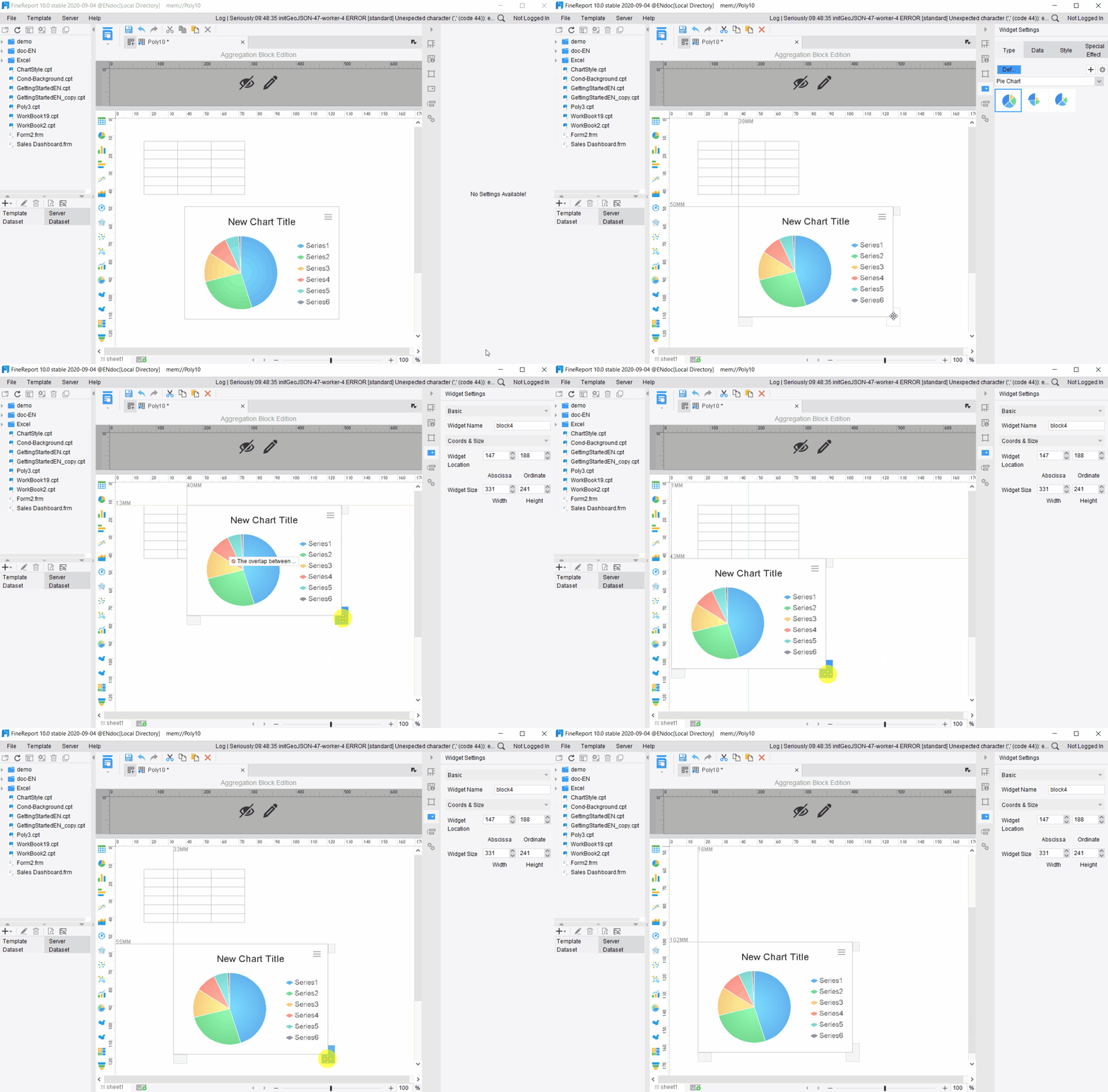
Now, make the dashboard your own. Change labels, colors, and layouts to fit your workflow. Add your project’s tasks, deadlines, and team members. In FineReport, you can drag and drop charts or widgets to highlight what matters most. Adjust the dashboard until it fits your project perfectly.
Sharing and Collaborating
Invite your team to view or edit the dashboard. Most tools let you share a link or set permissions for each user. FineReport supports real-time collaboration, so everyone stays updated. You can also export dashboards as PDFs or images for easy sharing in meetings.
Check your dashboard often. Update task statuses, add new milestones, and review key metrics. Use alerts or notifications to stay on track. FineReport lets you automate updates and schedule reports, so you never miss important changes.
Tip: Try different templates to see which one helps your team work best!
Project dashboard templates are ready-made tools that help you track, visualize, and manage project data in one place. Free templates make project management easier and faster in 2026. Try a few options. FineReport gives you advanced features. Start today. Explore, implement, and watch your projects succeed!
Continue Reading About Project Dashboard Templates
Access a wealth of case studies, industry insights, and solution guides to accelerate digital transformation.
FAQ
What is a project tracker template and how does it help?
A project tracker template lets you monitor tasks, deadlines, and team progress. You get a user friendly solution for project management dashboard needs and agile project plan template tracking.
How do I choose the best project management dashboard for my team?
Pick a project management dashboard that matches your workflow. Look for flexible and highly adaptable features, positive reviews, and strong data visualization. Try user dashboard templates for a free solution.
Can I use an agile project plan template for different projects?
Yes, you can use an agile project plan template for any project. It works for software, marketing, or events. Project management templates make tracking easy.