

Financial report software is a platform that turns accounting and operational data into financial statements, management reports, dashboards, forecasts, and decision-ready insights.
The 10 best financial reporting software tools in 2026
1. FineReport
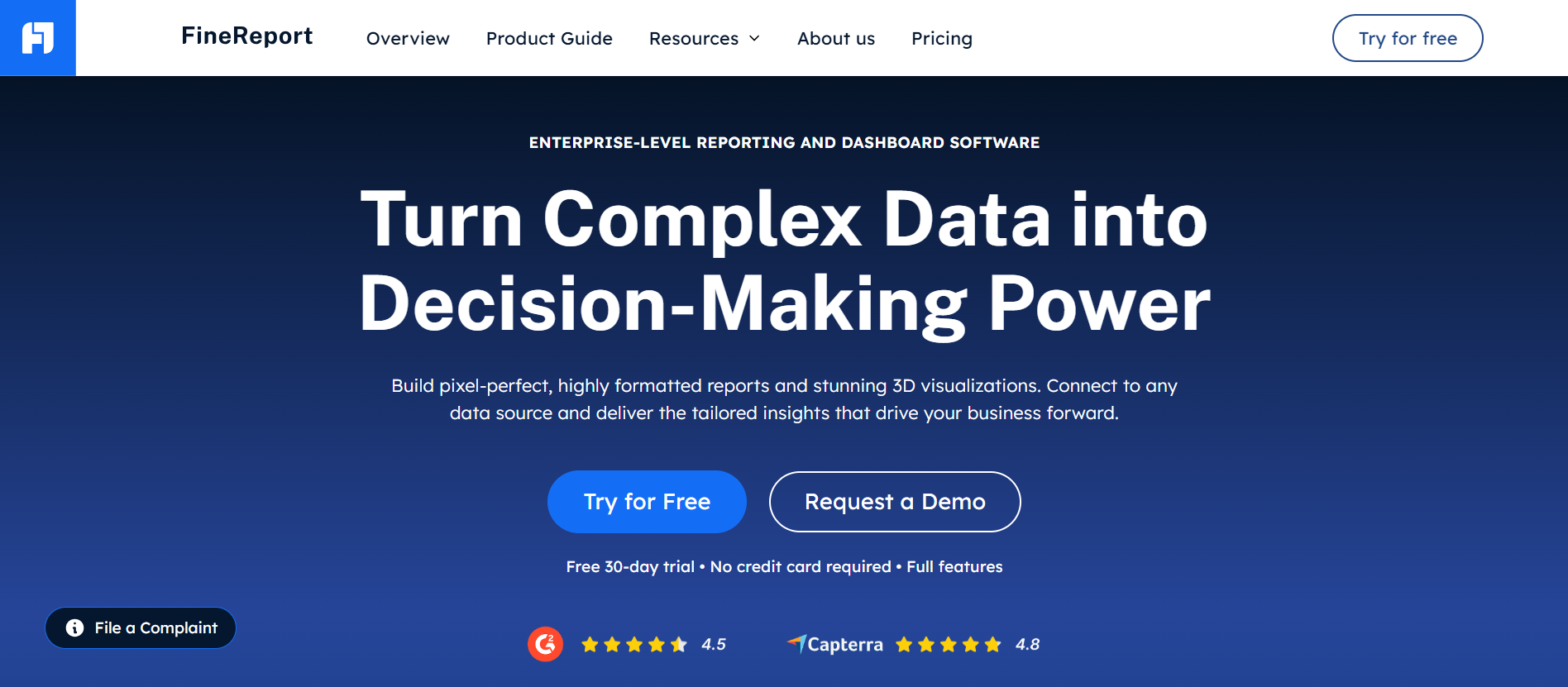
- One-sentence overview: FineReport is a reporting and analytics platform best for organizations that need highly customizable financial reporting, pixel-perfect statements, dashboarding, and unified operational-financial analysis in one environment.
- Key Features:
- Custom financial statements, board packs, and management reports
- Drag-and-drop dashboard builder
- Strong support for complex data models and multi-source integration
- Scheduled report distribution and parameter-driven templates
- Drill-down analysis for finance and operational KPIs
- Enterprise-friendly permissions and governance controls
- Pros & Cons:
- Pros: Very flexible report design; strong for combining financial and business data; suitable for complex formatting and tailored executive reporting; scalable for growing and larger organizations
- Cons: More configuration effort than lightweight SMB tools; may be more capability than a very small business needs for basic bookkeeping reports
- Best For (Target user/scenario): Finance teams that want more than standard accounting reports and need unified reporting, analytics, and custom presentation-quality outputs across departments.
FineReport earns the top spot in this list because many businesses outgrow basic accounting-system reports long before they are ready for a full enterprise performance management platform. If your finance team needs polished monthly reporting, custom layouts, live dashboards, and the ability to merge ERP, accounting, sales, and operational data, FineReport is a strong choice.
What stands out is its ability to support both structured financial report production and broader analytics. That makes it useful for finance leaders who want one platform for recurring reporting, KPI visibility, and cross-functional analysis instead of relying on a patchwork of spreadsheets and separate BI tools.
2. Fathom

Website: https://www.fathom.ai/
- One-sentence overview: Fathom is best for visual reporting, forecasting, and management dashboards for small and midsize businesses.
- Key Features:
- Visual management reporting and KPI dashboards
- Cash flow forecasting and scenario planning
- Consolidated reporting for multi-entity businesses
- Commentary and presentation-friendly report outputs
- Integrations with popular accounting platforms
- Pros & Cons:
- Pros: Clean interface; strong visual storytelling; fast to deploy for SMB finance reporting; useful for management packs and advisory work
- Cons: Less suitable for highly customized enterprise-grade reporting logic; advanced needs may require additional systems
- Best For (Target user/scenario): SMBs, outsourced finance teams, and advisors that want fast, executive-friendly reporting without heavy implementation.
Fathom is one of the most recognizable names in financial report software for smaller finance teams. It is especially effective when the priority is turning accounting data into board-friendly visuals, trend analysis, and simple forecasts without building everything manually in spreadsheets.
Its main appeal is speed. Teams can move from raw ledger data to polished monthly reporting faster than they typically can with spreadsheet-heavy workflows. For small and midsize organizations that value readability and forecasting alongside historical reporting, Fathom remains a leading option.
3. QuickBooks reporting

Website: https://quickbooks.intuit.com/accounting/reporting/
- One-sentence overview: QuickBooks reporting is best for businesses that want built-in reporting tied closely to day-to-day accounting workflows.
- Key Features:
- Native profit and loss, balance sheet, and cash flow reports
- Budget vs. actual reporting
- Basic class and location-based analysis
- Accountant-friendly ecosystem
- Broad adoption among small businesses
- Pros & Cons:
- Pros: Familiar interface; affordable starting point; direct link to bookkeeping data; easy for standard reporting needs
- Cons: Limited flexibility for complex board reporting and advanced management analysis; customization can become restrictive as complexity grows
- Best For (Target user/scenario): Small businesses and early-stage companies that want financial reports directly inside their accounting system.
QuickBooks is often the first place small businesses look because it combines transaction management and reporting in the same system. For straightforward monthly statements and operational accounting visibility, that simplicity is valuable.
The tradeoff is depth. Once businesses need more sophisticated management reporting, scenario modeling, or multi-entity visibility, QuickBooks reporting often becomes a starting layer rather than the final solution. Still, for many small teams, it remains the most practical and cost-effective option.
4. Sage reporting solutions
Website: https://www.sage.com/en-us/accounting-software/financial-reporting/
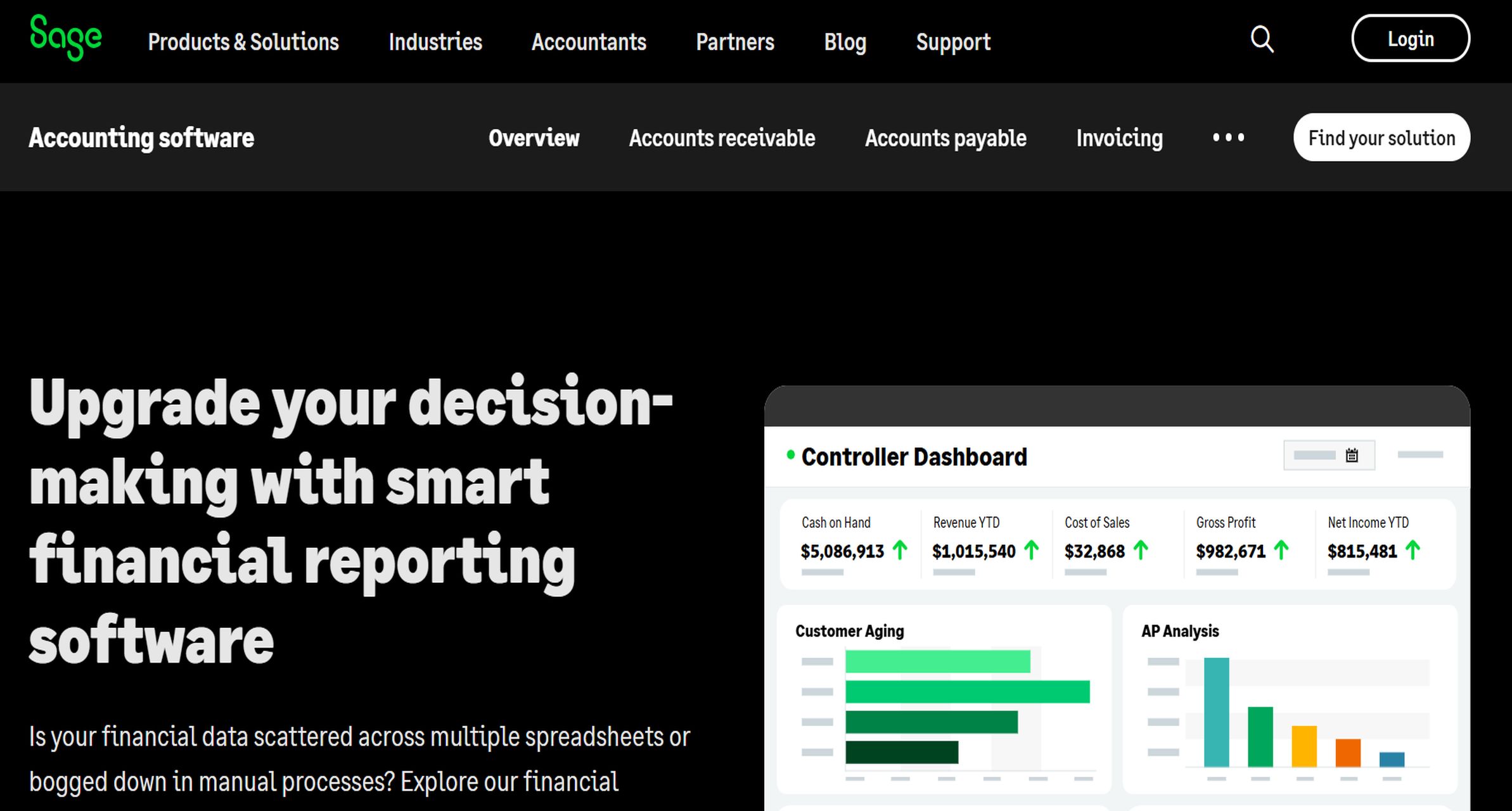
- One-sentence overview: Sage reporting solutions are best for growing companies that need stronger controls, multi-entity support, and finance-focused reporting.
- Key Features:
- Financial reporting across Sage accounting and ERP environments
- Better support for growing finance complexity
- Multi-entity and segmented reporting capabilities
- Role-based access and stronger controls
- Finance-oriented reporting structure
- Pros & Cons:
- Pros: Better fit than entry-level tools for growing organizations; supports stronger accounting processes; useful for more structured finance teams
- Cons: Experience varies by Sage product and deployment; setup and administration can be more involved than SMB-first platforms
- Best For (Target user/scenario): Growing businesses moving beyond basic accounting reports and needing more control, structure, and finance discipline.
Sage reporting tools make sense for companies that are entering a more mature finance phase. If reporting requirements now include departmental views, multiple legal entities, or stronger governance, Sage can provide a more finance-centric foundation than lightweight bookkeeping software.
It tends to fit businesses that are already in the Sage ecosystem or want more accounting rigor without jumping immediately to a large enterprise CPM platform.
5. Xero
Website: https://www.xero.com/hk/
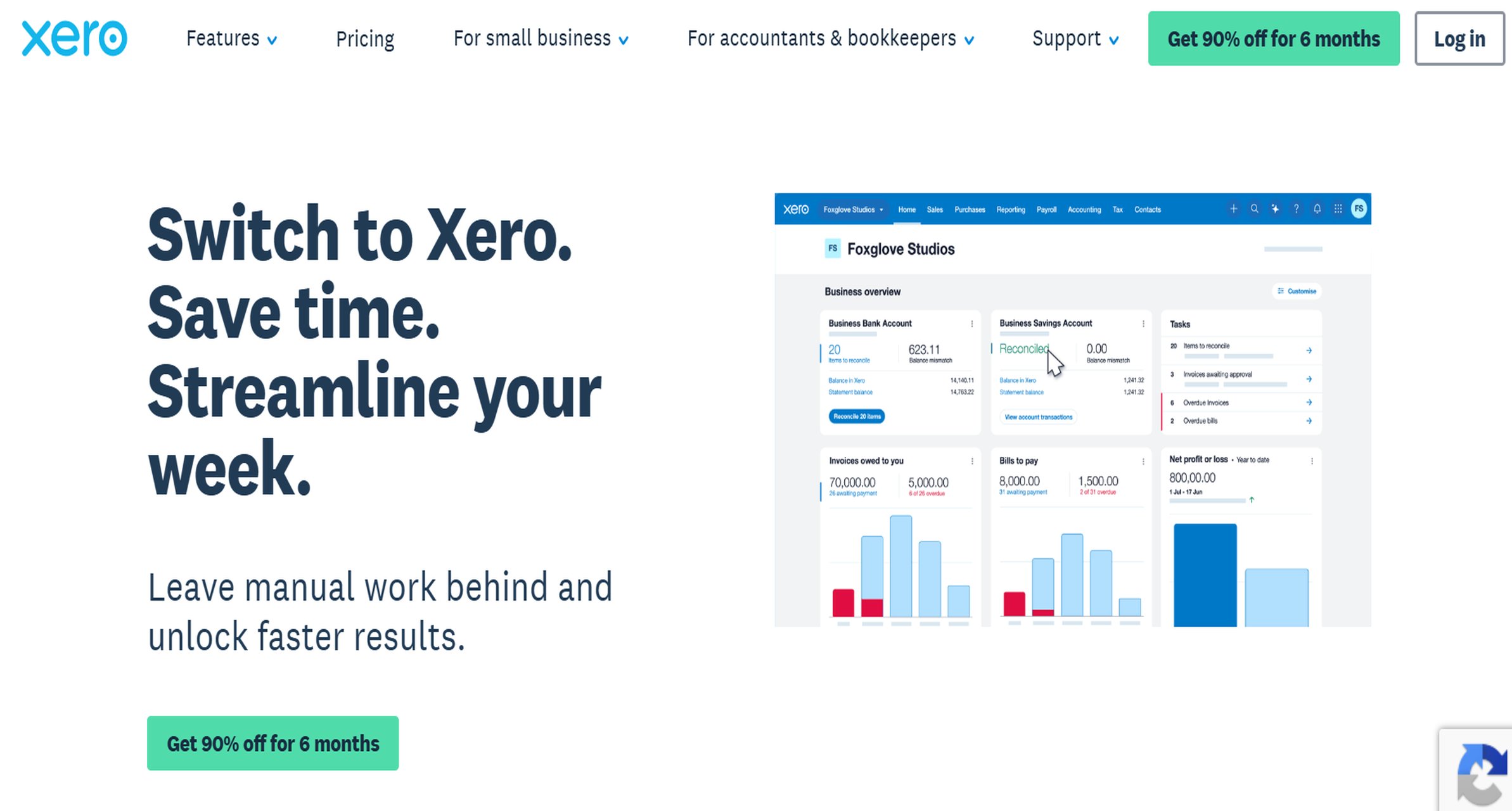
- One-sentence overview: Xero is best for small businesses that want cloud accounting with straightforward financial reporting and strong usability.
- Key Features:
- Standard financial statements and cash flow visibility
- Cloud-first accounting workflows
- Bank reconciliation and transaction management
- App ecosystem for extending reporting
- Multi-user accessibility
- Pros & Cons:
- Pros: Easy to use; clean interface; strong small-business accounting experience; good ecosystem support
- Cons: Native reporting is limited for advanced FP&A and executive reporting; larger businesses may outgrow it quickly
- Best For (Target user/scenario): Small businesses, startups, and service firms that want simple reporting tied to daily accounting operations.
Xero is a solid alternative to QuickBooks for organizations that value cloud usability and simple financial visibility. It works well for core monthly statements, especially where the finance function is lean and reporting needs are still relatively standard.
As with other accounting-led tools, it is less compelling when the business requires highly customized financial analysis or board-level pack automation.
6. Vena
Website: https://www.venasolutions.com/
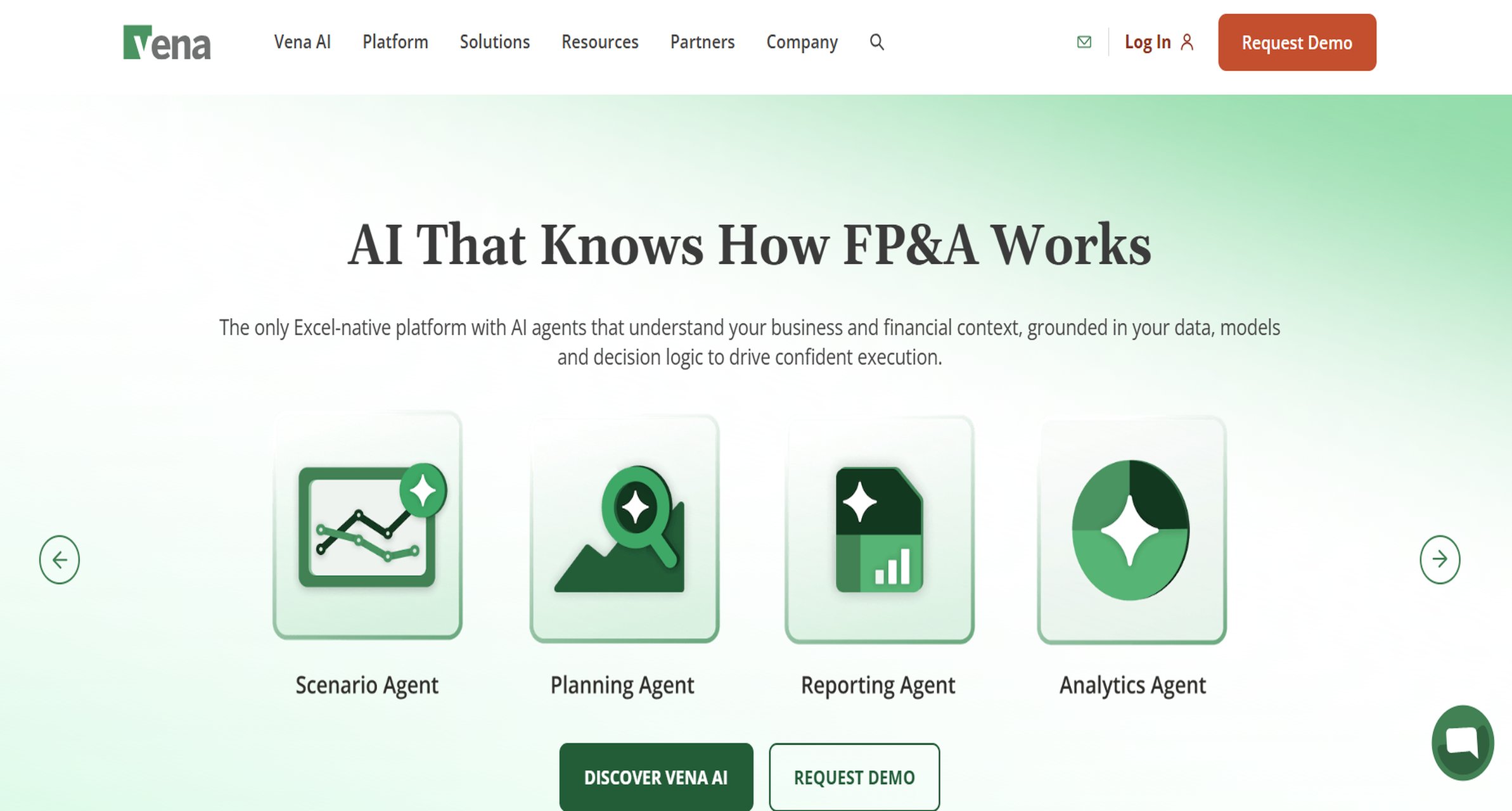
- One-sentence overview: Vena is best for finance teams that want enterprise planning and reporting while continuing to work in Excel.
- Key Features:
- Excel-native planning and reporting workflows
- Budgeting, forecasting, and what-if analysis
- Workflow control, approvals, and audit trails
- Integration with ERP and business systems
- Structured reporting for finance-owned processes
- Pros & Cons:
- Pros: Familiar for Excel-heavy teams; strong control framework; good for planning and reporting together
- Cons: Can feel process-heavy; implementation effort is higher than lightweight reporting tools
- Best For (Target user/scenario): Midsize and larger finance teams that want to modernize spreadsheet-based processes without abandoning Excel.
Vena is often attractive to organizations that know spreadsheets are limiting but do not want a complete behavioral reset. It adds control, centralization, and workflow structure around a familiar interface.
That makes it particularly useful for budgeting, monthly reporting, and forecast collaboration where Excel remains deeply embedded in how finance operates.
7. Datarails
Website: https://www.datarails.com/
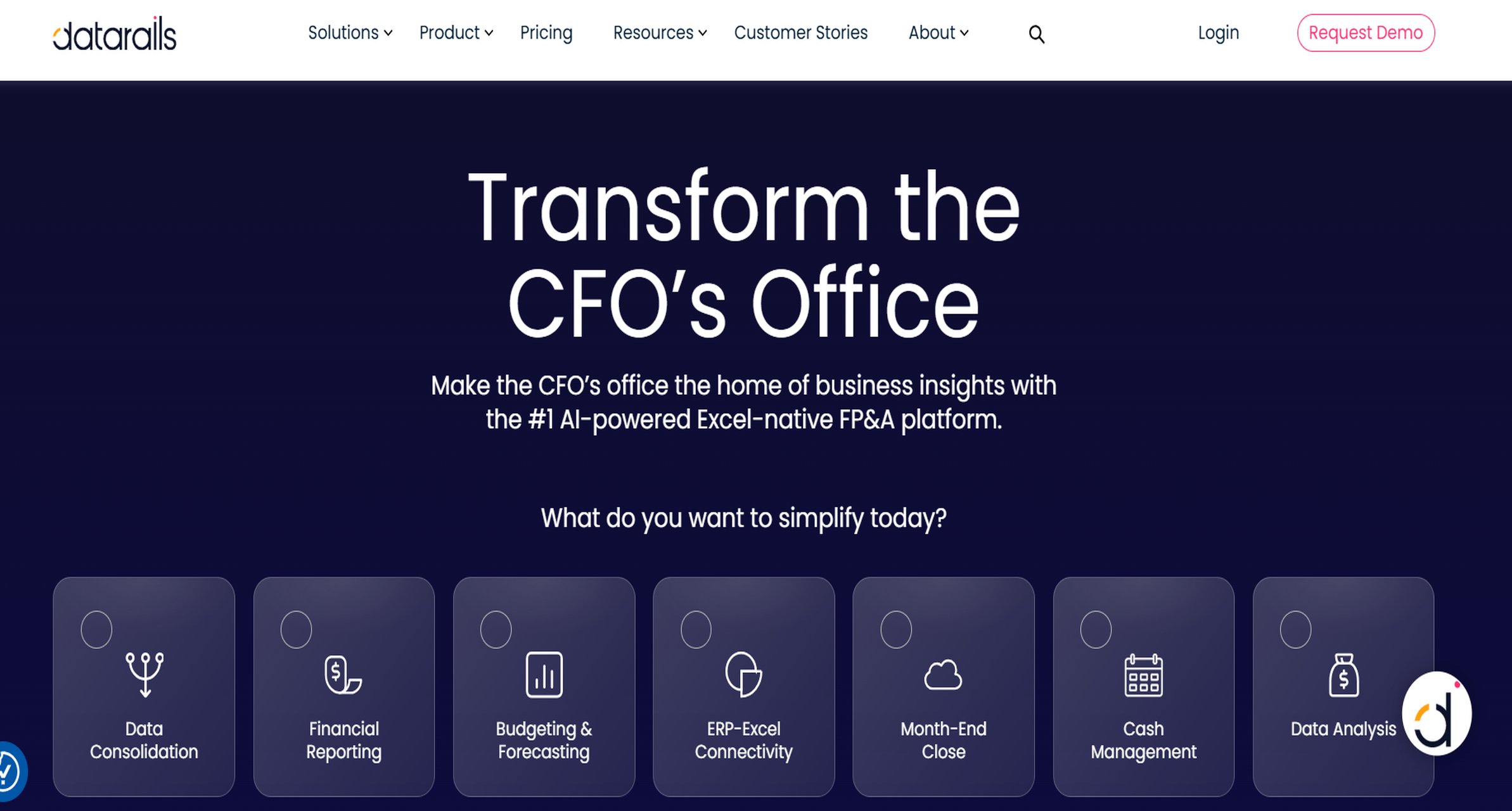
- One-sentence overview: Datarails is best for finance teams that want spreadsheet-based FP&A automation and faster recurring reporting.
- Key Features:
- Excel-based reporting and planning automation
- Consolidation of data from multiple sources
- Budgeting and forecasting support
- Version control and collaboration
- Dashboarding for finance metrics
- Pros & Cons:
- Pros: Good bridge from manual Excel reporting; practical for lean finance teams; faster than maintaining disconnected spreadsheets
- Cons: Still centered on spreadsheet workflows; may not provide the unified analytics depth some organizations want
- Best For (Target user/scenario): Finance teams that need immediate reporting improvements without rebuilding their entire reporting stack.
Datarails is a pragmatic option for companies where Excel is still the finance operating system. It helps reduce repetitive manual work while preserving familiar models and templates.
For teams that want to improve speed and accuracy first, then mature into broader analytics later, it can be a sensible transitional platform.
8. Planful
Website: https://planful.com/
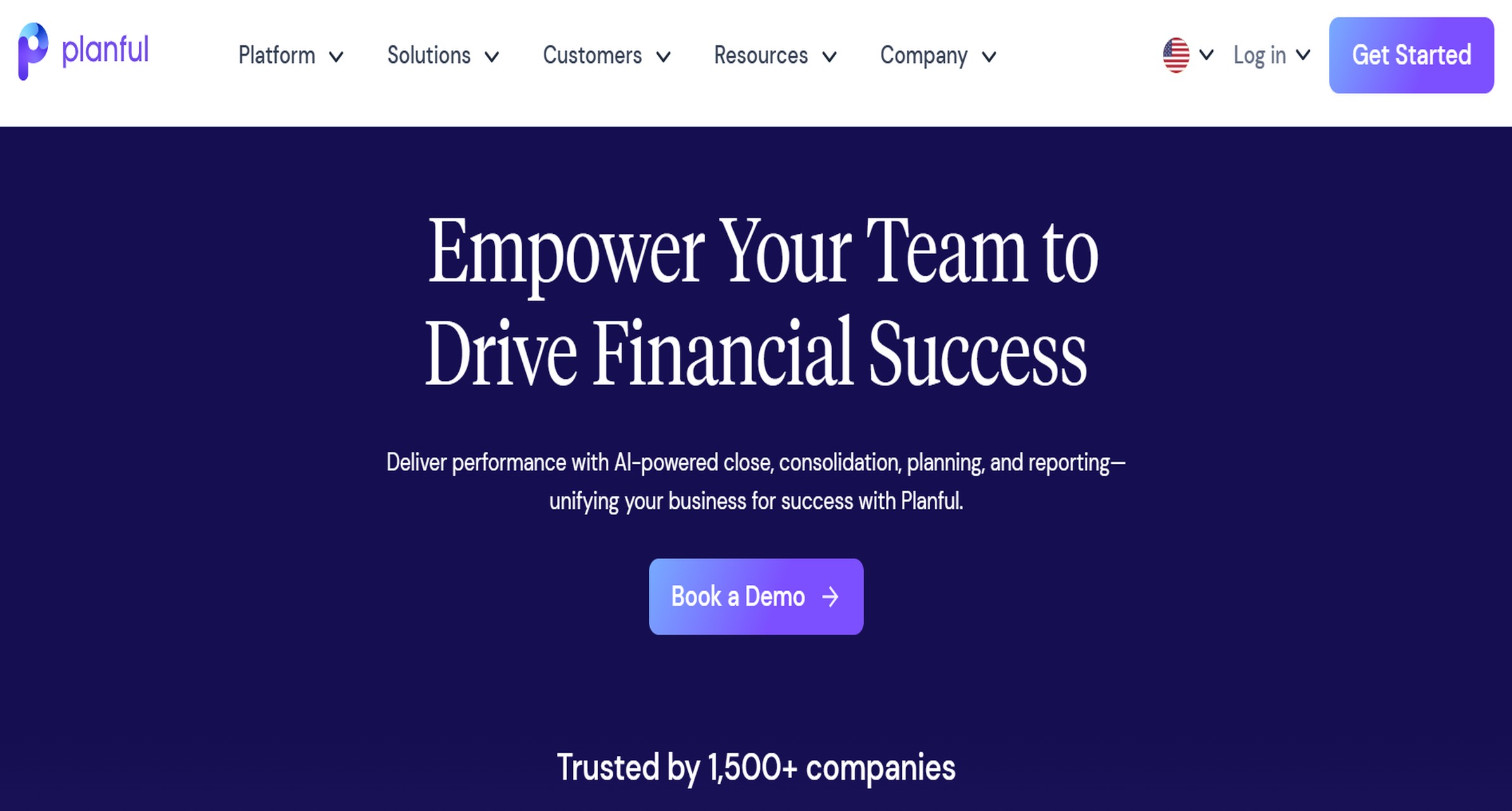
- One-sentence overview: Planful is best for organizations that need more robust financial planning, close support, and structured reporting at scale.
- Key Features:
- Financial planning and analysis
- Structured management reporting
- Consolidation and close-related capabilities
- Workflow and governance controls
- Scenario planning and performance management
- Pros & Cons:
- Pros: Broad finance functionality; suitable for more mature planning needs; strong support for process discipline
- Cons: More complex and resource-intensive than SMB tools; may be more than smaller teams need
- Best For (Target user/scenario): Midsize to larger organizations building a more formal FP&A and performance management function.
Planful is a better fit when reporting is just one part of a larger finance transformation. Companies that need planning, controls, and more structured finance processes often find it better aligned with long-term maturity than pure reporting tools.
9. Oracle NetSuite
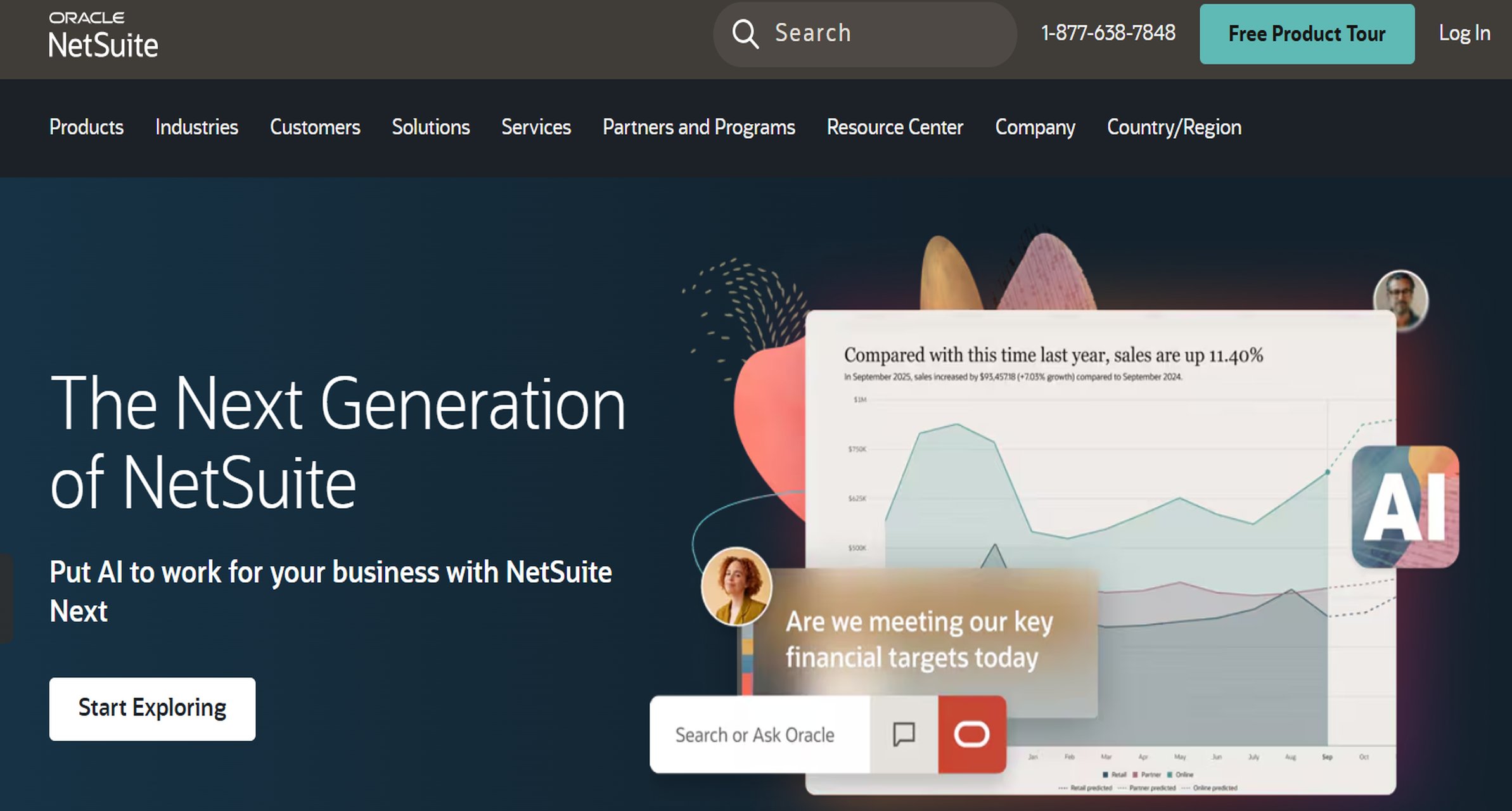
- One-sentence overview: Oracle NetSuite is best for businesses that want ERP-based financial reporting with stronger multi-entity and operational integration.
- Key Features:
- ERP-native financial reporting
- Multi-entity and global business support
- Departmental and segment reporting
- Auditability and controls
- Integration across finance and operations
- Pros & Cons:
- Pros: Strong for growing complexity; combines reporting with broader ERP processes; suitable for scaling organizations
- Cons: Higher cost and implementation effort; reporting flexibility may still lead some teams to use complementary tools
- Best For (Target user/scenario): Companies that need reporting tightly connected to ERP workflows and more complex operational structures.
NetSuite is often chosen when financial reporting requirements are inseparable from broader operational scale. If the organization needs more than accounting software can provide but wants reporting inside an ERP backbone, it is a common step up.
10. OneStream
Website: https://www.onestream.com/
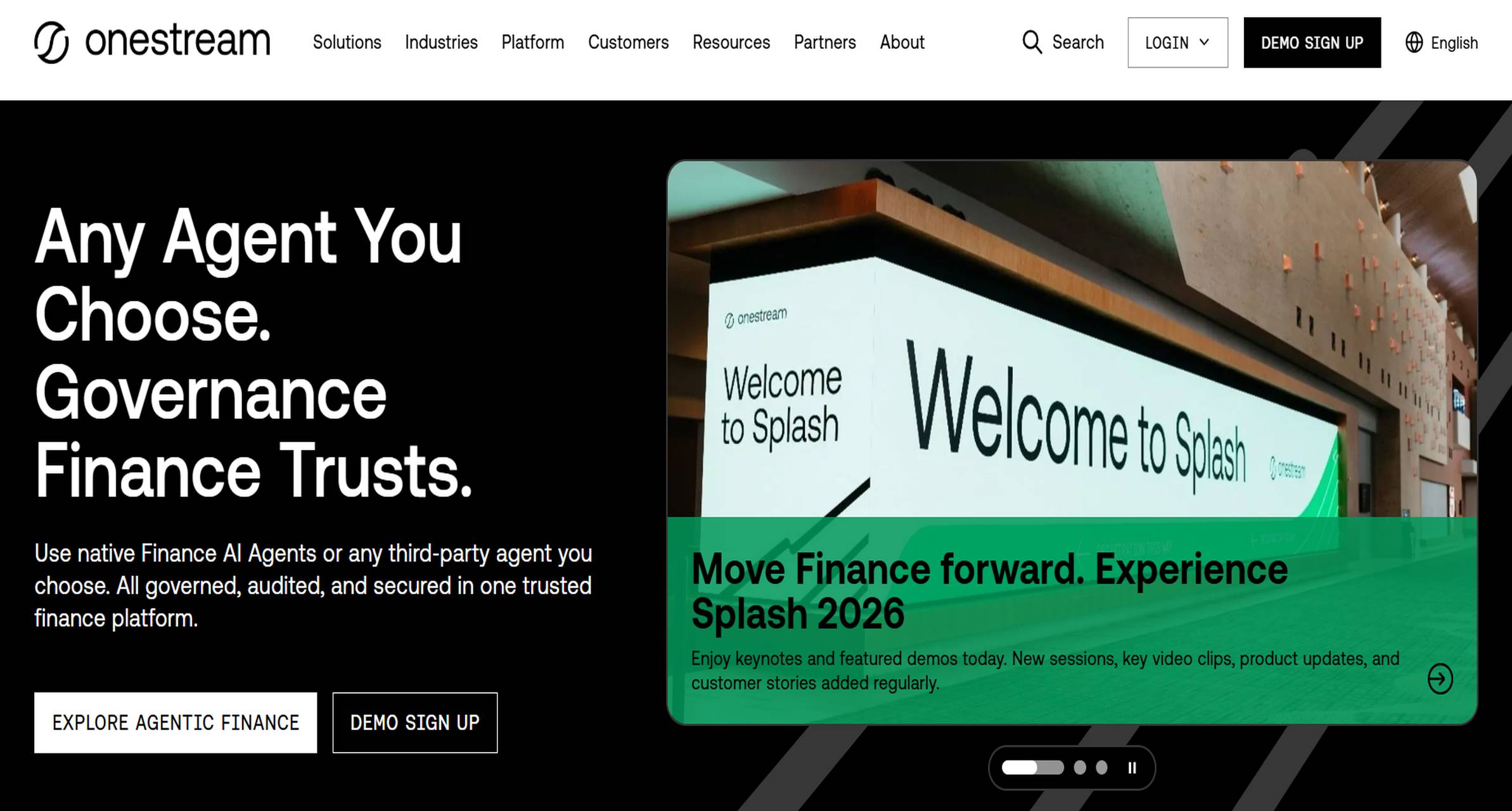
- One-sentence overview: OneStream is best for enterprise consolidation, governed reporting, and unified financial and operational analytics.
- Key Features:
- Enterprise consolidation and close
- Controlled reporting and auditability
- Unified financial and operational analysis
- Dashboarding and guided reporting
- Strong governance for large organizations
- Pros & Cons:
- Pros: Powerful enterprise-grade platform; strong for controls and consolidation; supports unified finance data strategy
- Cons: Significant implementation effort; best suited to larger, more complex environments
- Best For (Target user/scenario): Large enterprises with complex entity structures, regulatory demands, and high reporting governance requirements.
OneStream is designed for scale and control. It is not the simplest option, but for organizations dealing with consolidation complexity, strict governance, and cross-functional performance analysis, it can be one of the strongest platforms in the market.
Best financial report software in 2026: how to compare the right tools
Financial report software helps finance teams handle far more than statutory statements. The right platform supports budgeting, close, board reporting, KPI visibility, forecasting, and management decision-making. In practice, that means less time gathering numbers and more time explaining performance, identifying risk, and guiding action.
When comparing the best financial report software in 2026, these are the most important criteria:
- Reporting depth: Can the tool handle basic statements only, or also board packs, commentary, KPI dashboards, and custom management reports?
- Forecasting: Does it support rolling forecasts, cash flow planning, and scenario analysis?
- Consolidation: Can it manage multiple entities, departments, currencies, or intercompany reporting?
- Integrations: How well does it connect to accounting systems, ERPs, spreadsheets, and operational tools?
- Ease of use: Can finance own the process, or does every change require technical support?
- Total cost: Look beyond subscription fees to include implementation, training, maintenance, and workflow complexity.
Business size and finance maturity matter just as much as features. A startup may only need fast setup, simple dashboards, and low cost. A midsize company may need scenario planning and departmental visibility. A larger organization may prioritize governance, auditability, and consolidated group reporting. That is why there is no single best financial report software for every company—only the best fit for your stage and use case.
Which financial report software is best by business size
Small businesses and startups
Small businesses and startups should prioritize:
- Fast setup
- Easy dashboards
- Cash flow visibility
- Affordable pricing
- Low admin overhead
Best-fit tools:
- QuickBooks reporting for basic built-in financial statements
- Xero for cloud-first accounting and simple reporting
- Fathom for businesses that want more visual reporting and forecasting without major complexity
If the reporting need is mainly monthly statements and cash tracking, built-in accounting reports may be enough. If leadership wants clearer KPI dashboards or more presentation-ready outputs, Fathom is often a stronger step up.
Midsize companies
Midsize companies usually need:
- Scenario planning
- Departmental reporting
- Better integrations
- Multi-entity support
- More reliable board and management packs
Best-fit tools:
- FineReport for highly customized reporting and unified analytics
- Fathom for visual reporting and SMB-to-midmarket forecasting
- Sage reporting solutions for stronger finance controls
- Vena or Datarails for Excel-centric finance teams scaling beyond manual processes
This is the stage where many teams begin to outgrow accounting-native reports. FineReport is especially strong here because it can serve both finance reporting and broader analytics needs without forcing businesses into a heavyweight enterprise stack too early.
Larger and more complex organizations
Larger organizations should focus on:
- Consolidation
- Internal controls
- Auditability
- Custom reporting
- Cross-functional planning
- Scalable permissions and governance
Best-fit tools:
- FineReport for custom, governed enterprise reporting and analytics
- Planful for more structured FP&A and performance management
- Oracle NetSuite for ERP-based reporting environments
- OneStream for enterprise consolidation and governed analytics
At this level, financial report software needs to support complexity, not just convenience. Reporting accuracy, ownership, and traceability become just as important as visual output.
Which financial report software is best by use case
Monthly management reporting and board packs
For monthly reporting and board packs, the best tools are those that automate recurring outputs, support commentary, and present results clearly.
Top options:
- FineReport for custom board packs, presentation-ready layouts, and executive dashboards
- Fathom for visual management reports and narrative-friendly outputs
- Sage reporting solutions for more finance-structured management reporting
If your leadership team expects polished PDFs, drillable dashboards, and tailored layouts by audience, FineReport has a major advantage thanks to its customization and design flexibility.
Forecasting, planning, and what-if analysis
Teams that need forward-looking visibility should prioritize platforms with scenario modeling, driver-based logic, and rolling forecasts.
Top options:
- Fathom for accessible forecasting and cash flow planning
- Vena for Excel-driven planning and controlled reporting
- Planful for broader FP&A and structured planning processes
- Datarails for spreadsheet-based planning modernization
If your team still builds forecasts in disconnected spreadsheets, these tools can reduce cycle time and improve consistency. For organizations that want custom operational-financial analysis in the same environment, FineReport can complement this use case particularly well when dashboarding and integrated data visibility are priorities.
Consolidation and multi-entity reporting
Multi-entity businesses need tools that can manage subsidiaries, roll-ups, intercompany reporting, and segmented performance.
Top options:
- OneStream for enterprise consolidation
- Oracle NetSuite for ERP-driven multi-entity reporting
- Sage reporting solutions for growing finance complexity
- Fathom for lighter-weight consolidated reporting in SMB and midmarket settings
The right choice depends on scale. Smaller groups may find Fathom sufficient. Larger organizations typically need more formal consolidation controls and governance.
Unified reporting and analytics
Some teams need more than finance-only reporting. They want operational and financial data in one place to support better decisions across leadership, finance, sales, operations, and department heads.
Top options:
- FineReport for unified reporting and analytics across financial and operational data
- OneStream for enterprise governed analytics
- Oracle NetSuite where ERP-connected visibility is the main priority
This is where FineReport stands out most clearly. If your business wants to combine finance KPIs with operational metrics, create custom dashboards, and deliver stakeholder-specific reporting without relying entirely on separate BI infrastructure, it is one of the strongest options on this list.
Pros, cons, and final selection checklist when choosing a financial report software
Every financial report software platform involves tradeoffs. The key is knowing which tradeoffs matter most for your business.
Common tradeoffs to expect
- Usability vs. depth: Simpler tools are faster to deploy, but they often limit customization and advanced reporting logic.
- Flexibility vs. structure: Highly flexible platforms support custom reporting, but they may require more setup and governance.
- Spreadsheet familiarity vs. modernization: Excel-based tools can ease adoption, but may not fully solve data fragmentation.
- Lower upfront cost vs. long-term scalability: Cheap tools can work early on, but frequent workarounds become expensive as complexity grows.
- Fast implementation vs. enterprise control: Lightweight tools save time initially, while enterprise systems provide stronger auditability and scalability.
Questions to ask before choosing a platform
Before selecting a financial report software solution, ask:
-
What reports do we actually need every month?
Basic statements, management packs, board reports, KPI dashboards, or all of the above? -
How complex is our entity structure?
Single entity, multi-department, multi-subsidiary, or global consolidation? -
Do we need historical reporting only, or planning too?
If forecasting and scenario analysis matter, avoid tools that stop at retrospective reporting. -
What systems must integrate?
Accounting software, ERP, payroll, CRM, spreadsheets, or operational databases? -
How important is custom layout and presentation quality?
If executives or boards expect polished outputs, customization matters more than many buyers initially assume. -
Who will own the reporting process?
Finance alone, finance plus operations, or IT-supported analytics teams? -
What level of governance is required?
Permissions, approvals, audit trails, and controlled report distribution may be essential in larger organizations.
A simple decision framework
Use this framework to narrow the best fit:
-
Choose QuickBooks reporting or Xero if:
You are a small business with straightforward accounting-led reporting needs. -
Choose Fathom if:
You want fast, visual management reporting and accessible forecasting for a small or midsize business. -
Choose Sage reporting solutions if:
You need more finance discipline, controls, and support for growing complexity. -
Choose FineReport if:
You need customizable financial reporting, dashboarding, and unified analytics across finance and operations. -
Choose Vena or Datarails if:
Your team is heavily Excel-based and wants more control, automation, and planning capability. -
Choose Planful if:
You need broader FP&A and more structured performance management. -
Choose Oracle NetSuite or OneStream if:
You are managing larger-scale complexity, consolidation, governance, and enterprise reporting requirements.
Final takeaway
The best financial report software in 2026 depends less on brand recognition and more on fit. Small businesses usually need speed and simplicity. Midsize companies need stronger planning, reporting flexibility, and integrations. Larger organizations need consolidation, controls, and scalable governance.
If you want a platform that goes beyond standard accounting reports and supports custom financial reporting, executive dashboards, and unified operational-financial analytics, FineReport is one of the strongest options to evaluate first. It is especially well suited for organizations that want more reporting flexibility and business visibility than entry-level accounting tools can provide, without sacrificing structure and presentation quality.
FAQs
Financial reporting software helps businesses turn accounting and operational data into financial statements, dashboards, forecasts, and management reports. It is used to speed up reporting, reduce spreadsheet work, and give decision-makers clearer insights.




