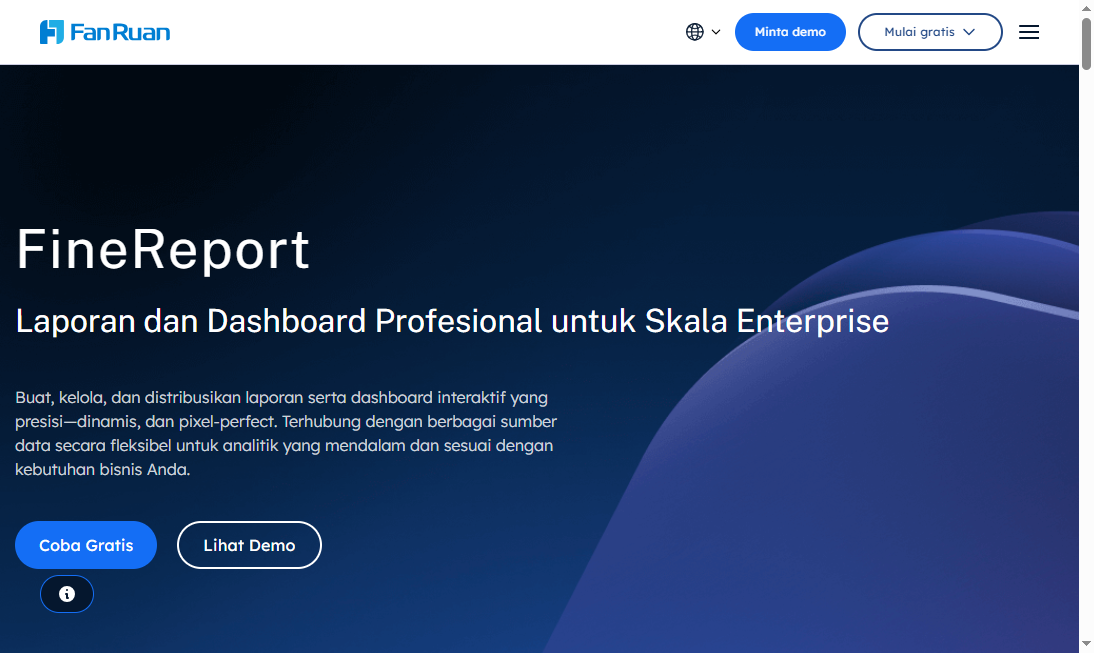
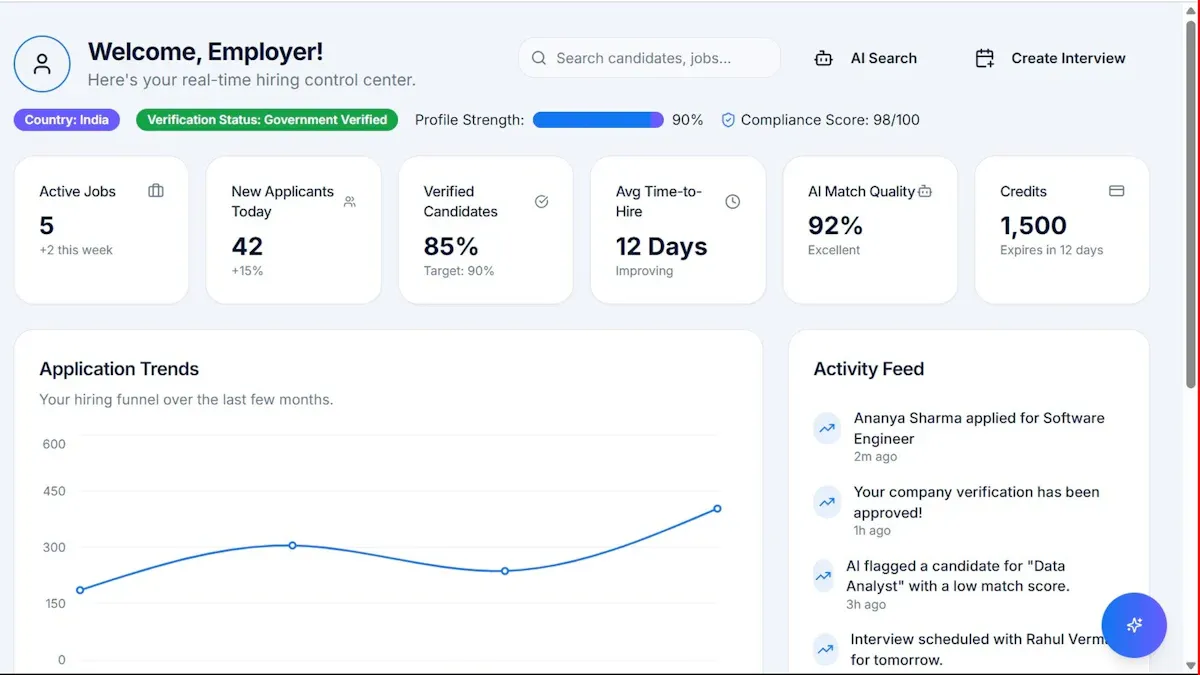
FineReport is an enterprise reporting and dashboard platform that helps roofing businesses turn operational data into structured, customizable reports and analytics.
1. FineReport
One-sentence overview:FineReport is a flexible reporting and dashboard solution for companies that need highly customized reporting across inspections, operations, finance, and management workflows.
Key Features:
Pixel-perfect report design for complex layouts
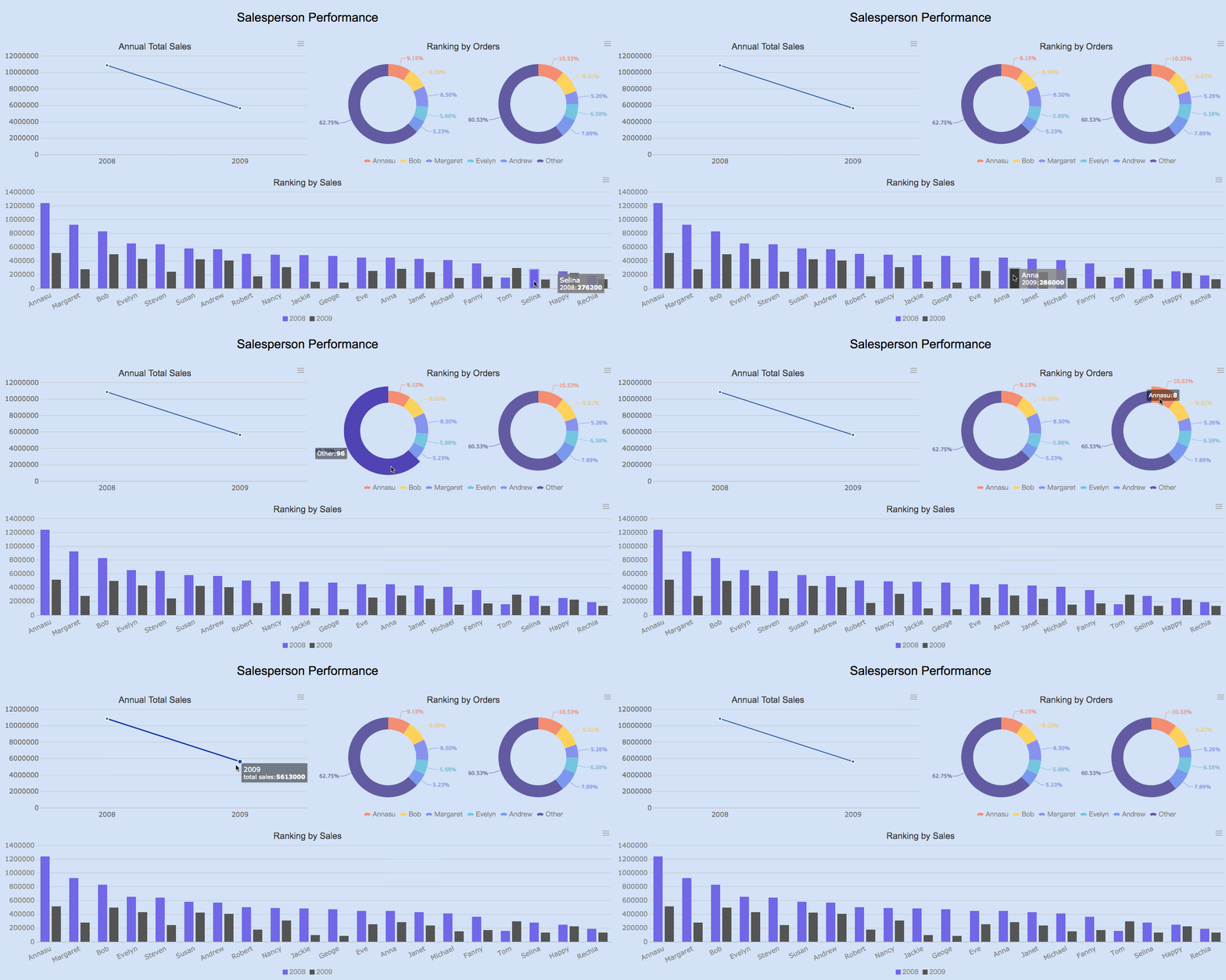
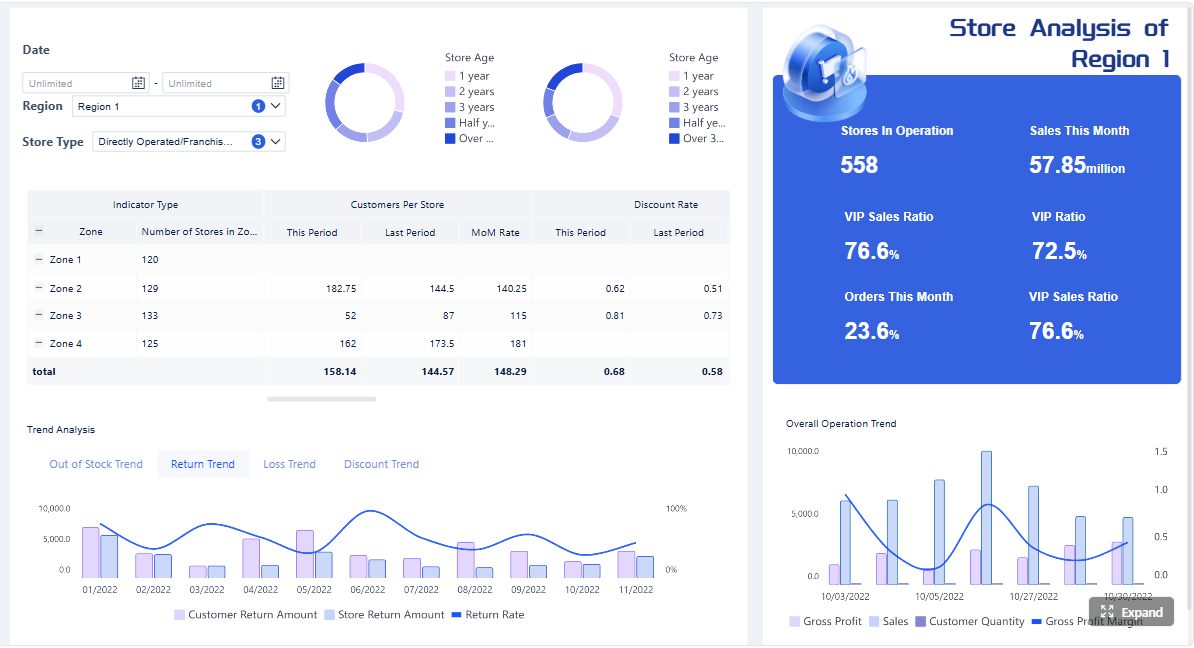
Interactive dashboards with drill-down analysis
Broad data integration across databases, ERP, CRM, and business systems
Scheduled reporting, automated distribution, and multi-format export
Role-based permissions for different teams and management levels
Cons: More setup than lightweight field apps, advanced functionality may require training
Best For: Roofing companies that need structured, enterprise-grade reporting rather than basic form capture alone
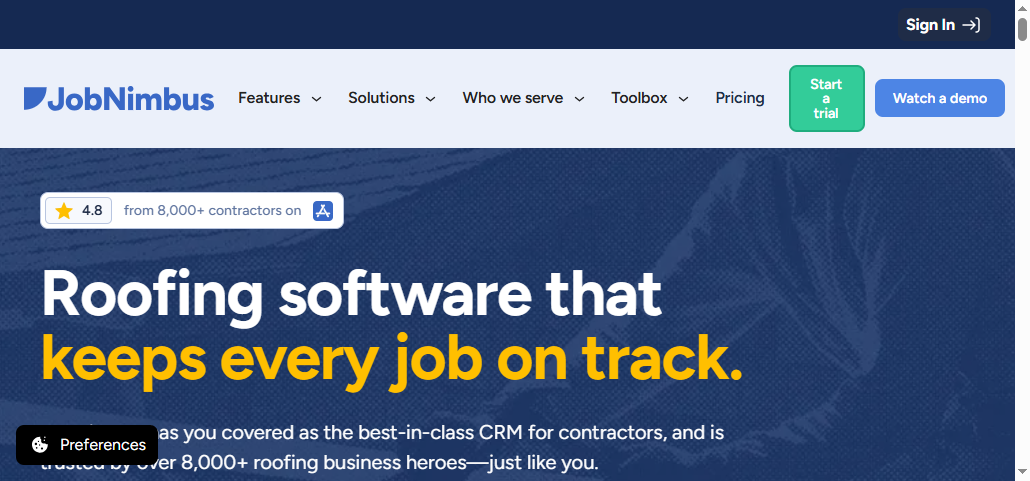
2. JobNimbus
One-sentence overview: JobNimbus is a contractor-focused platform that combines CRM, project tracking, and reporting for roofing and restoration teams.
Key Features:
Job and lead pipeline management
Document storage and workflow automation
Reporting for sales and project progress
Mobile-friendly field access
Integrations with common contractor tools
Pros & Cons:
Pros: Familiar to roofing teams, easier day-to-day adoption, good workflow visibility
Cons: Reporting depth may be limited for advanced customization, dashboard flexibility is narrower than dedicated BI tools
Best For: Small to mid-sized roofing businesses that want all-in-one workflow management with standard reporting
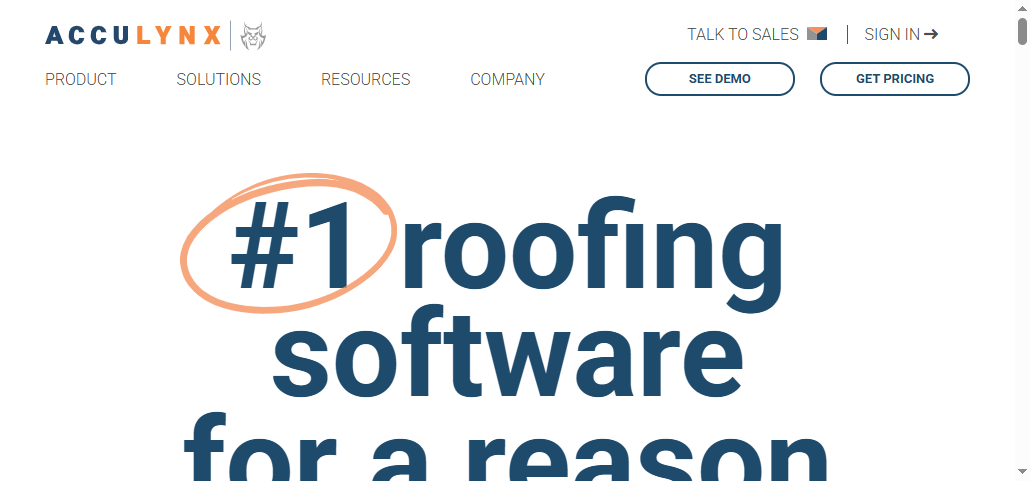
3. AccuLynx
One-sentence overview: AccuLynx is a roofing business management platform designed to centralize leads, jobs, crews, documents, and production reporting.
Key Features:
Roofing-specific job management
Production and crew scheduling tools
Customer communication tracking
Photo and document management
Standard business reports for pipeline and operations
Pros & Cons:
Pros: Roofing-focused workflows, solid operational oversight, strong fit for contractors
Cons: Less flexible for custom executive reporting, advanced analytics can require workarounds
Best For: Roofing contractors that want industry-specific process support with built-in reporting
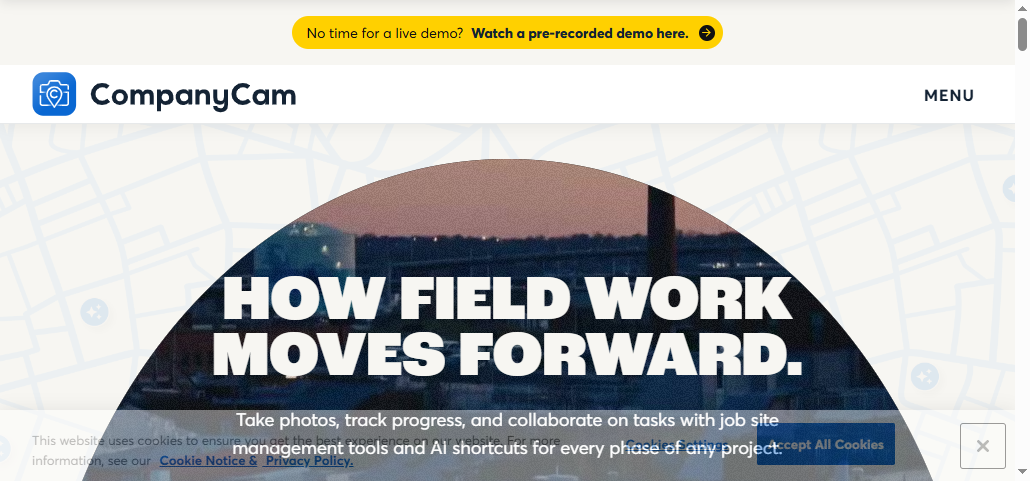
4. CompanyCam
One-sentence overview: CompanyCam is a field documentation platform centered on photos, project communication, and simple reporting visibility.
Key Features:
Timestamped and location-tagged photo capture
Mobile collaboration from job sites
Project timelines for visual documentation
Annotation and sharing tools
Basic integrations with contractor software
Pros & Cons:
Pros: Very easy for field teams, strong job-site documentation, quick onboarding
Cons: Limited deep reporting and analytics, not ideal as a standalone management reporting system
Best For: Teams prioritizing mobile photo capture, inspection records, and field documentation consistency
5. Dashpivot
One-sentence overview: Dashpivot is a digital forms and reporting platform used to replace paper-based inspections, checklists, and project records.
Pros: Strong form standardization, practical field usability, fast report generation
Cons: Less advanced analytics than BI-oriented platforms, customization can focus more on forms than enterprise dashboards
Best For: Roofing businesses replacing manual inspection and compliance reporting processes
6. SafetyCulture
One-sentence overview: SafetyCulture is an inspection and operations platform that supports audits, quality checks, issue tracking, and report creation in the field.
Key Features:
Mobile inspection templates
Offline field workflows
Corrective action tracking
Photo capture and issue logging
Operational analytics dashboards
Pros & Cons:
Pros: Strong mobile usability, excellent for inspections and standardization, broad frontline adoption
Cons: Less suitable for highly customized management reporting, can require separate systems for broader business analytics
Best For: Companies focused on inspections, safety checks, and repeatable field processes
7. Microsoft Power BI
One-sentence overview: Microsoft Power BI is a business intelligence platform that transforms operational data into interactive dashboards and analytics.
Pros: Powerful analytics, strong executive dashboarding, scalable for growing organizations
Cons: Less native field-form functionality, report setup may depend on data readiness and technical resources
Best For: Roofing companies prioritizing management analytics, performance tracking, and multi-source reporting
8. Tableau
One-sentence overview: Tableau is an advanced analytics and data visualization platform suited for organizations that want deep exploratory reporting and executive insight.
Pros: Strong executive visibility, scalable cloud deployment, good for centralized KPI reporting
Cons: Cost can be significant, implementation value depends on data maturity and internal processes
Best For: Larger roofing organizations that need centralized analytics across multiple teams or branches
What to Look for in GAF Roofing Report Software Alternatives
When evaluating any gaf roofing report software alternative, start by defining the reporting jobs your team handles most often. For most roofing businesses, that includes inspection reports, job documentation, customer-facing summaries, internal productivity tracking, and performance reviews across sales, project delivery, and service operations.
The next step is to compare how each platform handles data accuracy, mobile use in the field, and report turnaround speed. If crews are entering inspection details, photos, or measurements from job sites, the software should make data capture simple and consistent. If office teams are preparing customer summaries or management reports, the system should reduce manual formatting and duplicate entry.
Scalability also matters. A tool that works for one branch or a few crews may create bottlenecks once your company expands into multiple service areas. Look for software that can standardize reporting across teams without forcing every report request through one admin or analyst.
Finally, review integration options carefully. Roofing businesses often rely on CRM systems, ERP platforms, project management tools, estimating software, spreadsheets, and shared databases. The strongest alternatives connect reporting workflows to those existing systems so your team can work from current data instead of rebuilding reports manually.
Structured Comparison Framework for the 10 Best Alternatives
Core reporting and dashboard capabilities
A good comparison starts with the reporting engine itself. Some tools focus on simple templates and field-generated PDFs, while others support dynamic dashboards, highly customized layouts, and executive-level analytics.
Use these criteria to assess core capabilities:
Template flexibility for inspection reports, claims documentation, customer packets, and internal summaries
Custom layout control for branded outputs and structured report formats
Dashboard support for pipeline tracking, crew productivity, quality performance, and branch comparisons
Export options such as PDF, Excel, web sharing, and scheduled delivery
Ability for business users to build or modify reports without heavy IT dependence
This is where FineReport stands apart from many lighter tools. It supports more advanced report design than most contractor-specific systems, which is valuable for companies with complex reporting standards or multi-level management requirements.
Field usability and team adoption
The best reporting platform is not always the one with the deepest feature list. In roofing operations, success often depends on how quickly estimators, inspectors, project managers, and office teams can actually use the system.
Important field and adoption criteria include:
Mobile accessibility for crews and supervisors
Offline workflows for job sites with poor connectivity
Photo capture and structured form completion
Ease of use for non-technical staff
Permission controls for different roles
Collaboration tools, notifications, and support resources
Onboarding time for field and office users
Tools like CompanyCam, Dashpivot, and SafetyCulture typically score well on fast frontline adoption. By contrast, analytics-heavy platforms such as Power BI or Tableau usually require stronger back-office data preparation.
Pricing, deployment, and long-term fit
Software selection should not stop at feature comparison. Long-term cost, implementation effort, and maintenance demands can shape the real value of a platform more than the initial subscription price.
Review these factors:
Licensing model and pricing transparency
Setup and implementation complexity
Customization or consulting requirements
Ongoing administration and support needs
Vendor stability and product direction
Fit for future growth, branch expansion, and reporting maturity
A lighter solution may cost less initially but become restrictive as reporting needs expand. A more powerful platform may require more planning upfront but deliver stronger long-term scalability.
FineReport deserves attention as a benchmark because it addresses a common gap in roofing operations: many teams can capture data, but far fewer can turn that data into structured, management-ready reporting at scale.
Its main strengths include:
Strong report design flexibility for complex workflows:FineReport supports customized report formats beyond standard templates, which is useful for inspection documentation, multi-section customer summaries, financial reporting, and leadership reviews.
Dashboards and analytics for both executives and operations teams: Leadership can monitor KPIs and branch performance, while managers can drill into job-level detail.
For businesses that want more than simple field forms, FineReport offers a stronger balance between operational reporting and executive analytics. That makes it especially relevant for growing companies that need reporting consistency across departments.
Potential limitations to weigh
FineReport is not the lightest option on this list, and that matters depending on your use case.
Potential trade-offs include:
More setup and configuration than simpler point solutions: Companies looking only for basic inspection forms or photo logs may find dedicated field apps faster to deploy.
Learning curve for advanced capabilities: Teams that need a lightweight tool for straightforward report output may not use the full depth of the platform without training or implementation planning.
That said, for companies that expect reporting demands to increase over time, these trade-offs may be acceptable in exchange for stronger customization and scalability.
10 Best Software Alternatives to Evaluate in 2026
Option-by-option comparison points
To compare the 10 tools fairly, use the same criteria for each option:
Reporting depth and customization
Ease of use for office and field teams
Integration and automation capabilities
Pricing transparency and implementation effort
Best-fit business size or operating scenario
Below is a structured view of how the shortlist generally stacks up.
FineReport is one of the strongest options when your reporting needs go beyond basic templates. If your business requires structured customer packets, multi-source operational reports, branch-level summaries, or detailed internal dashboards, FineReport offers deeper report design control than most contractor-oriented systems.
Best for fast field adoption and mobile workflows
CompanyCam, Dashpivot, and SafetyCulture are strong choices for companies that need quick rollout to field teams. They are especially useful when the immediate goal is consistent inspections, on-site documentation, and fast report completion rather than advanced management analytics.
Best for companies prioritizing analytics and executive dashboards
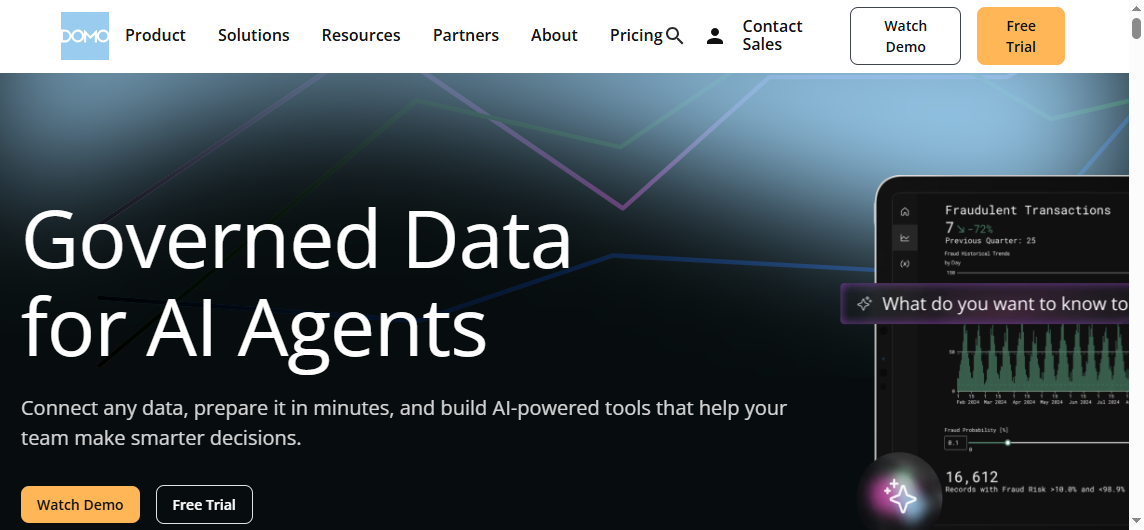
Microsoft Power BI, Tableau, and Domo stand out for leadership reporting, KPI visibility, and multi-source analysis. These tools work best when your company already has reasonably organized data and wants clearer performance insight across sales, operations, and finance.
Best for growing teams that need scalable reporting operations
FineReport, Power BI, and Zoho Analytics are strong candidates for growing businesses that expect reporting requirements to become more sophisticated. Among them, FineReport is particularly compelling when the need includes both highly formatted reports and dashboard-level analysis.
Pros, Cons, and Decision Factors Across the Shortlist
Key strengths shared by leading options
Across the top gaf roofing report software alternatives, several benefits appear consistently:
Faster report turnaround and less manual formatting
Better standardization across inspections, job records, and customer communication
Improved visibility into project status, quality, and team performance
More reliable documentation for internal review and stakeholder updates
Easier scaling of reporting processes across crews and branches
These gains can directly improve operational consistency. In roofing businesses, better reporting is not only about administration. It also affects customer trust, management decision-making, and how quickly issues are identified in the field.
Common trade-offs buyers should expect
No platform is perfect for every roofing company. Buyers should expect trade-offs such as:
Some tools are easier to use but less flexible for advanced reporting
Others provide stronger analytics but require more setup, training, or administration
Total cost can vary significantly once implementation, customization, and support are included
Contractor-specific tools may simplify workflow adoption but limit deeper dashboarding
General BI tools may offer stronger analysis but depend on cleaner underlying data
This is why a structured comparison matters. A fast mobile app may solve field documentation problems, but it may not meet the needs of branch managers or executives. On the other hand, a powerful analytics platform may look impressive in demos but create adoption challenges for non-technical teams.
How to Choose the Right Alternative for Your Business
Choosing the right alternative starts with matching software capabilities to your reporting complexity, team size, and operational workflow.
Use this practical decision process:
Define your highest-volume reporting tasks.
Identify whether your biggest need is inspections, customer summaries, internal dashboards, compliance records, production tracking, or executive reporting.
Map users by role.
Separate the needs of field crews, project managers, branch leaders, and executives. A tool that works for one group may not work for all.
Prioritize speed, consistency, and decision support.
Focus on the features that directly reduce manual work, improve documentation quality, and make reporting more useful for decision-making.
Score all 10 tools against the same criteria.
Build a scorecard around reporting depth, mobile usability, integration, implementation effort, scalability, and total cost.
Run a pilot using real reporting scenarios.
Test the software using actual inspection records, project updates, dashboard requirements, and customer-facing outputs before making a final decision.
For companies with simple field reporting needs, a specialized mobile-first tool may be enough. For companies building a more scalable reporting operation, FineReport is worth serious consideration because it bridges structured report production, dashboard visibility, and broad data integration in one platform.
In 2026, the best gaf roofing report software alternative is not necessarily the simplest or the most feature-heavy. It is the one that aligns with how your roofing business captures data, communicates results, and grows reporting capacity over time.
FAQs
FineReport is a strong option if you need highly customizable, structured reports across inspections, operations, finance, and management. It is better suited to companies that want enterprise-grade reporting rather than just basic field data capture.
JobNimbus and AccuLynx are often a good fit for small to mid-sized roofing businesses because they combine everyday workflow tools with standard reporting. They are generally easier to adopt than more advanced BI-focused platforms.
CompanyCam, Dashpivot, and SafetyCulture are well suited for inspections, photos, checklists, and field records. They help teams standardize job-site documentation, though they usually offer less advanced analytics than dedicated reporting platforms.
FineReport is stronger for pixel-perfect, structured reports and operational reporting workflows, while Power BI is stronger for interactive dashboards and multi-source analytics. The better choice depends on whether you need formatted reports, executive dashboards, or both.
Roofing companies should look for data integration, customizable reports, mobile access, automation, and role-based permissions. The right platform should match whether your main need is field reporting, business management, or executive analytics.
Product Trial
FineReport
Pixel-perfect reports · Interactive dashboards · Easy data entry · Digital twins