If you are searching for expense report templates free, you likely need a faster way to track employee spending, standardize reimbursement requests, and reduce approval delays without building forms from scratch. For finance managers, operations leaders, office administrators, and small business owners, the real challenge is not just logging costs. It is capturing the right details, keeping records audit-ready, and making reports easy to review every month or year.
Click To Try The Dashboard
All reports in this article are built with FineReport
A good template solves three problems at once: it improves accuracy, speeds up submission, and gives accounting a cleaner trail for reconciliation. The seven template types below cover the most common business scenarios, from travel and mileage to credit card reconciliation and yearly expense summaries.
Expense Report Templates Free: 7 Downloadable Options at a Glance
Not all expense report templates are built for the same workflow. Some are best for one-off trips, some for recurring monthly reviews, and others for reimbursement approvals or annual planning. Choosing the right one depends on what you are tracking, who submits the report, and how often finance needs to review it.
Core Elements Every Expense Report Template Should Include
Before comparing formats, make sure your template captures the essentials. At a minimum, every business-ready expense report should include:
Employee or submitter information: Name, department, team, or business unit.
Reporting period: Trip dates, month, quarter, or year covered by the report.
Expense date: The exact date each cost was incurred.
Expense category: Travel, meals, lodging, software, fuel, office supplies, and more.
Merchant or vendor: The business paid, such as airline, hotel, or restaurant.
Payment method: Personal card, company card, cash, bank transfer, or prepaid account.
Amount: Gross transaction value.
Tax or VAT amount: Useful for compliance, reclaim, and bookkeeping accuracy.
Business purpose: Why the expense was necessary.
Receipt reference: File name, receipt ID, or attachment status.
Reimbursement total: Final amount owed back to the employee, if applicable.
Key Metrics (KPIs)
For teams that want better control over expense operations, track these KPIs alongside the template:
Total expenses submitted: Overall spend recorded in a reporting period.
Average reimbursement cycle time: Time from submission to payment.
Approval turnaround time: How quickly managers review reports.
Receipt attachment rate: Percentage of line items with complete proof of purchase.
Out-of-policy expense rate: Share of expenses that violate internal policy.
Duplicate expense rate: Frequency of repeated or overlapping claims.
Mileage claim accuracy: Variance between reported distance and approved reimbursement.
Credit card reconciliation completion rate: Percentage of card transactions matched to receipts and categories.
Expense category variance: Over- or underspend versus budget by category.
Rejected report rate: Portion of reports returned for correction.
Which Template Fits Which Use Case?
Here is the practical breakdown:
Travel expense report: Best for multi-line trip spending like flights, hotels, meals, and taxis.
Mileage expense report: Best for vehicle-based travel where reimbursement depends on miles driven.
Monthly expense report: Best for recurring operating expense tracking and departmental review.
Credit card expense report: Best for statement reconciliation and receipt matching.
Reimbursement expense report: Best when employees pay first and need approval for repayment.
Small business expense report: Best for owners who need simple category-based tracking.
Yearly expense report: Best for annual summaries, budgeting, and long-term spend analysis.
Spreadsheet-based templates work well for low-volume expense reporting. But once approvals, receipts, and cross-team collaboration become frequent, manual methods start slowing finance operations down.
How to Choose the Right Expense Report Template
The right template should reduce manual effort, not add more fields than your team can realistically maintain. Start by matching the template to the expense behavior you see most often.
Different expenses require different levels of detail. A generic form often creates either missing information or unnecessary clutter.
Use travel reports for business trips involving lodging, meals, transportation, and per diem entries.
Use mileage logs for employees or contractors who drive personal vehicles for work.
Use credit card reports when finance needs to reconcile statements against receipts and coding.
Use reimbursement forms when employees need repayment approval after paying out of pocket.
A mismatch here causes downstream issues. For example, using a general expense sheet for mileage often leaves out route, reimbursement rate, and business purpose. That creates friction for both approvers and accounting.
Pick a format that is easy to update and share
The best template format is the one your team will actually use consistently.
Excel is ideal for formula-based totals, offline use, and structured workbook logic.
Google Sheets works well for collaborative updates and lightweight cloud sharing.
Word is useful for printable reimbursement forms or simple fixed-layout submissions.
No matter the format, prioritize templates with fields such as:
Date
Category
Merchant
Payment method
Tax
Business purpose
Receipt reference
Approval status
Total amount
Also look for templates that are easy to adapt into monthly or yearly versions without redesigning the form each time.
7 Free Downloadable Expense Report Templates by Use Case
This section breaks down the seven most useful template types and when to use each one in a real business workflow.
7 Free Downloadable Expense Report Templates by Use Case
Travel expense report template
A travel expense report template is designed for business trips with multiple spending categories. It typically includes transportation, lodging, meals, local transit, and miscellaneous costs. This format is especially useful when employees need to log trip purpose, destination, date range, and receipt references in one place.
Consultant tip: If your team travels often, use separate subtotals for transport, lodging, meals, and incidentals. That makes policy review much faster.
Mileage expense report template
A mileage expense report template is best when reimbursement depends on vehicle use rather than fuel receipts alone. It is commonly used by field teams, sales reps, technicians, and contractors.
Consultant tip: Add optional odometer start and end fields if you need stronger audit support.
Monthly expense report template
A monthly expense report template works well for recurring operating costs and regular department-level reviews. It gives finance teams a clean period-over-period view and helps managers spot unusual spending before it becomes a larger issue.
Consultant tip: Use consistent category names each month. This is the easiest way to build a usable annual summary later.
Credit card expense report template
A credit card expense report template is purpose-built for reconciliation. It helps finance teams compare statement transactions with receipts, business purpose, and category coding.
Best for:
Corporate card reconciliation
Shared team cards
Policy monitoring
Duplicate charge review
Closing month-end books faster
What it should include:
Cardholder name
Statement period
Merchant
Transaction date
Amount
Category
Receipt status
Business purpose
Review status
Consultant tip: Add a field for “personal/non-reimbursable” so finance can isolate exceptions without reworking the whole statement.
Reimbursement expense report template
A reimbursement expense report template is ideal when employees pay first and then request repayment. It standardizes what gets submitted and gives managers a simple structure for review and approval.
Best for:
Employee out-of-pocket expenses
Client-related purchases
Small ad hoc business expenses
Training fees
Office purchases made personally
What it should include:
Employee name
Submission date
Expense line items
Total requested reimbursement
Manager approval section
Finance payment status
Receipt checklist
Consultant tip: Include a mandatory business purpose field. It reduces back-and-forth during approval.
Small business expense report template
A small business expense report template should be simple, flexible, and easy to maintain. Owners often need one sheet that helps with bookkeeping prep, cash flow reviews, and tax organization without introducing enterprise-level complexity.
Best for:
Small teams
Founder-led operations
Freelancers and consultants
Basic bookkeeping support
General operating expense tracking
What it should include:
Date
Vendor
Description
Category
Payment method
Amount
Tax
Notes
Consultant tip: Keep categories broad at first, then refine them only if reporting needs increase. Over-categorizing too early creates maintenance problems.
Yearly expense report template
A yearly expense report template provides a high-level view of annual spending. It is useful for planning, tax preparation, category review, and year-over-year comparisons.
Consultant tip: Use this template as a management summary, not as the primary place to enter every transaction manually. Feed it from monthly records where possible.
How to Customize a Template for Your Workflow
A template becomes valuable only after it reflects how your business actually approves, codes, and stores expenses. Smart customization improves accuracy without making the form harder to complete.
Add the fields your team actually uses
The most effective templates include only the fields that support accounting, compliance, and operational review.
Depending on your workflow, add fields such as:
Cost center
Client name
Project code
Tax amount
Currency
Approval signature
Department
Policy exception reason
You should also create category dropdowns instead of free-text entry where possible. This reduces spelling variations, speeds up submission, and improves reporting consistency.
Build a simple process around submission and review
Even the best template fails if there is no process behind it. From a consulting standpoint, the winning setup is always simple, documented, and repeatable.
Follow these best practices:
Set a submission schedule
Define when reports are due: weekly, monthly, or within a fixed number of days after a trip.
Standardize approval ownership
Assign who reviews first, such as line managers, department heads, or finance controllers.
Define receipt and documentation rules
Clarify which expenses require receipts, what counts as acceptable proof, and how files should be named.
Automate totals and validation checks
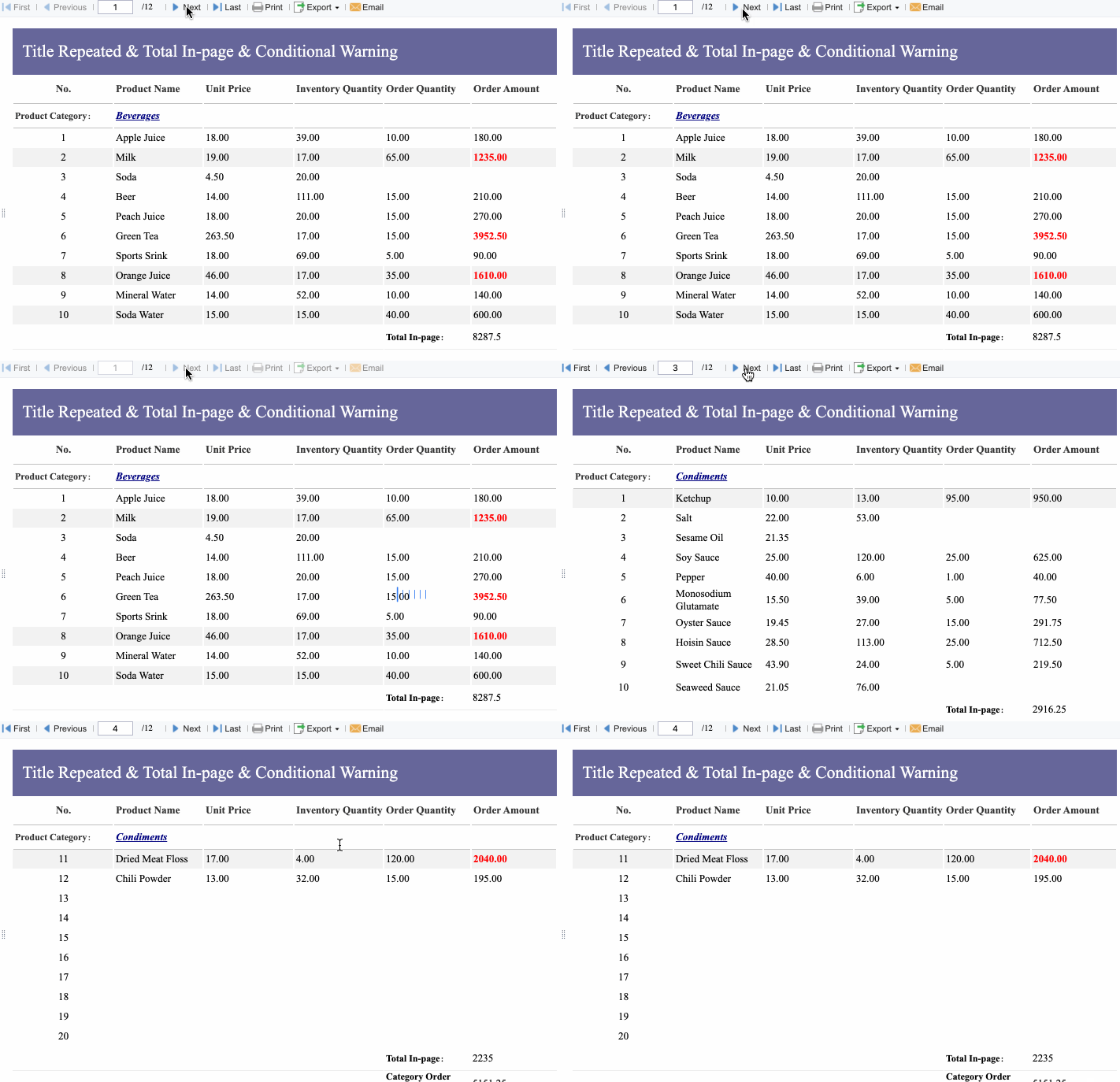
Use formulas to calculate totals, taxes, mileage reimbursement, and missing-field warnings.
Store reports in a searchable system
Keep approved reports in a shared folder or reporting platform where finance can retrieve them by employee, period, or category.
These steps help prevent the most common issues: incomplete submissions, inconsistent coding, and delayed reimbursements.
Common Mistakes to Avoid When Using Expense Report Templates
Manual templates are useful, but they can also create hidden inefficiencies if teams use them inconsistently. Most expense reporting problems come from poor structure, not from the template itself.
Choosing a template that is too complex or too basic
A bloated template slows users down. An oversimplified one leaves finance without the data needed for reimbursement, accounting, or audit review.
Avoid:
Fields no one uses
Tabs that duplicate the same information
Missing business purpose or category fields
Formats that require manual recalculation every time
The ideal template captures enough detail to support decisions without turning submission into a chore.
Skipping consistency in categories and documentation
If one employee enters “meals,” another uses “food,” and a third writes “client lunch,” reporting quality breaks down quickly.
Standardize:
Expense category names
Receipt rules
Mileage detail requirements
File naming conventions
Approval labels and statuses
This one change alone can dramatically improve reporting accuracy.
Forgetting to review totals and approval steps
Expense reports should not end at submission. Review and archival matter just as much.
Always check:
Formula accuracy
Missing receipts
Duplicate entries
Policy exceptions
Approval completion
Final storage location
Final Tips for Getting More Value From Free Templates
Start with the template that matches your most common expense type. For many companies, that is either travel, reimbursement, or monthly operating expenses. Then customize one master version before rolling it out to the whole team. This protects consistency and reduces support questions later.
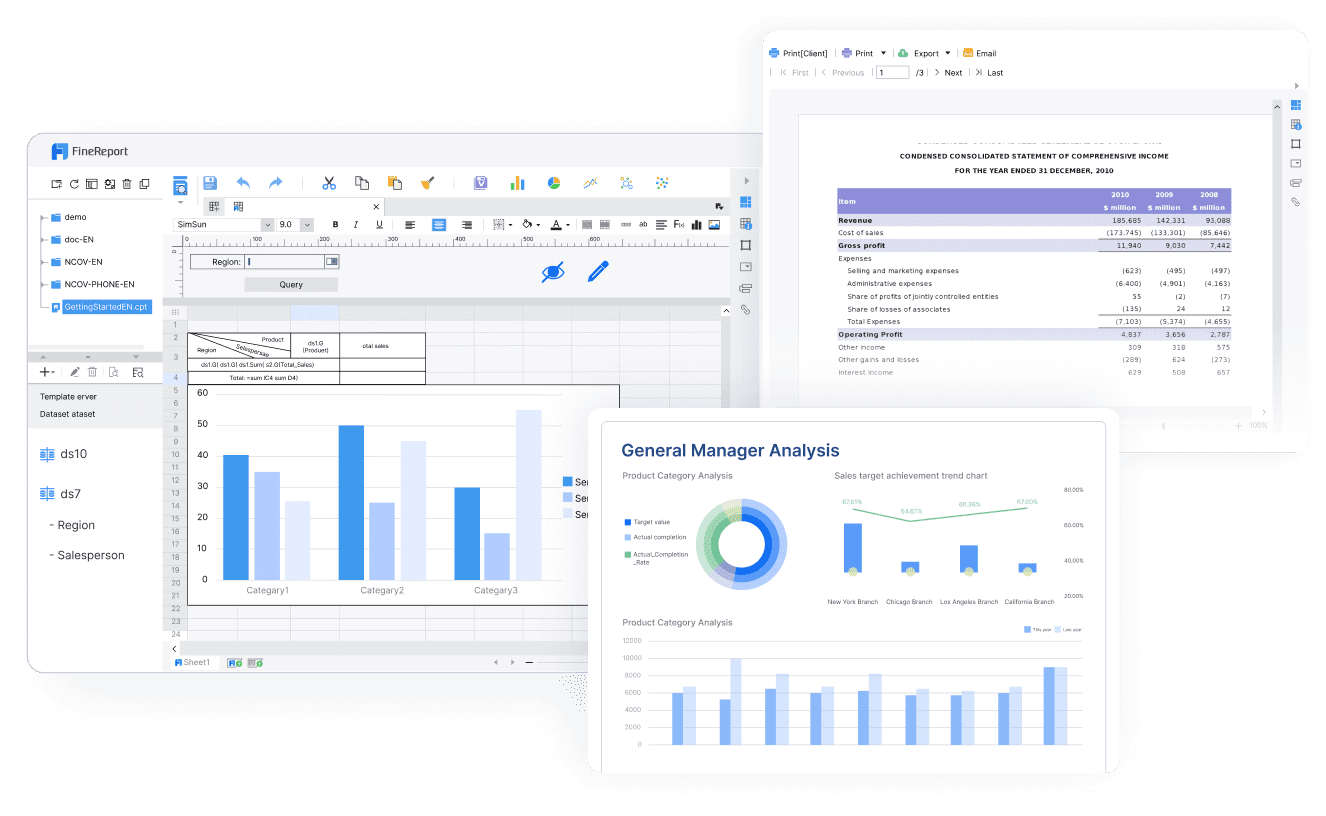
Free templates are a practical first step. But once reporting volume increases, approvals span multiple departments, or finance needs real-time visibility, spreadsheets begin to show their limits. Building this manually is complex; use FineReport to utilize ready-made templates and automate this entire workflow.
Get Ready-to-Use Dashboard Templates in Fine Gallery
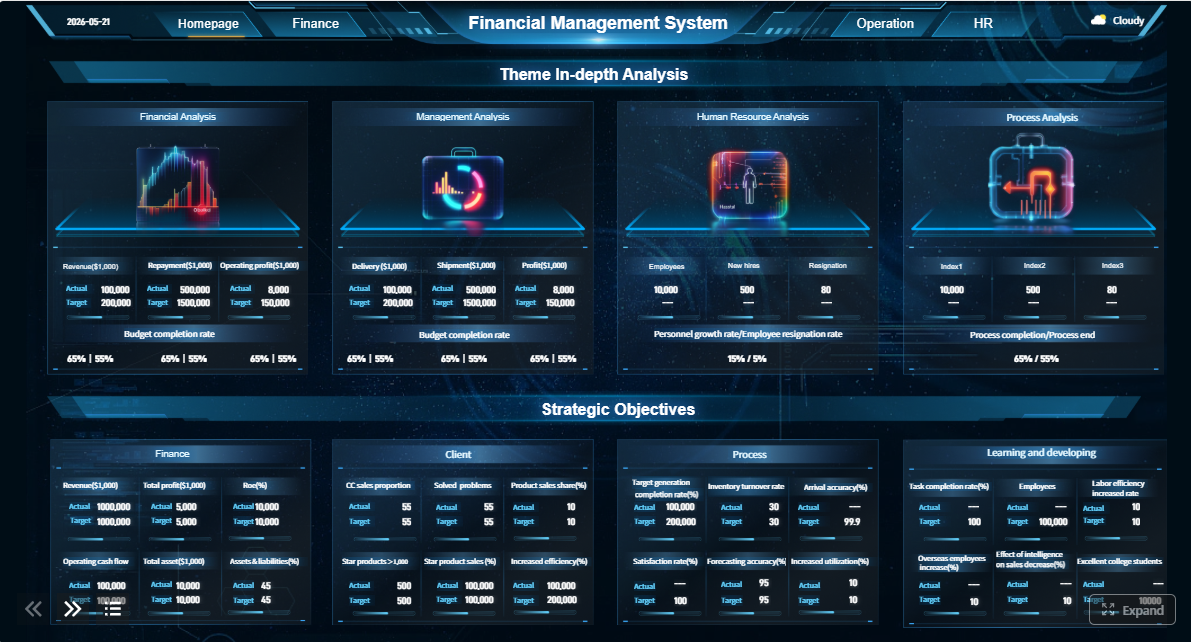
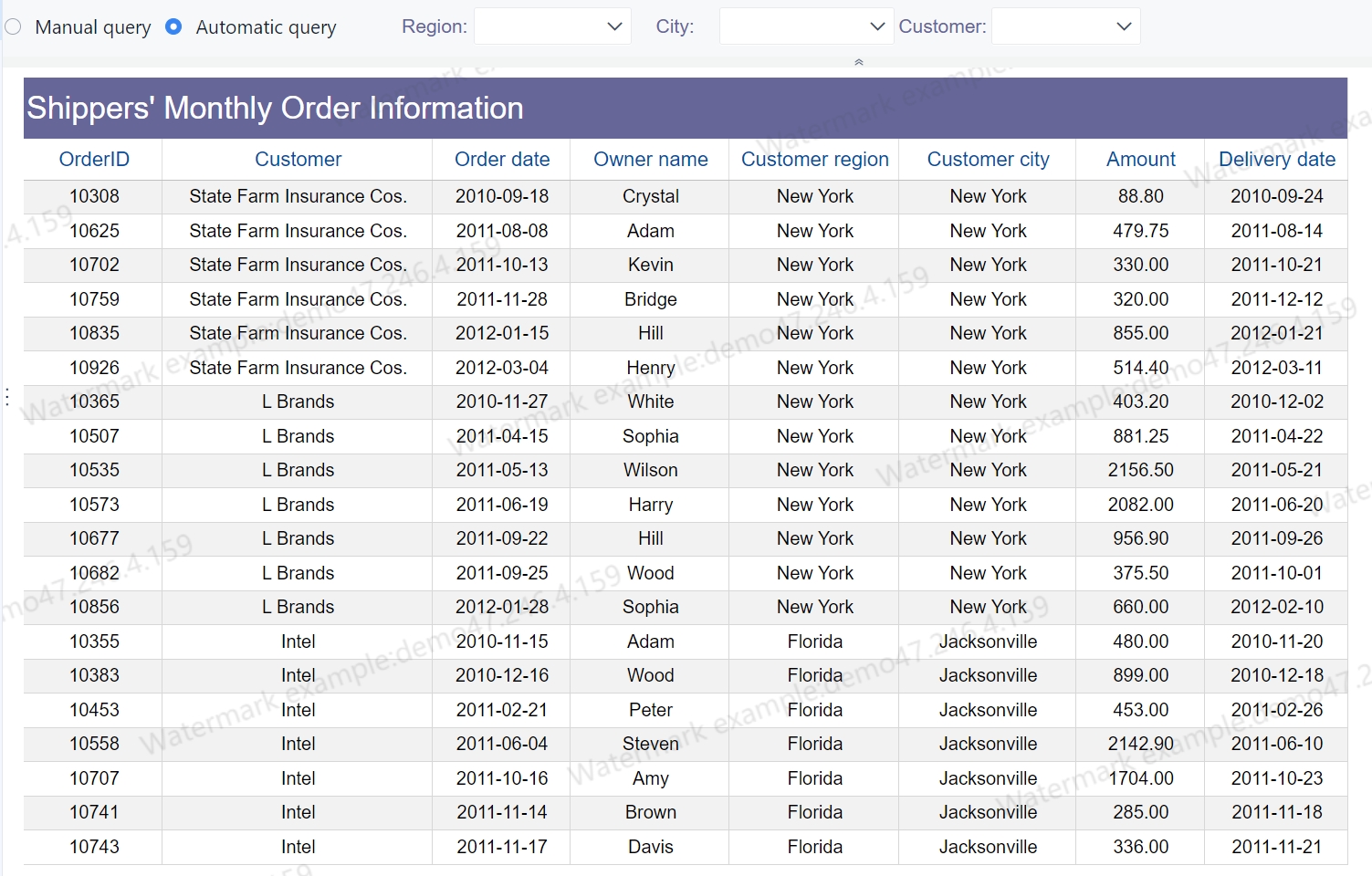
With FineReport, teams can turn static expense sheets into structured dashboards, automated approval flows, and searchable reporting systems that support both daily finance operations and executive oversight.
If manual expense reporting is starting to slow your team down, this is the point to move from downloadable templates to a scalable reporting workflow.
A solid template should capture employee details, reporting period, expense date, category, vendor, payment method, amount, business purpose, receipt status, and approval or reimbursement totals. These fields help finance teams review claims faster and keep records audit-ready.
Travel templates work best for flights, hotels, meals, and transport, while mileage templates are designed for distance-based reimbursement. Credit card templates are better for statement matching, receipt collection, and account reconciliation.
Yes, spreadsheet templates are a practical option for simple reimbursement workflows and low report volume. They work best when your process is straightforward and receipts, approvals, and totals can be reviewed manually.
Start with the type of expense you track most often, such as travel, mileage, monthly operating costs, or employee-paid purchases. Then choose a format that matches your reporting frequency, approval process, and the level of detail finance needs.
If your team handles frequent submissions, multi-step approvals, receipt tracking, or cross-department reporting, manual templates can become slow and error-prone. Tools like FineReport are more useful when you need dashboards, workflow visibility, and more consistent reporting at scale.
Product Trial
FineReport
Pixel-perfect reports · Interactive dashboards · Easy data entry · Digital twins