HOA financial reporting is not just an accounting exercise. It is how boards and community managers understand whether the association can cover current expenses, fund future repairs, and communicate clearly with homeowners.
A good reporting process should answer practical questions fast: Are assessments being collected on time? Is operating cash sufficient? Are reserve contributions on track? Which expense lines are running over budget? And what needs board follow-up this month?
With FineReport + Dora, teams can ask for a report summary in chat, generate structured narratives from trusted report assets, receive scheduled briefings, and push exceptions to the right owner.
Click To Try The Dashboard
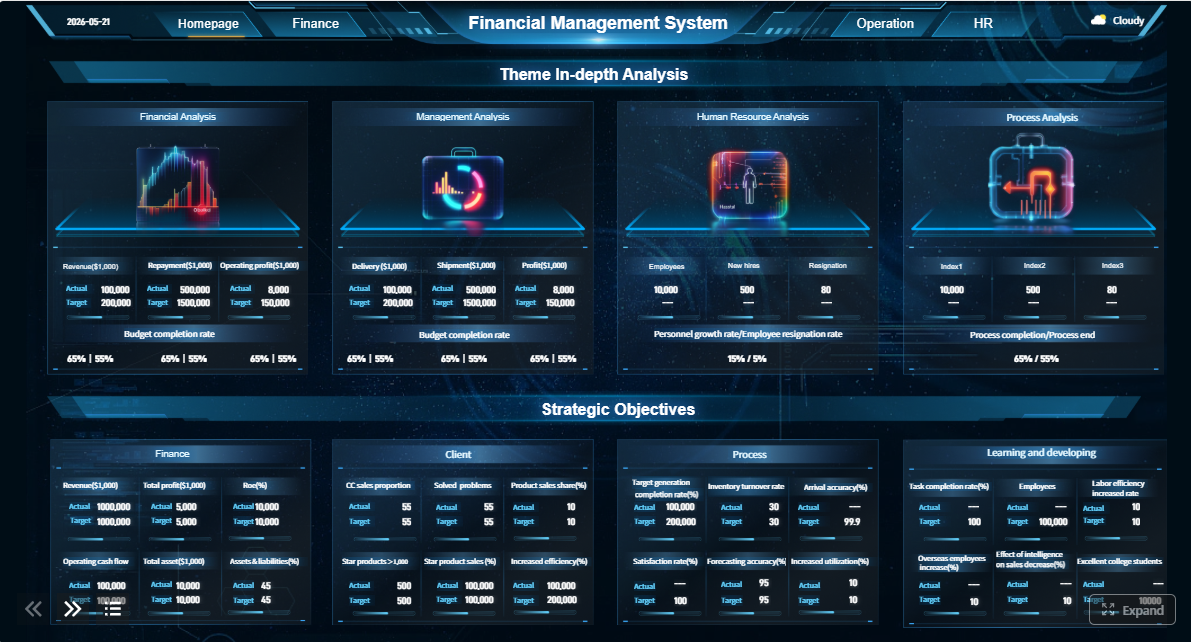
All reports in this article are built with FineReport
What HOA financial reporting means and why it matters
In plain language, HOA financial reporting is the monthly and periodic process of turning an association’s financial activity into clear statements and management information. It helps the board, property manager, and finance-related stakeholders see where money came from, where it went, what is owed, and whether the HOA is staying aligned with its budget and reserve plan.
These reports are commonly used by:
Board members, who need visibility for oversight and decisions
Community managers, who monitor operations, vendors, collections, and owner communication
Homeowners, who expect transparency and responsible stewardship of association funds
Regular reporting matters because HOA finances have both short-term and long-term responsibilities. The association needs enough operating cash to pay routine bills today, but it also needs disciplined reserve funding for major future repairs and replacements. Without consistent reporting, small issues can grow quietly:
boards make decisions based on incomplete information
A strong reporting cadence supports:
Transparency: everyone reviews the same trusted numbers
Budget control: actual results can be compared to plan each month
Better decisions: boards can act earlier on collections, maintenance, and funding gaps
Governance: recurring reports create a documented review process
For executives and board leaders, the value is concrete: recurring HOA reports are not just historical statements. They are the operating view for monthly oversight, owner communication, and financial risk control.
For property management and finance operations teams, the challenge is usually not whether reports exist. The challenge is whether they are timely, standardized, and easy to interpret. That is where a reporting foundation and an enterprise Data Agent become useful in practice. FineReport standardizes formatted monthly financial packs and management views, while Dora acts as an AI assistant that helps teams consume those reports faster through summaries, explanations, scheduled briefings, and exception follow-up.
The 4 core financial statements every HOA should review
Every HOA should have a consistent monthly financial package. At a minimum, four core statements deserve regular review.
Balance sheet
The balance sheet shows the association’s financial position at a point in time. It summarizes:
Assets, such as bank cash, receivables, and reserve balances
Liabilities, such as unpaid vendor bills, accrued expenses, or prepaid owner balances
Fund balances or equity, which reflect the association’s net financial position
For HOA leaders, this statement answers a basic question: What does the association own, owe, and hold right now?
What it shows about assets, liabilities, and fund balances
A balance sheet helps boards review whether the HOA’s finances are stable and properly structured. Important areas often include:
operating cash balances
reserve cash or reserve investment balances
owner receivables
accounts payable
prepaid assessments
interfund balances if applicable
From a governance standpoint, this report is essential because cash alone can be misleading. An HOA may appear healthy if the bank balance is high, but that picture changes if receivables are growing, payables are overdue, or reserve obligations are not being met.
Report Element: Cash balances Definition: Money held in operating and reserve accounts at the reporting date. Business value: Shows immediate liquidity and payment readiness. AI use:Dora can summarize month-over-month cash changes, explain which accounts moved most, and include them in a scheduled board briefing.
Report Element: Accounts receivable Definition: Amounts owed by homeowners, typically unpaid assessments or related charges. Business value: Indicates collection effectiveness and potential cash pressure. AI use:Dora can highlight receivable growth, connect it to delinquency aging, and flag areas needing collection follow-up.
Report Element: Accounts payable Definition: Bills owed to vendors or service providers. Business value: Helps boards understand upcoming obligations and possible payment delays. AI use:Dora can identify aging payables and summarize unusual increases for management review.
Report Element: Fund balance Definition: The net position of the operating or reserve fund after assets and liabilities are considered. Business value: Provides a broader view of financial health than cash alone. AI use:Dora can explain whether fund balance movement is driven by current period income, expenses, or adjustments.
How to spot changes in cash, receivables, payables, and reserves
The balance sheet becomes most useful when compared month to month. Look for:
declining operating cash
rising owner receivables
growing payables or accrued expenses
reserve balances that do not match planned contributions
unusual transfers between accounts or funds
A trusted FineReport balance sheet can present these items in a consistent board-ready format. Dora can then act as a Report Researcher or Data Analystdigital employee, generating a structured narrative such as: which balances changed, what appears unusual, and what deserves board attention.
The income statement, sometimes called the statement of revenues and expenses, shows financial activity over a period such as a month or year-to-date. It is where boards review how much income was recognized, how much was spent, and whether operations are ending above or below plan.
What it reveals about assessment income, operating expenses, and net results
For most HOAs, the largest income line is assessment revenue. The expense section then shows what was spent on operations such as:
landscaping
maintenance and repairs
utilities
insurance
management fees
administrative costs
This report helps boards see whether the current month and year-to-date results are reasonable.
Report Element: Assessment income Definition: Revenue billed or recognized from owner assessments. Business value: Core source of operating funding for the HOA. AI use:Dora can compare actual assessment income to billed amounts, explain shortfalls, and connect them to collection timing or delinquency.
Report Element: Operating expenses Definition: Monthly spending on routine association operations. Business value: Reveals cost control and operational efficiency. AI use:Dora can summarize top expense variances and group them by service category for easier board review.
Report Element: Net operating result Definition: The difference between income and expenses for the period. Business value: Shows whether the association is currently running a surplus or deficit. AI use:Dora can generate a management narrative explaining whether the net result is due to timing, one-time costs, or recurring pressure points.
Why comparing actuals to budget matters each month
An income statement without budget comparison is incomplete. Boards need to know not just what happened, but whether it matched the plan.
Monthly budget comparisons help identify:
under-collected revenue
seasonal expense swings
overspending in specific categories
delayed work that may hit future months
structural budget problems that require action
FineReport can structure the income statement with monthly actuals, budget, variance, and variance percentage in one standardized view. Dora can then generate chart-based answers and structured report summaries so users do not have to manually interpret every line item.
The cash flow statement explains how cash moved during the reporting period. This is different from the income statement because accounting profit or loss does not always equal actual cash movement.
How cash movement differs from profit or loss
An HOA may show a favorable income statement but still experience cash pressure if:
assessments are billed but not yet collected
large vendor invoices were paid this month
reserve transfers were made
prepaid or accrued items shifted timing
That is why cash flow review matters. It connects accounting results to operational reality.
Report Element: Operating cash inflows Definition: Cash received from owners or other operating sources. Business value: Shows whether cash is actually arriving when needed. AI use:Dora can summarize whether collections are supporting current obligations and point out timing gaps.
Report Element: Operating cash outflows Definition: Cash paid to vendors, staff, utilities, and service providers. Business value: Helps boards understand payment pressure and month-end cash demands. AI use:Dora can highlight unusually large or concentrated cash outflows.
Report Element: Reserve transfers or funding movements Definition: Cash moved into reserve accounts or used for reserve-related purposes. Business value: Important for long-term asset stewardship and compliance with funding plans. AI use:Dora can compare actual reserve funding movement with scheduled contributions and flag delays.
Why timing of dues, vendor payments, and reserve transfers can affect the picture
Cash timing is especially important in HOA environments because dues collections, vendor billing cycles, and scheduled reserve contributions may not align perfectly each month. A short-term dip in cash may be normal, or it may signal a growing issue. Boards need context, not just balances.
This is where Dora’s governed AI workflow is valuable. Instead of a generic response, Dora can retrieve the trusted FineReport cash flow view, apply known KPI definitions and report templates, and produce a concise explanation of what changed and why.
Delinquency or accounts receivable report
The delinquency report or accounts receivable aging report focuses on unpaid owner balances. For many associations, this is one of the most actionable reports in the monthly package.
How unpaid owner balances impact operations and cash planning
When owner balances go unpaid, the effect is more than an accounting issue. It can directly affect:
near-term operating cash
timing of vendor payments
reserve contributions
budgeting accuracy
collection workload and legal follow-up
Even when income appears recognized under accrual accounting, cash may still be missing. That is why delinquency review should sit alongside the balance sheet and income statement.
Report Element: Total delinquent balance Definition: Aggregate unpaid owner amounts past due. Business value: Indicates total collection exposure and possible cash risk. AI use:Dora can summarize delinquent balance changes and identify whether the issue is concentrated among a small number of owners or spread across the community.
Report Element: Aging categories Definition: Past-due balances grouped into periods such as 30, 60, 90, or 120+ days. Business value: Shows whether collection risk is becoming more severe over time. AI use:Dora can flag worsening aging trends and push a collection-risk summary to managers or boards.
Report Element: Owner follow-up status Definition: Collection notes, notices sent, or next action stage where tracked. Business value: Supports accountability and consistent collection procedures. AI use:Dora can act as a Risk Alert Officer, pushing overdue cases and suggesting follow-up actions based on defined rules.
What aging categories can reveal about collection risks
Aging categories help boards see whether balances are temporary or turning into longer-term risk.
For example:
a rise in 30-day balances may indicate recent payment slippage
growth in 60-90 day balances suggests follow-up is not resolving quickly
increases in 120+ day balances may signal higher collection difficulty and stronger action needs
With FineReport, these aging views can be built into a standardized monthly receivables report or HOA finance cockpit. Dora can then generate scheduled exception pushes, such as a weekly list of overdue balances that crossed policy thresholds.
Key KPIs that make HOA reports easier to understand
Core statements are essential, but boards often need a simpler lens. A focused set of KPIs makes HOA financial reporting easier to interpret quickly.
Assessment collection rate
The assessment collection rate tracks how much of billed assessments are collected on time or within the reporting period.
Definition: Collected assessments divided by billed assessments for the relevant period.
Business value: Shows whether expected owner payments are turning into usable cash.
AI use:Dora can explain collection performance trends, identify slippage, and include a short narrative in the monthly board summary.
This KPI is useful because it turns a large receivables report into a simple operating signal. If the collection rate declines, boards may need to tighten follow-up, adjust cash expectations, or revisit owner communication.
Operating fund balance and cash position
This KPI looks at whether the operating side of the HOA has enough liquidity and financial cushion for near-term obligations.
Definition: Operating cash and related operating fund position after current liabilities are considered.
Business value: Measures near-term financial stability and bill-paying readiness.
AI use:Dora can summarize whether the operating fund remains healthy, explain major changes, and flag low-cash risk for board review.
Boards should avoid looking at total bank balances without separating operating and reserve funds. A strong dashboard or formatted report should make that distinction obvious.
Reserve funding progress measures whether the HOA is contributing to reserves and maintaining balances consistent with long-term repair and replacement needs.
Definition: Actual reserve contributions and reserve balances compared with planned reserve funding targets.
Business value: Helps protect future capital needs and reduces the risk of deferred funding.
AI use:Dora can compare actual reserve movement to plan, explain shortfalls, and include reserve commentary in a periodic management briefing.
This KPI is especially important for communities planning major roof, pavement, elevator, or equipment work.
Budget variance
The budget variance KPI highlights where actual income or expenses are materially different from the approved budget.
Definition: The difference between actual and budgeted amount, often shown in dollars and percentage.
Business value: Quickly identifies categories needing explanation or action.
AI use:Dora can automatically rank the top favorable and unfavorable variances, generate explanations by category, and push exception notices when thresholds are breached.
For many boards, budget variance is the fastest way to focus meeting time on what actually needs discussion.
How an AI Data Agent Automates Report Consumption
Most HOAs do not struggle because there are no reports. They struggle because monthly report packs still require someone to open multiple files, compare figures manually, write a summary, and chase follow-up items.
This is where Dora, FanRuan’s enterprise Data Agent platform, upgrades the reporting process without replacing the reporting foundation. FineReport remains the trusted layer for formatted monthly statements, financial schedules, dashboards, and semantic definitions. Dora acts as the AI assistant and AI digital employee layer on top of those trusted assets.
For HOA finance and board reporting, the most relevant Dora digital employees are:
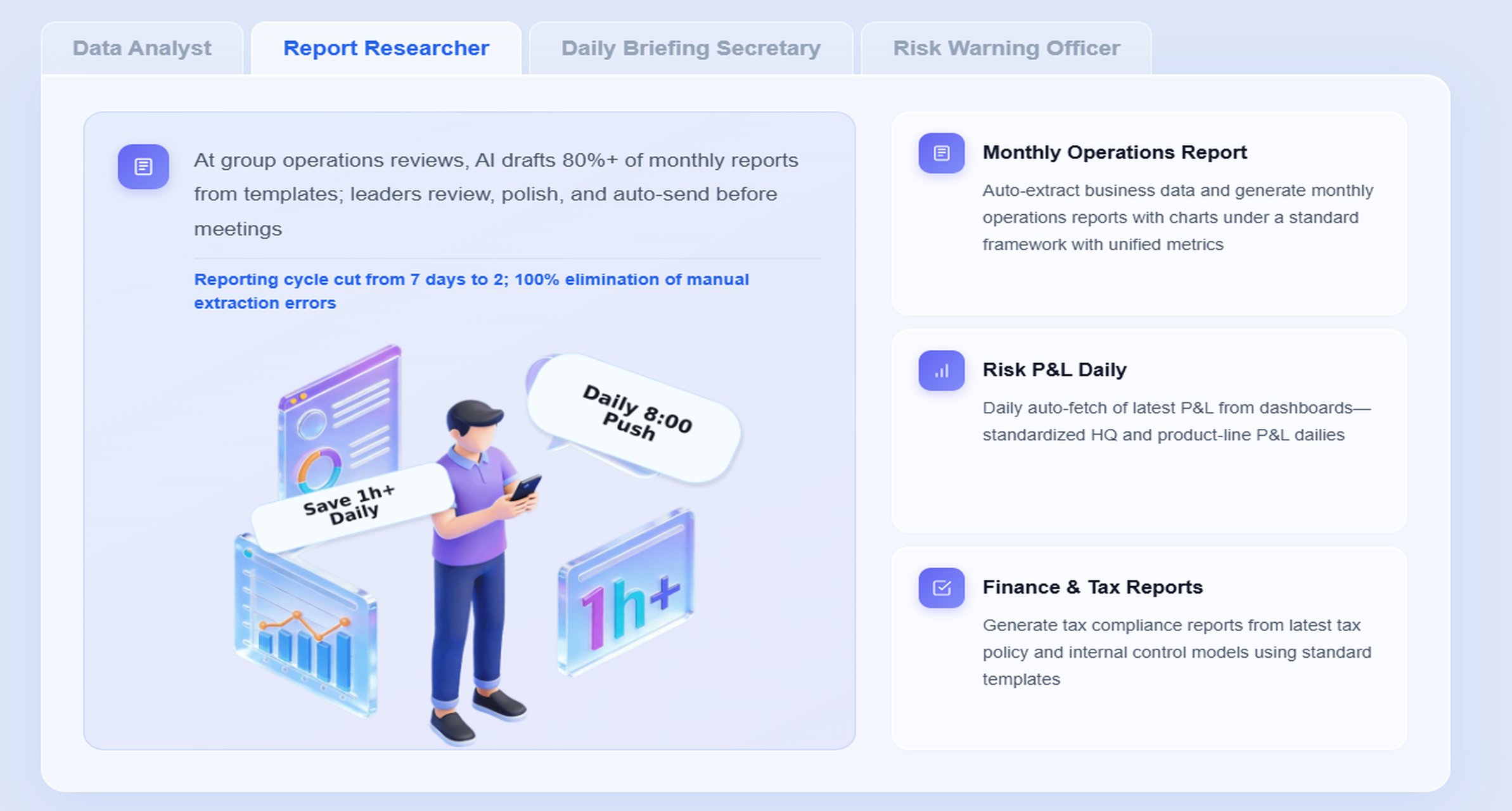
Report Researcher for structured report generation and monthly narrative drafting
Daily Briefing Secretary for scheduled summaries and recurring board or manager briefings
Risk Alert Officer for delinquency and variance monitoring with owner follow-up reminders
A scenario-specific chat example could look like this:
“Summarize this month’s HOA financial report, highlight budget variances over 10%, explain changes in operating cash and reserve balances, and list delinquency items that need board follow-up.”
Retrieve trusted FineReport assets Dora pulls the authorized monthly package from FineReport, including the balance sheet, income statement, cash flow statement, delinquency report, and KPI views.
Understand KPI definitions and report logic Dora uses the governed semantic layer, report templates, business terms, fund definitions, variance rules, and access permissions already established in FineReport.
Generate a structured report summary Dora creates a board-ready narrative that explains major movements in cash, receivables, payables, expenses, reserves, and budget variances in plain business language.
Detect exceptions and threshold breaches Dora checks for abnormal collection decline, large unfavorable variances, low operating cash, delayed reserve contributions, or worsening aging balances.
Push alerts and summaries to responsible users
The AI assistant can send scheduled daily, weekly, or month-end briefings to community managers, finance staff, or board members, with links back to the original FineReport views.
Create follow-up records and meeting prep notes Dora can compile open questions, owner collection items, and expense categories needing explanation, making board meetings more focused and auditable.
This approach matters because enterprise reporting needs more than a prompt box. Dora is positioned as fourth-generation Agentic BI:
natural-language request
trusted semantic layer
governed query and Skill execution
summary, answer, exception push, action, and follow-up
That controlled workflow is more practical for real organizations than prompt-only agent setups. It supports better landing capability because it works from governed report templates, KPI definitions, permissions, and data quality rules. It also helps reduce token waste, improve response speed, and increase workflow stability compared with raw prompt-only approaches.
For board members and executives, the ROI is simple: Dora is not an AI experiment. It is a landed digital employee for recurring reporting work such as monthly management packs, financial variance summaries, delinquency alerts, reserve progress tracking, and owner follow-up preparation.
For IT and system teams, the role shifts from manually producing every report summary to improving the data connections, semantic layer, report templates, permissions, exception rules, and reusable AI Skills that make these workflows reliable.
For business users like community managers, the value is lower friction. Instead of digging through multiple statements, they can ask for a chart-based answer, receive a scheduled monthly summary, and get timely exception pushes when action is required.
A simple month-end workflow for reviewing HOA finances
A repeatable month-end process helps keep HOA reporting timely, consistent, and useful.
Start by collecting the core reporting package and supporting schedules:
balance sheet
income statement with budget comparison
cash flow statement
delinquency or aging report
bank balances and reconciliations
reserve account summaries
major payable or accrual schedules if needed
The goal is to create one trusted reporting package instead of multiple disconnected files. FineReport is well suited here because it can standardize these monthly financial views into formatted board-ready reports and operational cockpits.
Compare actual results to the budget
Once the monthly package is assembled, compare actual activity against budget.
Focus on:
missed or delayed assessment income
unusual expense increases
one-time repair costs
timing-related items that may reverse later
categories that show repeated overspending
This is where boards often need a concise explanation, not just raw numbers. Dora can turn the FineReport outputs into a structured variance summary and identify which items likely require discussion versus which are simply timing effects.
Review cash, reserves, and delinquency trends
This step checks whether short-term operations and long-term funding remain on track.
Review questions may include:
Is operating cash sufficient for upcoming payments?
Are reserve contributions occurring as planned?
Are reserve balances being preserved for long-term needs?
Is delinquency trending up or concentrated in aging categories?
Are growing receivables starting to affect cash planning?
A Risk Alert Officer workflow in Dora can support this by automatically surfacing abnormal cash declines, delayed reserve funding, or receivable aging that crosses defined thresholds.
Summarize findings and next actions
The final step is to prepare a short board-ready summary. A useful monthly summary should include:
top financial highlights
major favorable and unfavorable variances
current cash and reserve position
delinquency trends
decisions needed
follow-up actions and open questions
This is a strong use case for the Daily Briefing Secretary or Report Researcherdigital employee. Instead of rewriting the same monthly narrative manually, teams can use Dora to generate a structured summary from trusted FineReport assets, then review and finalize it before distribution.
Common reporting mistakes and how to avoid them
Even when reports are produced regularly, some common mistakes reduce their value.
Looking only at cash without reviewing liabilities or receivables
A healthy bank balance can hide unpaid bills or rising owner balances. Always review the balance sheet and delinquency report together.
Confusing operating funds with reserve funds
Reserve cash should not be treated as general operating availability. Keep fund views clearly separated in reports and KPI definitions.
Ignoring trends until a variance becomes a larger issue
One unusual month may be explainable. Repeated unfavorable patterns need earlier intervention. Trend views and exception thresholds help.
Failing to present reports in a consistent monthly format
If every month looks different, boards spend too much time decoding the package. Standardized FineReport templates improve comparability and governance.
Relying on manual summaries without controlled logic
Narrative commentary is helpful, but it should be based on trusted definitions and repeatable rules. Dora works best when KPI logic, report structure, and semantic definitions are standardized first.
Ask clearer questions during monthly reviews
Instead of general discussion, board members can focus on specific cash changes, expense variances, reserve contribution delays, or collection risks.
Prioritize maintenance, collections, and reserve planning with better context Financial reports help boards balance today’s operating needs with tomorrow’s capital responsibilities.
Improve communication with homeowners through concise financial updates
A short, understandable summary builds trust. Homeowners do not need every ledger detail, but they do value transparency around operating stability, major variances, and reserve planning.
When an HOA has consistent reports and KPI governance, Dora can help convert dense financial detail into timely, understandable briefings. That means fewer delays waiting for manual explanation and more confidence in recurring board communication.
Actionable Best Practices
To make HOA financial reporting more useful and more scalable, follow these practical implementation practices.
1. Standardize monthly report templates and KPI definitions
Define a fixed reporting pack with the same statements, sections, and calculations every month. Make sure terms such as operating cash, reserve balance, collection rate, and budget variance are consistently defined.
This gives FineReport a stable reporting foundation and gives Dora a governed semantic layer for structured summaries and chart explanations.
2. Start AI with high-value recurring reports
Do not try to automate every finance report at once. Begin with recurring board packages such as:
month-end financial summary
budget variance briefing
delinquency exception report
reserve funding progress summary
These scenarios have repeatable logic and clear business value, making them ideal for a Doradigital employee rollout.
3. Build exception thresholds and responsibility rules
Define what counts as an alert-worthy event, such as:
budget variance above a set threshold
operating cash below a target level
reserve contribution not posted by expected date
delinquency aging crossing policy limits
Then define who should receive each push and what the next-step workflow should be. This makes Dora’s governed AI workflow useful in real execution, not just conversation.
4. Preserve permissions and review controls
AI outputs should follow the same access boundaries as the underlying reports. Board members, managers, and finance staff may require different levels of detail.
FineReport provides the permission-controlled reporting base. Dora should sit on top of that base so summaries, answers, and pushes respect authorized access.
5. Use human review first, then expand reusable Skills
For monthly financial narratives, start with human review of Dora-generated summaries. Over time, refine templates, business terms, and reusable Skills for better consistency.
This is the enterprise-ready path: not blind automation, but governed automation supported by data quality, KPI governance, and report standardization.
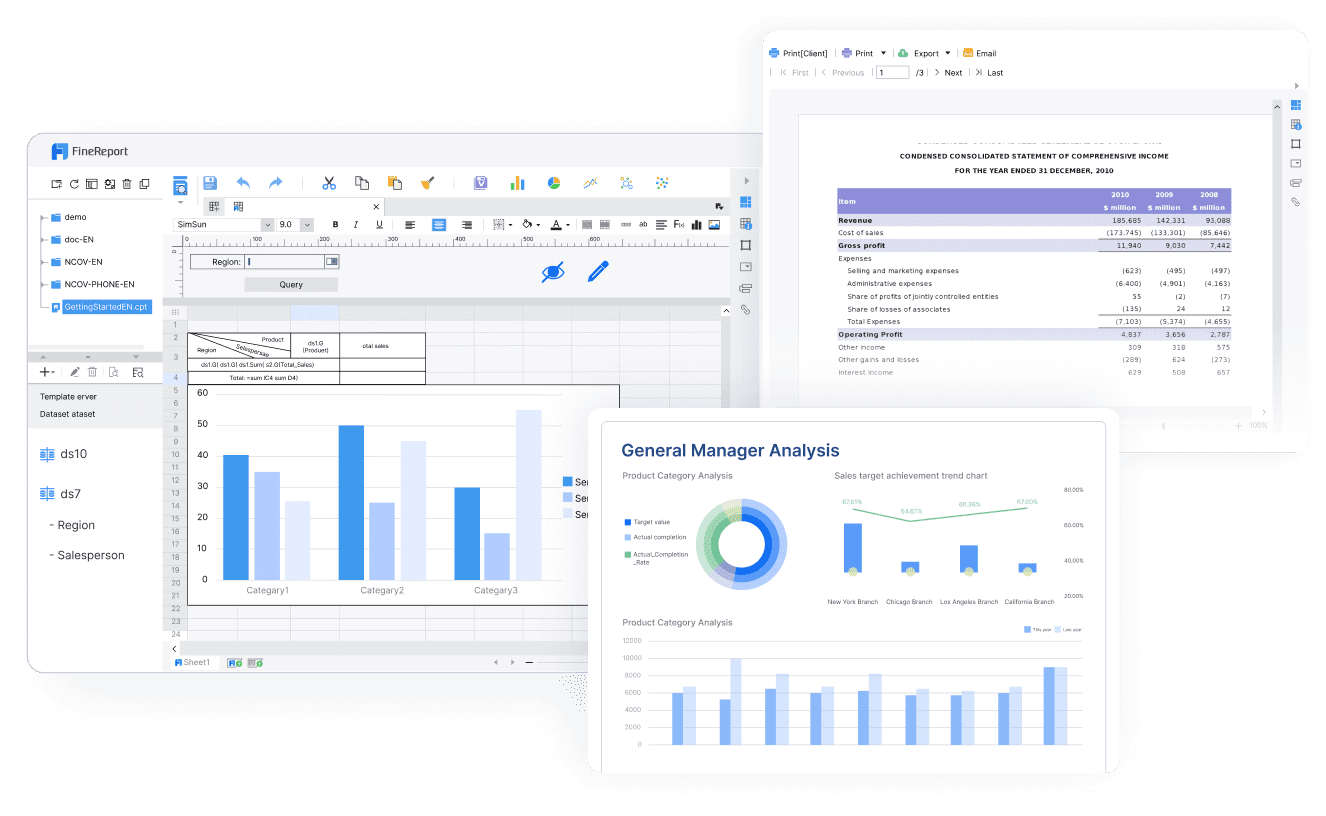
Building this manually is complex. FineReport helps teams standardize trusted reports, operational cockpits, templates, and reporting workflows. Dora turns those assets into an AI assistant that can answer report questions in chat, generate structured summaries, push scheduled briefings, monitor exceptions, and follow up with responsible owners.
For HOA financial reporting, that means a practical path from static monthly report packs to a more responsive and governed reporting process:
FineReport creates the balance sheet, income statement, cash flow statement, delinquency views, and board-ready finance templates
Dora turns those trusted assets into a scenario-specific enterprise Data Agent
Boards and managers can query reports in natural language
Monthly summaries can be generated faster and in a more consistent format
Budget, cash, reserve, and delinquency exceptions can be pushed to the right owners
Follow-up items can be tracked more systematically
FineReport + Dora is not only a reporting upgrade; it is a practical fourth-generation Agentic BI path.FineReport provides governed reports and operational cockpits. Dora provides the AI assistant layer for scenario execution, with more controlled Skills, lower token waste, faster execution paths, and more stable workflows than prompt-only agents.
Get Ready-to-Use Dashboard Templates in Fine Gallery
The strongest Dora pitch is scenario + product + service: FineReport provides the trusted reporting foundation, Dora provides the AI digital employee, and implementation service connects data, governance, semantic setup, Skills, report templates, permissions, and rollout.
For HOA boards, managers, and finance teams, that means reporting that is not only easier to produce, but easier to understand and act on.
A typical HOA monthly package should include a balance sheet, an income statement, a cash flow view, and a budget versus actual report. Together, these reports show financial position, operating results, liquidity, and spending performance.
The balance sheet shows what the association owns, owes, and holds at a specific date. It helps boards evaluate cash, receivables, payables, and overall financial stability.
Common KPIs include assessment collection rate, delinquency aging, operating cash, reserve funding progress, and budget variance. These metrics help boards spot risks early and decide where follow-up is needed.
Most HOAs should prepare and review financial reports monthly. A consistent month-end process makes it easier to catch collection issues, budget overruns, and delayed reserve contributions before they become larger problems.
FineReport helps standardize dashboards and monthly financial packs, while Dora helps users summarize reports, explain changes, and surface exceptions. This can make board review faster and improve follow-up on financial issues.
Product Trial
FineReport
Pixel-perfect reports · Interactive dashboards · Easy data entry · Digital twins