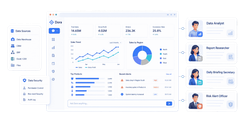
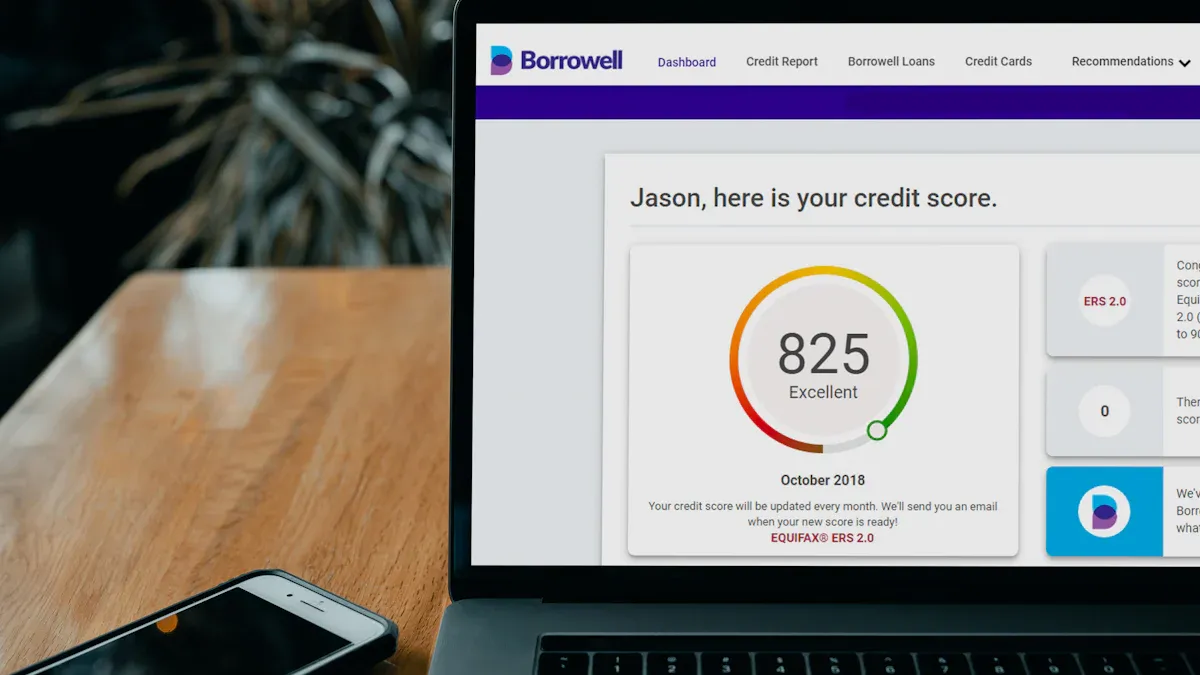
FineReport is an enterprise reporting and dashboard platform that helps agencies build highly customized, client-ready reports with strong data integration, automation, and white-label presentation options.
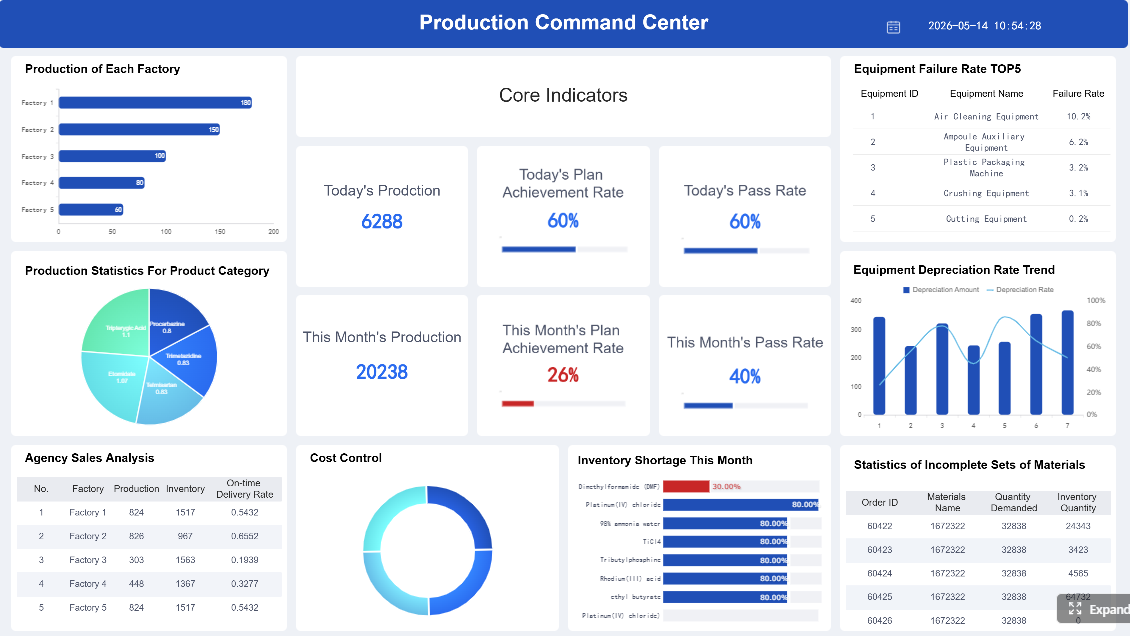 Click To Try The Dashboard
How to Choose the Best Agency Reporting Tools for 2026
Choosing among the best agency reporting tools is less about finding the platform with the most features and more about matching reporting capabilities to your agency’s workflow, client expectations, and data complexity.
What matters most for agencies: client-ready dashboards, automated reporting, white labeling, and multi-channel integrations
Most agencies need four things from reporting software:
- Client-ready dashboards that are easy to understand without a long walkthrough
- Automated reporting to reduce manual exports, spreadsheet work, and repetitive formatting
- White-label capabilities so reports reinforce the agency brand rather than the software vendor’s
- Multi-channel integrations to unify SEO, PPC, social, analytics, CRM, and revenue data
If a tool is strong in only one area, it may still create bottlenecks. For example, a platform with attractive dashboards but weak automation can still consume hours every month. Likewise, a tool with many connectors but limited branding may weaken the client experience.
For agencies, the best reporting setup usually balances:
- speed of report creation
- consistency across accounts
- flexible templates
- reliable data refresh
- branded delivery options
- enough customization for different stakeholders
How to evaluate tools for accuracy, usability, scalability, and pricing
When comparing agency reporting tools, focus on four practical areas.
Accuracy
- Does the platform pull data directly from native connectors?
- How often does data refresh?
- Can it handle blended or transformed data without manual fixes?
- Are there alerts for broken connectors or anomalies?
Usability
- Can account managers build and update reports without technical support?
- Are templates available for SEO, PPC, and executive reporting?
- Can clients navigate dashboards on their own?
Scalability
- Can the tool support more clients without forcing a complete rebuild?
- Does it offer template cloning, reusable widgets, or multi-client workspaces?
- Can it handle cross-channel reporting as service lines expand?
Pricing
- Is pricing based on clients, dashboards, users, connectors, or usage volume?
- Are white-label features included or locked behind higher tiers?
- Will costs rise sharply as you add accounts?
A low starting price can be misleading if core agency features such as custom domains, client portals, or scheduled reports require upgrades.
Key buying criteria for different agency sizes and service models
Different agencies prioritize different capabilities.
Small agencies and freelancers
- Fast setup
- Prebuilt templates
- Affordable entry plans
- Easy client sharing
- Minimal maintenance
Growing agencies
- Strong automation
- Better white labeling
- Reusable report templates
- Wider integration support
- Team collaboration controls
Enterprise agencies
- Advanced governance
- Custom data modeling
- Large-scale connector support
- Flexible permissions
- Integration with BI and warehouse environments
Specialist agencies
- SEO agencies may prioritize rank tracking, search integrations, and website analytics
- PPC agencies may value pacing, ad performance visibility, and budget monitoring
- Full-service agencies usually need cross-channel dashboards and CRM integration
- Strategy-led agencies may care more about executive summaries and presentation-ready layouts
Side-by-Side Comparison of the 10 Best Options
Quick comparison table
| Tool | Best Fit | Core Strengths | Starting Price | Standout Automation Features |
|---|---|---|---|---|
| FineReport | Agencies needing highly customized reporting | Pixel-level report design, data integration, enterprise-grade reporting flexibility | Custom pricing | Scheduled reports, dashboard automation, strong data connectivity |
| AgencyAnalytics | Full-service marketing agencies | Agency-focused reporting, SEO/PPC/social integrations, client portals | From around $79/month | Scheduled client reports, anomaly alerts, reusable templates |
| DashThis | Small to mid-sized agencies | Fast setup, clean templates, simple white-label dashboards | From around $44/month | Automated dashboard refresh, scheduled email delivery, template cloning |
| Whatagraph | Agencies that want polished visual reporting | Strong visual dashboards, data blending, presentation-ready layouts | From around $249/month | Automated report generation, cross-channel dashboard updates |
| Swydo | PPC and campaign reporting teams | White-label reports, goals tracking, recurring reports | Custom/plan-based | Scheduled PDF delivery, budget monitoring, reusable report templates |
| Looker Studio | Budget-conscious agencies | Free dashboarding, Google ecosystem compatibility, flexible visuals | Free | Live dashboards, scheduled email exports via native or add-on workflows |
| Databox | KPI-driven agencies | Scorecards, mobile dashboards, executive visibility | From around $47/month | Alerts, snapshots, scheduled reporting, goal tracking |
| Klipfolio | Agencies needing custom metrics and dashboards | Flexible formulas, dashboard customization, broad visualization options | From around $90/month | Automated data refresh, custom dashboards, reusable components |
| NinjaCat | Larger agencies with reporting and ops needs | Deep agency workflow support, monitoring, reporting automation | Custom pricing | Budget pacing, alerts, automated performance monitoring |
| Improvado | Data-heavy and enterprise agencies | ETL, data normalization, scalable cross-channel reporting | Custom pricing | Automated pipelines, transformation workflows, advanced monitoring |
What each tool does best
Each platform serves a different reporting scenario.
- FineReport: Best for agencies that need highly tailored client reports, advanced layout control, and deeper reporting customization than standard dashboard tools provide.
- AgencyAnalytics: Best for all-in-one digital marketing reporting across SEO, PPC, social, and web analytics.
- DashThis: Best for straightforward SEO and PPC reporting with minimal setup time.
- Whatagraph: Best for visually polished cross-channel dashboards and presentation-friendly reporting.
- Swydo: Best for recurring PPC and paid media reporting with clear goals and branded exports.
- Looker Studio: Best for agencies that want a flexible, low-cost reporting layer tied closely to Google data sources.
- Databox: Best for executive summaries and ongoing KPI visibility.
- Klipfolio: Best for agencies that need more formula flexibility and dashboard customization.
- NinjaCat: Best for advanced monitoring, reporting operations, and larger client portfolios.
- Improvado: Best for agencies that need a stronger data foundation before visualization and reporting.
Strengths and trade-offs at a glance
No tool is perfect for every agency.
- FineReport offers deep customization and reporting control, but it may be more than smaller agencies need if they only want lightweight dashboards.
- AgencyAnalytics is easy to adopt and agency-focused, but some teams may want deeper data transformation.
- DashThis is simple and fast, but less suited to complex modeling.
- Whatagraph excels in visual storytelling, though pricing may be high for smaller teams.
- Swydo is strong for recurring campaign reports, but less broad for advanced BI use cases.
- Looker Studio is cost-effective, but setup and maintenance can become manual at scale.
- Databox is strong for KPI tracking, though customization depth is moderate.
- Klipfolio is flexible, but can require more setup effort.
- NinjaCat supports operations-heavy agencies well, but may feel heavyweight for boutique firms.
- Improvado is powerful for data unification, but often fits technical or enterprise teams best.
Reviews of the 10 Best Tools
Best all-in-one platform for client reporting
1. FineReport
- One-sentence overview: FineReport is a highly flexible reporting and dashboard platform for agencies that need customized, client-ready reporting beyond standard template-based tools.
- Key Features:
- advanced report designer
- dashboard creation with interactive visualizations
- wide data source connectivity
- scheduled distribution and automation
- parameterized reporting
- strong formatting and layout control
- enterprise-grade scalability
- Pros & Cons:
- Pros: Excellent customization, strong for complex reporting requirements, supports professional client presentation, suitable for agencies handling varied data structures
- Cons: More robust than lightweight agency tools, so implementation may take more planning for smaller teams
- Best For: Agencies that need detailed custom reporting, operational dashboards, or white-labeled analytics experiences with more control over design and structure
FineReport stands out when an agency wants reports to feel less like generic dashboards and more like a polished reporting product. For agencies serving enterprise clients or combining marketing data with CRM, finance, or operational systems, this flexibility is a major advantage.
2. AgencyAnalytics
- One-sentence overview: AgencyAnalytics is an agency-focused reporting platform designed to automate client reporting across SEO, PPC, social media, email, and web analytics.
- Key Features:
- 80+ marketing integrations
- white-label dashboards and reports
- client portal access
- automated report scheduling
- built-in SEO reporting tools
- anomaly detection and AI-assisted insights
- Pros & Cons:
- Pros: Built specifically for agencies, strong template library, easy onboarding, solid balance of usability and coverage
- Cons: Advanced transformation and highly custom reporting logic can be more limited than enterprise BI-style tools
- Best For: Full-service agencies that want a strong all-in-one reporting platform without heavy technical setup
AgencyAnalytics remains one of the most practical agency reporting tools because it aligns closely with how agencies actually work: recurring reports, multiple client accounts, branded dashboards, and channel-specific templates.
Best for white-label dashboards and branded reports
3. DashThis
- One-sentence overview: DashThis is a simple reporting platform that helps agencies create branded dashboards quickly using templates and automated data pulls.
- Key Features:
- dashboard templates by reporting type
- white-label options
- easy KPI widgets
- CSV imports
- scheduled email reports
- fast dashboard cloning
- Pros & Cons:
- Pros: Fast setup, clean interface, low friction for recurring client reporting, approachable pricing
- Cons: Less suited to advanced data blending or custom transformations
- Best For: Small to mid-sized agencies that want quick client reporting without complexity
DashThis is a practical choice when speed matters more than technical depth. It is especially useful for agencies producing recurring monthly SEO, PPC, or marketing summaries.
4. Swydo
- One-sentence overview: Swydo is a white-label reporting tool built for agencies that want automated, branded reports with a strong focus on campaign performance.
- Key Features:
- white-label reports and dashboards
- scheduled PDF exports
- PPC and marketing report templates
- goal and target tracking
- report scheduling
- client-ready visualization
- Pros & Cons:
- Pros: Strong recurring report automation, effective for paid media workflows, clear branding support
- Cons: Broader dashboard customization may be less flexible than more BI-oriented tools
- Best For: Agencies focused on paid media, lead generation, or repeatable monthly reporting
Swydo is especially relevant when the agency’s delivery model relies on consistent, branded reporting cycles rather than highly exploratory dashboards.
Best for multi-channel marketing dashboards
5. Whatagraph
- One-sentence overview: Whatagraph is a visual reporting platform that helps agencies combine data from multiple channels into polished, client-friendly dashboards.
- Key Features:
- drag-and-drop dashboard builder
- cross-channel reporting
- data blending
- white-label dashboards
- presentation-ready templates
- automated delivery
- Pros & Cons:
- Pros: Strong visual design, good for storytelling, useful for agencies presenting across many channels
- Cons: Higher price point than simpler tools, may be more than needed for basic reporting use cases
- Best For: Agencies that prioritize visual presentation and multi-platform reporting
Whatagraph works well for agencies whose clients expect boardroom-ready reports, especially when campaigns span paid, organic, and CRM systems.
6. Looker Studio
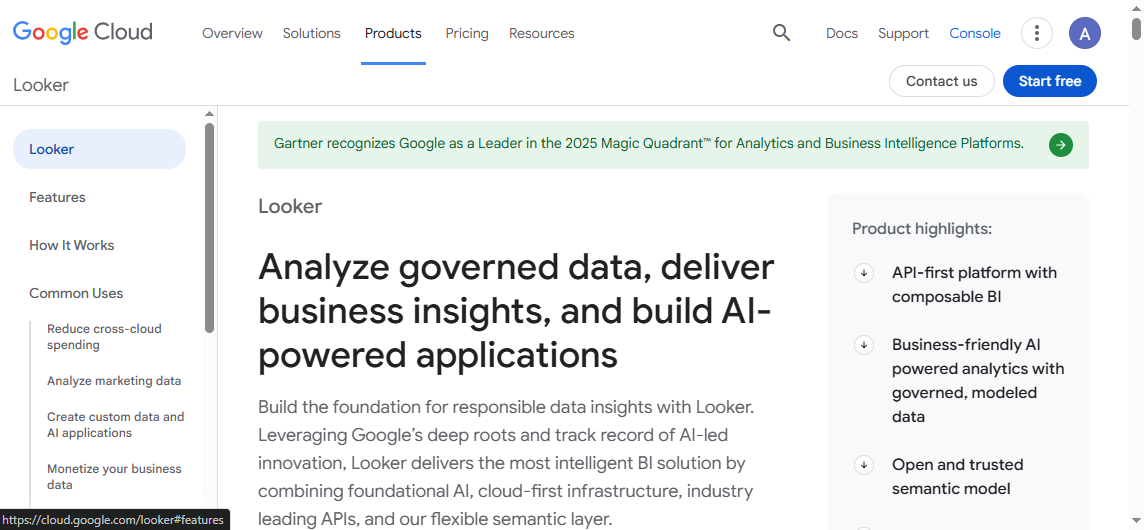
- One-sentence overview: Looker Studio is a flexible dashboarding tool that gives agencies a low-cost way to build cross-channel reports, especially within the Google ecosystem.
- Key Features:
- free dashboard creation
- Google Ads, GA4, Search Console, and Sheets integration
- customizable charts
- shareable dashboards
- blended data support
- Pros & Cons:
- Pros: Free entry point, flexible layout options, good for custom dashboards on a budget
- Cons: Can become harder to manage at scale, connector quality varies for non-Google platforms, white labeling is limited compared with dedicated agency platforms
- Best For: Budget-conscious agencies comfortable building and maintaining their own reports
Looker Studio remains common because it offers flexibility without major software cost, but agencies often outgrow it when client volume and branding needs increase.
7. Klipfolio
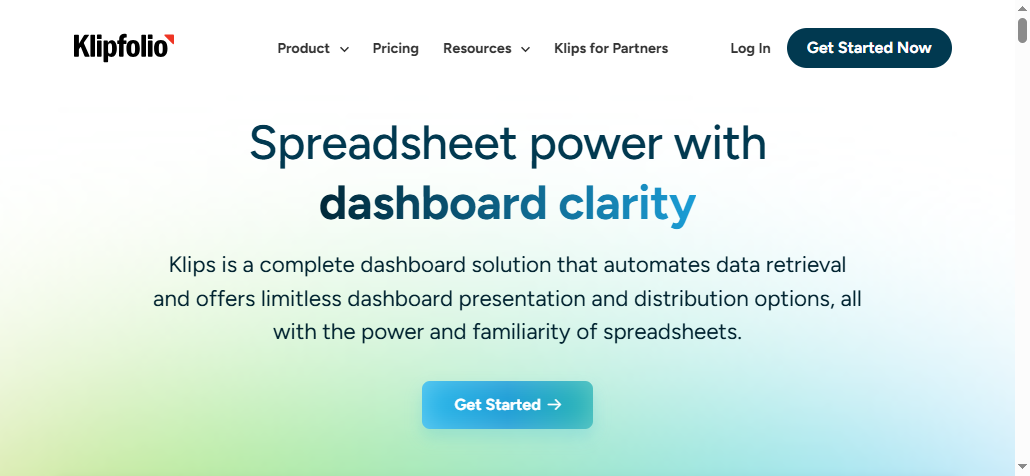
- One-sentence overview: Klipfolio is a customizable KPI dashboard platform suited to agencies that want more control over formulas, metrics, and dashboard logic.
- Key Features:
- custom metrics and formulas
- dashboard builder
- broad data connectivity
- reusable components
- scheduled refreshes
- power-user flexibility
- Pros & Cons:
- Pros: Strong customization, useful for KPI-driven agencies, adaptable to different reporting models
- Cons: Steeper learning curve than simpler agency tools
- Best For: Agencies that need custom calculations and more control over dashboard behavior
Klipfolio is often a good middle ground between lightweight reporting tools and full-scale BI environments.
Best for agencies that need advanced automation
8. Databox
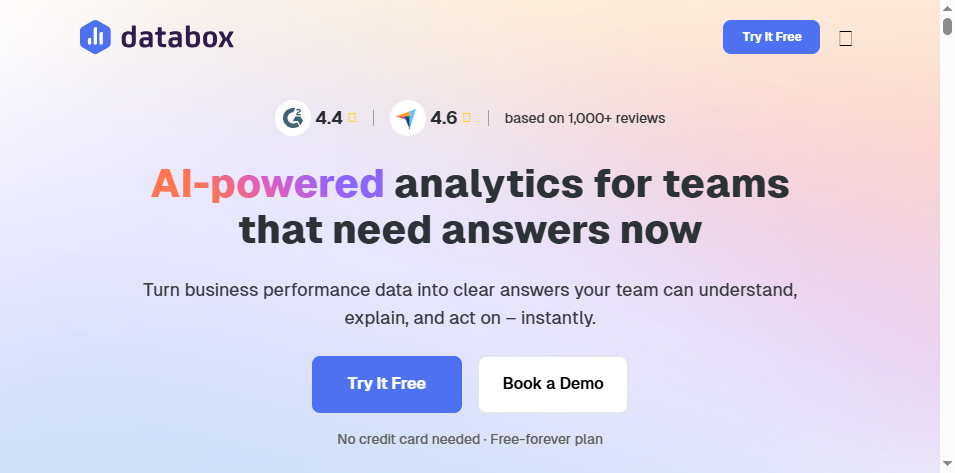
- One-sentence overview: Databox is a reporting and KPI monitoring platform designed to help agencies automate updates, track goals, and share dashboards with stakeholders.
- Key Features:
- scorecards and KPI dashboards
- alerts and snapshots
- scheduled reports
- mobile-friendly dashboards
- benchmarks and goals
- Pros & Cons:
- Pros: Strong executive visibility, useful alerts, accessible dashboards, quick setup
- Cons: Deep custom reporting structures may require another layer for more advanced use cases
- Best For: Agencies that want clients and internal teams to monitor KPIs continuously
Databox is a strong fit when clients care about quick insight consumption and frequent performance checks.
9. NinjaCat
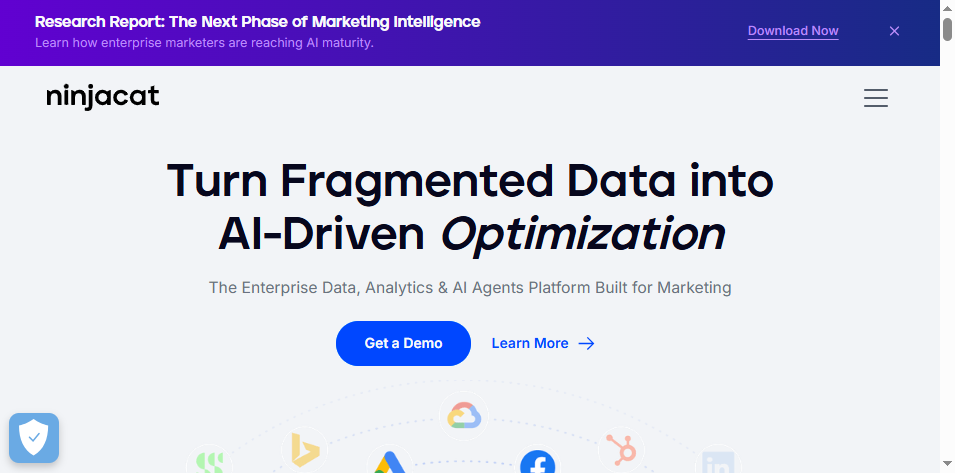
- One-sentence overview: NinjaCat is an agency reporting platform built for larger teams that need automation, monitoring, and operational visibility across many client accounts.
- Key Features:
- automated reporting workflows
- white-label dashboards
- budget pacing and monitoring
- alerts
- agency operations support
- campaign visibility
- Pros & Cons:
- Pros: Strong automation depth, useful for high-account-volume agencies, good operational oversight
- Cons: Pricing and setup may be heavier than smaller agencies need
- Best For: Mid-market and larger agencies managing many ad accounts and reporting cycles
NinjaCat tends to fit agencies where reporting is tied closely to account operations, monitoring, and spend management.
10. Improvado
- One-sentence overview: Improvado is a marketing data platform that helps agencies automate data extraction, normalization, and reporting at scale.
- Key Features:
- extensive connector library
- automated ETL workflows
- data transformation
- governance features
- reporting and BI integration
- enterprise-grade scalability
- Pros & Cons:
- Pros: Excellent for complex data environments, strong automation in the data layer, scalable for enterprise reporting
- Cons: Better suited to data-mature organizations than agencies wanting simple out-of-the-box dashboards
- Best For: Enterprise agencies and analytics-heavy teams that need to standardize and unify large volumes of marketing data
Improvado is strongest when the biggest reporting problem is not dashboard design, but fragmented and inconsistent data.
White Labeling, Automation, and Client Reporting Features That Matter Most
White-label reporting essentials
For agencies, white labeling is not just a cosmetic feature. It shapes how clients perceive the quality and professionalism of your service.
The most useful white-label capabilities include:
- Branded dashboards with your logo, fonts, and color palette
- Custom domains such as reports.youragency.com
- PDF exports that look presentation-ready
- Client logins for self-serve access
- Branded emails for automated report delivery
- Vendor-free interfaces with minimal or no third-party branding
Among the tools listed here, FineReport, AgencyAnalytics, Whatagraph, DashThis, Swydo, and NinjaCat all provide meaningful white-label support, though the depth varies by plan.
Automation features to compare
Automation is what turns reporting software into a real efficiency tool.
Compare platforms based on:
- Scheduled reporting
- Live dashboards
- Data refresh frequency
- Connector reliability
- Alerts and anomaly detection
- Template reuse
- Dashboard cloning
- Automated summaries or AI-assisted insights
For agencies with recurring monthly reporting, template cloning and scheduled delivery may be enough. For agencies handling fast-moving paid media accounts, alerts, pacing visibility, and more frequent refreshes become more important.
FineReport is especially valuable when agencies need not only scheduled reports, but also more controlled and repeatable report generation across varied data structures and layouts.
Client reporting experience
The best agency reporting tools do more than display data. They help clients understand what matters.
A strong client reporting experience should make it easy to:
- identify top KPIs quickly
- compare performance over time
- see channel-level contribution
- understand wins and losses without overexplaining
- access reports on demand
- move from dashboard view to executive summary smoothly
This is why usability matters as much as integration depth. A complex dashboard that only analysts can interpret may not improve client retention.
Pros, Cons, Pricing, and Best-Fit Recommendations
Common advantages across top tools
The best agency reporting platforms generally deliver similar business benefits:
- Time savings from automation and reduced manual reporting
- Improved consistency across accounts and service lines
- Clearer communication with clients and internal stakeholders
- Faster onboarding using templates and cloning
- Better retention support by making results easier to demonstrate
- Scalable reporting operations as the client base grows
For many agencies, the biggest gain is not just saved hours. It is the ability to shift reporting conversations from data collection to strategy.
Common limitations to watch for
Even strong tools have trade-offs. Common issues include:
- Connector gaps for niche platforms
- Customization limits in simpler dashboard tools
- Pricing jumps when client count increases
- Onboarding complexity for advanced platforms
- Data latency that affects near-real-time decision-making
- Weak transformation capabilities when source data is inconsistent
- Partial white labeling that still exposes vendor branding
This is why agencies should choose based on workflow fit, not just feature lists.
Which tool is right for your agency?
Here is a practical shortlist by agency type.
Best for small agencies
- DashThis for simplicity and quick launches
- Looker Studio for low-cost flexibility
- Databox for KPI-centric visibility
Best for growing teams
- AgencyAnalytics for agency-focused all-in-one reporting
- Whatagraph for visual cross-channel dashboards
- Swydo for recurring branded campaign reports
Best for enterprise agencies
- FineReport for advanced custom reporting and branded client delivery
- Improvado for data-heavy environments and large-scale automation
- NinjaCat for operations-heavy agency workflows
Best for niche specialists
- AgencyAnalytics for SEO and full-service digital reporting
- Swydo for PPC and paid media agencies
- Klipfolio for agencies needing custom KPI logic
If your priority is a highly polished and deeply customizable reporting environment, FineReport is one of the strongest options to evaluate. It is especially well suited to agencies that need more than basic dashboard templates and want to deliver tailored, client-ready analytics at a professional standard.
In the end, the best agency reporting tools are the ones that let your team spend less time assembling reports and more time explaining results, improving performance, and strengthening client relationships.
FAQs
The most important features are automated reporting, white-label branding, multi-channel integrations, and dashboards that clients can understand quickly. Agencies should also look at data accuracy, template reuse, scalability, and pricing as they grow.