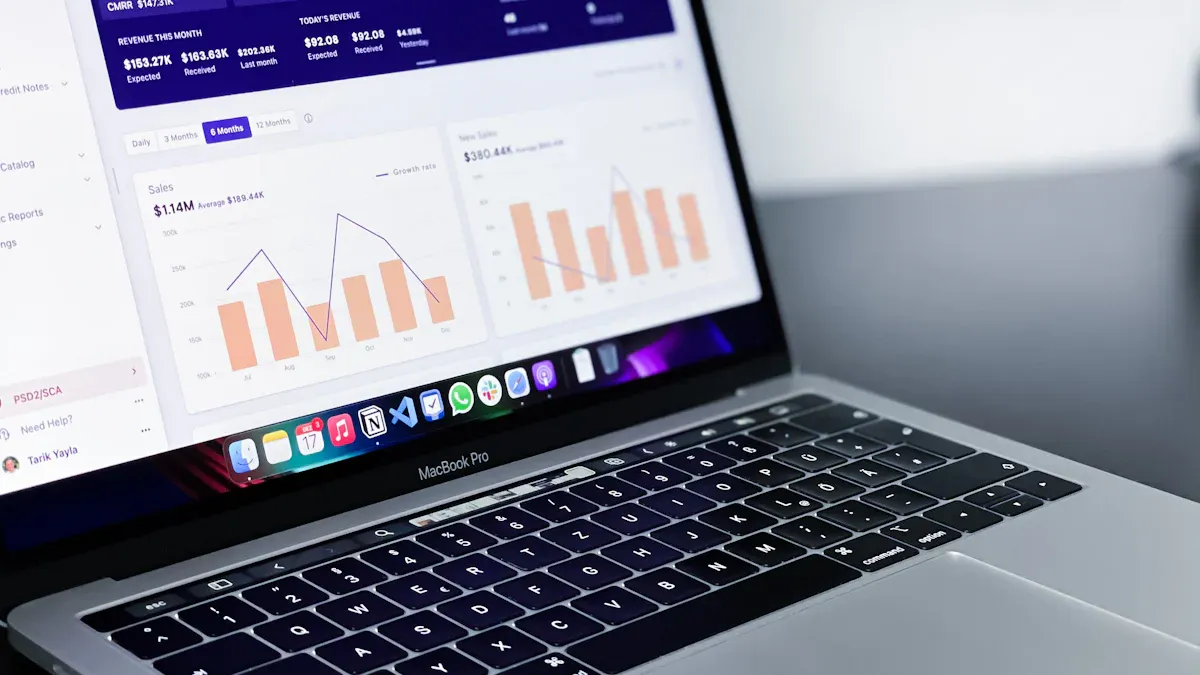
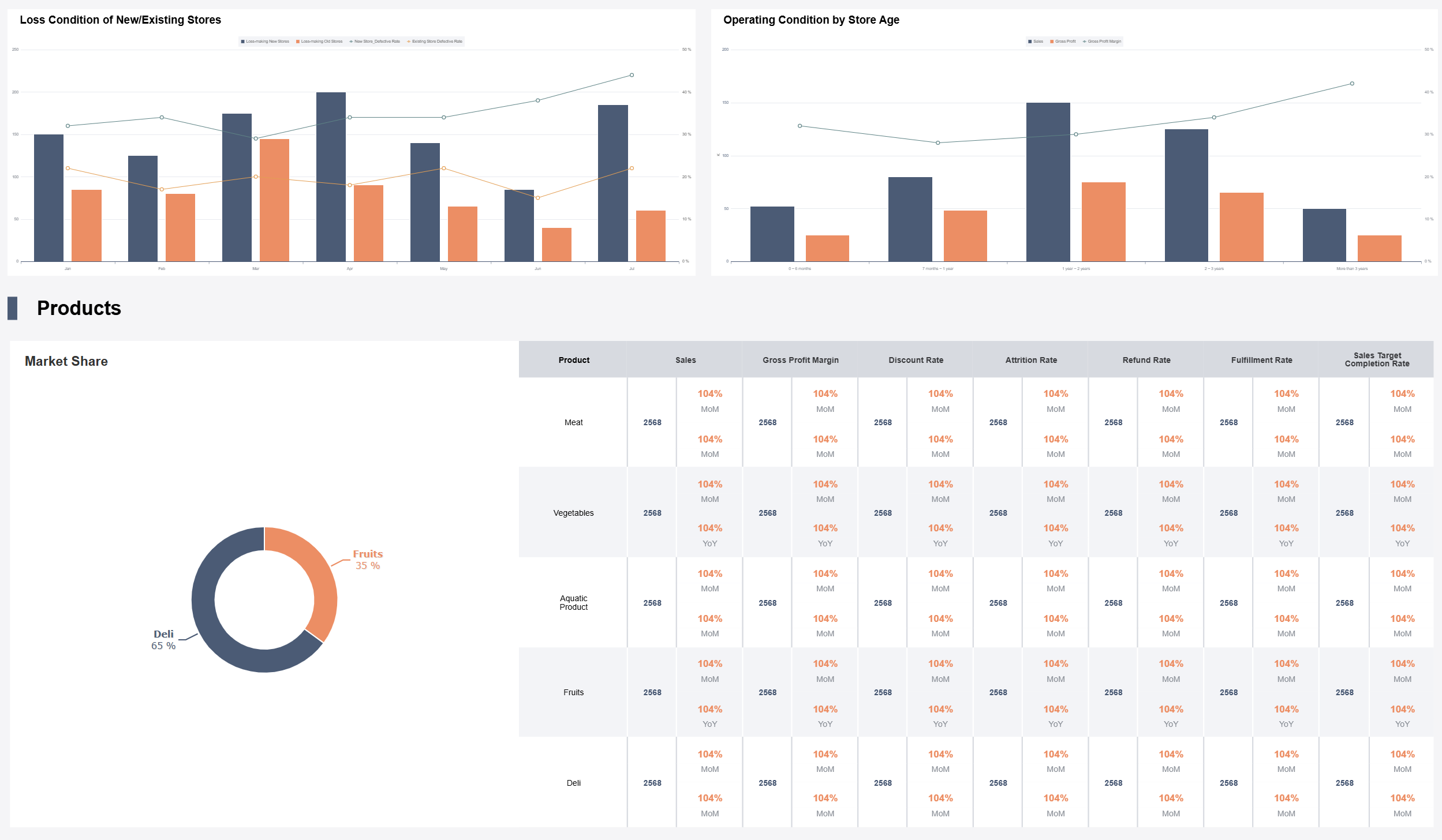
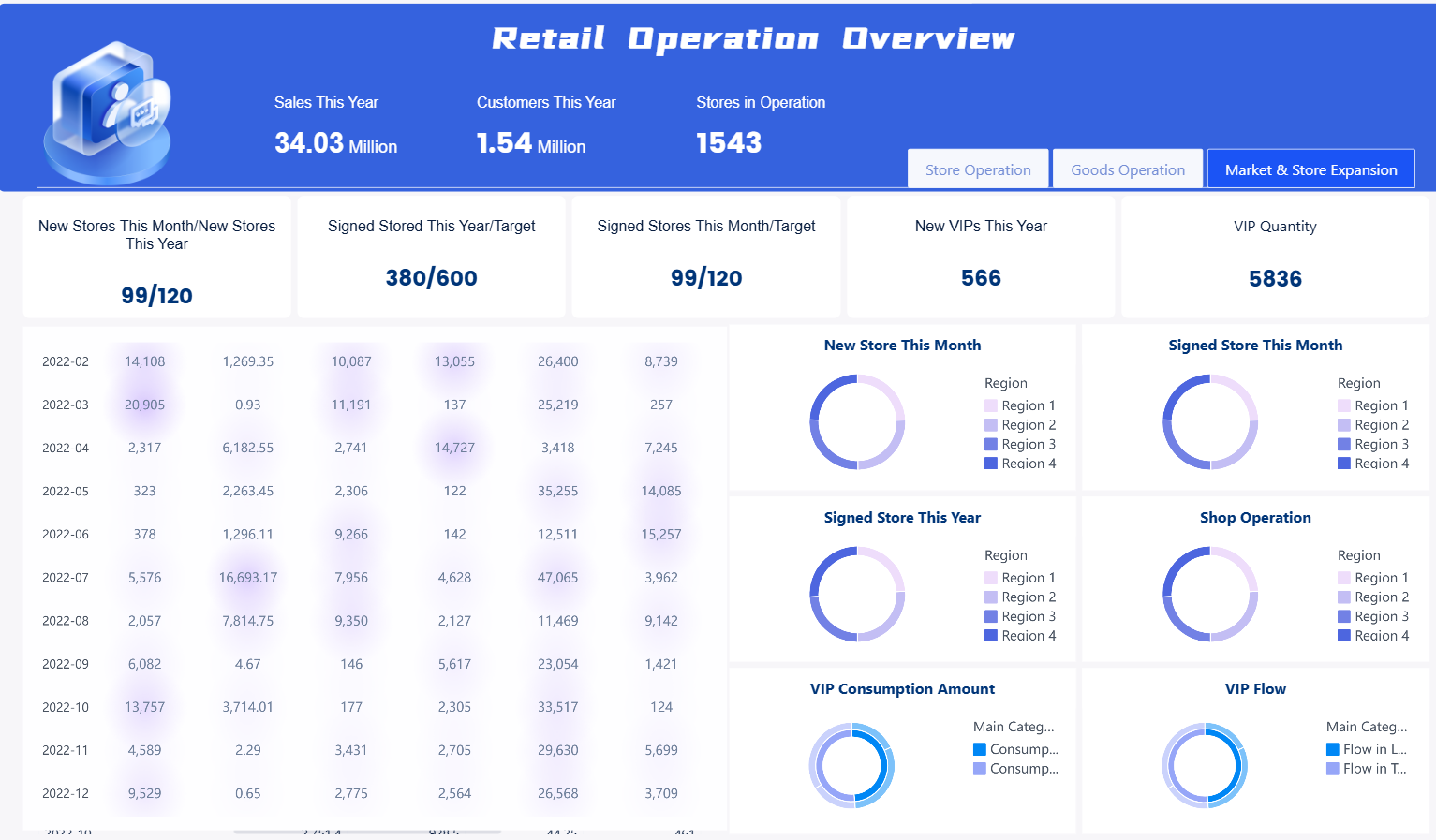
Yes, you can make a retail dashboard for your store to get real-time information and mix data from different places with one easy tool. Many store owners notice big changes after using a dashboard. The table below lists the main benefits you can get: enhance visibility, optimized operations, improve customer satisfaction. And you do not have to be a tech to begin.
Retail Dashboard Overview
What Is a Retail Dashboard
A retail dashboard gives you a clear view of your store’s performance. You see important numbers and trends in one place. Unlike old reports that only show past results, a dashboard updates in real time. This means you can spot changes as they happen and act fast.
A dashboard usually includes several main parts. Here is a table to help you understand what you might find:
Component
Description
Metrics & KPIs
Shows key numbers like sales per store, average transaction value, and customer retention.
Data Visualization
Uses graphs, heatmaps, and charts to make data easy to read.
Integration Capabilities
Connects with systems like POS, CRM, ERP, and eCommerce platforms.
Automation
Updates data and sends alerts automatically.
You can use a dashboard to track market trends, business performance, and customer satisfaction. It helps you manage your supply chain, measure how well your store is doing, and learn what your customers think.
Why Your Store Needs One
You need a dashboard because it helps you make better decisions every day. Here are some reasons why stores use dashboards:
You get a quick overview of daily and weekly results.
You receive alerts if something changes suddenly.
You see trends in the market and what your competitors do.
You can train your team to spot and fix problems fast.
You feel motivated to beat your goals and forecasts.
You can move money to the departments that make the most profit.
You make choices based on facts, not guesses.
You can check and adjust your decisions using solid data.
A retail dashboard gives you a single place to see all your important data. You can customize it to focus on what matters most to your store.
You need to watch the right sales KPIs to know how your store is doing. Your dashboard lets you see these important sales numbers:
Conversion rate
Customer retention
Foot traffic vs. digital traffic
Many stores also check sales per square foot, year-over-year sales, and conversion rates. These numbers show if your store brings in and keeps customers. When you look at these KPIs on your dashboard, you can find patterns and make quick changes to help sales.
Inventory KPIs
Inventory KPIs tell you how well you handle your stock. Your dashboard should show these important numbers:
KPI Name
Definition
Importance
Days Inventory Outstanding (DIO)
Tells how fast you turn inventory into money.
Helps you sell products faster and not have too much stock.
Gross Margin Return on Investment (GMROI)
Shows how well you turn inventory into profit.
Balances sales, margin, and inventory cost for better profits.
Sell Through Rate
Compares what you sold to what you got in stock.
Helps you find best sellers and slow items.
A dashboard with real-time inventory turnover helps you buy smarter and waste less. You can also spot slow sellers and plan for future sales.
Profit KPIs
Profit KPIs show if your store makes money. Your dashboard should show these key numbers:
KPI
Definition
Importance
Net Profit Margin
Shows profit as a percent of all sales.
Tells you if your store really makes money.
Average Transaction Value
Average amount spent in each sale.
Helps you learn how much customers spend.
When you watch profit margin trends on your dashboard, you can see what works and what needs fixing. This helps you make smart choices to keep your store healthy.
Customer KPIs
Customer KPIs help you learn about your shoppers. Your dashboard can show these helpful numbers:
KPI
Definition
Importance
Formula
Customer Retention Rate
Percent of customers who come back to buy again.
Shows loyalty and where you can do better.
(Ending Customers – New Customers) / Beginning Customers
Customer Satisfaction
Score that shows how shoppers feel about your store.
Helps you see what customers like or dislike.
Number of satisfied customers / Total Responses x 100
Creating an e-commerce dashboard for your store can seem hard at first. You can make it simple by following a few clear steps. This guide will help you gather your data, pick the right tools, and set up a dashboard that works for your team.
Gather Data Sources
You need to bring all your store’s data together before you build a dashboard. Most stores use many systems, like POS, e-commerce, ERP, and CRM. Each system holds important information. When you combine these, you get a full view of your business.
Here are the most common data sources you should include: sales, inventory, customer behavior, marketing performance, marketing, customer feedback.
To combine data from all these sources, follow these steps:
Define the key metrics you want to track. Choose numbers that matter most for your store, like sales, inventory, or customer feedback.
Audit your current systems. Make a list of where your data lives, such as your POS or e-commerce dashboard.
Connect your data. Use tools or APIs to pull information from each system into one place.
Set up automatic updates. Make sure your e-commerce dashboard refreshes data often, so you always see the latest numbers.
Keep your data safe. Use strong passwords and security tools to protect your information.
Choose Dashboard Tools
You need the right tool to build a dashboard that fits your needs. Many tools help you create an e-commerce dashboard, such as CARTO Builder. When you pick a tool, look for features that make your work easier and faster.
Here are some important things to check:
Criteria
Description
Performance
The tool should load data quickly and work well, even with lots of information.
Cost
Think about how much you will pay now and in the future. Some tools save you money by making work faster.
Other things to look for:
Integration capabilities: The tool should connect with your POS, ERP, CRM, and e-commerce dashboard.
User interactivity: You should be able to click, filter, and explore your data.
Data visualization: Good tools show your numbers with charts, graphs, and maps.
Set Up Layout and Features
Now you can set up your e-commerce dashboard. A good layout helps you and your team find answers fast. You want your dashboard to be easy to use and understand.
Follow these best practices:
User-Centric Design: Think about who will use the e-commerce dashboard. Make it simple for everyone to find what they need.
Data Relevance: Only show the most important numbers. Remove anything that does not help you make decisions.
Performance and Scalability: Make sure your e-commerce dashboard loads quickly, even as your store grows.
Accessibility: Set up your dashboard so everyone, including people with disabilities, can use it.
Mobile Responsiveness: Your e-commerce dashboard should look good on phones and tablets.
Security and Privacy: Protect your data and follow privacy rules.
Customization: Let users change the layout or add new charts.
Feedback and Iteration: Ask your team what works and what does not. Update your e-commerce dashboard often.
You can also add features to make your e-commerce dashboard even better:
Feature
Benefit
Customizable metrics
Focus on your goals and change what you see as your store grows.
Real-time data updates
Always see the latest numbers and act fast.
Mobile accessibility
Check your e-commerce dashboard from anywhere.
Integration with data sources
See all your store’s data in one place.
When you build a dashboard with these steps, you give your team the power to make smart choices every day. Your e-commerce dashboard becomes the main tool for tracking sales, inventory, and customer happiness. You can adjust your dashboard as your store changes, making sure you always have the best view of your business.
Challenges & Tips to Retail Dashboard
Avoid Data Overload
Building a retail dashboard can be tough. If you have too much data, it is hard to know what is important. Tracking every metric can make you miss key signals. Teams might argue about numbers instead of making choices. It can be hard to pick what matters most when there is so much information.
Challenge
Description
Priority Blindness
You have trouble understanding too many metrics, which slows down your work.
Debate Over Action
Teams spend time arguing about numbers instead of deciding what to do.
Decision Friction
Too much data hides important signals, so decisions take longer.
You can fix this by using filters on your dashboard. Dimension filters let you look at data by category or region. Measure filters show the most important numbers. Date filters help you see changes over time. Context filters make big data sets easier to understand. Top N filters show your best results. Hierarchical filters help you go from big groups to smaller ones. Wildcard and custom filters let you make special views for your needs.
Keep Dashboards Updated
Your dashboard needs to stay up to date. Automation can help you with this. When you use automation, you save time and make fewer mistakes. Pick tools that work well with your systems. Plan regular checks to clean data and keep things running well. Set alerts to find problems early.
Use automation to make work easier.
Pick automation tools that connect to your systems.
Automate checks and plan for regular fixes.
Automate updates so your trends are always right.
Optimize for Store Growth
Your dashboard should grow as your store gets bigger. Putting all your key numbers in one place helps your team find chances to improve and waste less. Dashboards make things faster and clearer, turning lots of data into useful ideas. You can plan better and get ready for growth.
Evidence Description
Key Benefits
Puts key numbers in one spot
Helps teams find chances faster and waste less
Makes things faster and clearer for teams
Turns lots of data into useful ideas for making choices
Makes planning more accurate and easier
Helps you plan and grow your store the right way
You can make a retail dashboard by following easy steps and using good tools. Dashboards let you see data right away. They help you save money and decide things faster. Many stores use cloud dashboards to link data and help customers more. When your store gets bigger, keep your dashboard fresh and try new things.
Benefit
Result
Real-time insights
Make choices faster and better
Customizable features
Change your dashboard as your store grows
Cloud access
Check your data from any place
Product Trial
FineReport
Pixel-perfect reports · Interactive dashboards · Easy data entry · Digital twins
Access a wealth of case studies, industry insights, and solution guides to accelerate digital transformation.
FAQ
How often should you update your retail dashboard?
You should update your dashboard daily or in real time. This helps you see changes fast and make better decisions. Many tools let you set automatic updates.
Can you build a dashboard without coding skills?
Yes. Many dashboard tools use drag-and-drop features. You do not need to write code. You can set up charts and reports with simple clicks.
How do you keep your dashboard secure?
You should use strong passwords and limit who can see your dashboard. Pick tools that offer security features like two-factor authentication.
Can you view your dashboard on your phone?
Yes, most dashboard tools have mobile apps or responsive designs. You can check your store’s data from your phone or tablet anytime.