If you are searching for financial management reporting software, you are likely trying to solve more than basic financial statement preparation. Most finance leaders want a system that helps them close faster, reduce spreadsheet work, improve confidence in the numbers, and deliver reports that are useful for executives, auditors, department leaders, and boards.
For CFOs, controllers, FP&A teams, and accounting leaders, the real question is not just which tool creates reports. It is which platform supports your actual finance workflow: management packs, KPI dashboards, variance analysis, multi-entity rollups, scheduled distribution, approvals, and audit-ready reporting processes.
This guide compares eight widely used tools and platform types for 2026, with a practical focus on:
Reporting depth
Automation
Finance team fit
Implementation effort
Audit and control requirements
Use cases such as board reporting, close reporting, Excel-based reporting, and consolidation
Analysts and finance teams prioritizing visualization
This table is not about naming one universal winner. The right choice depends on whether your finance team needs board-ready presentation, close process control, Excel familiarity, multi-entity consolidation, or operational reporting depth.
Best financial management reporting software for 2026 at a glance
The best financial management reporting software should help finance teams move from reactive reporting to repeatable, trusted reporting. That means fewer manual exports, fewer spreadsheet version issues, and more confidence in what reaches leadership.
This guide is designed for:
CFOs who need strategic visibility and board-ready reporting
Controllers who need controlled close reporting and auditability
FP&A leaders who need dashboards, variance analysis, and forecasting alignment
Accounting teams who need standardized, repeatable monthly and quarterly reporting
Multi-entity businesses that need rollups, segment reporting, and cross-company visibility
In this comparison, “best” does not simply mean the most features. It means software that supports outcomes finance teams actually care about:
Better visibility across entities, departments, and business units
How to evaluate financial management reporting software
Choosing financial management reporting software is rarely just a software decision. It is a process design decision. The wrong tool may look impressive in a demo but struggle with recurring reporting packs, reconciled numbers, formatting requirements, or finance approvals.
Reporting depth and analysis capabilities
The first thing to assess is whether the tool can support the actual reporting output your finance team produces every month.
Management packs combining tables, commentary, KPIs, and charts
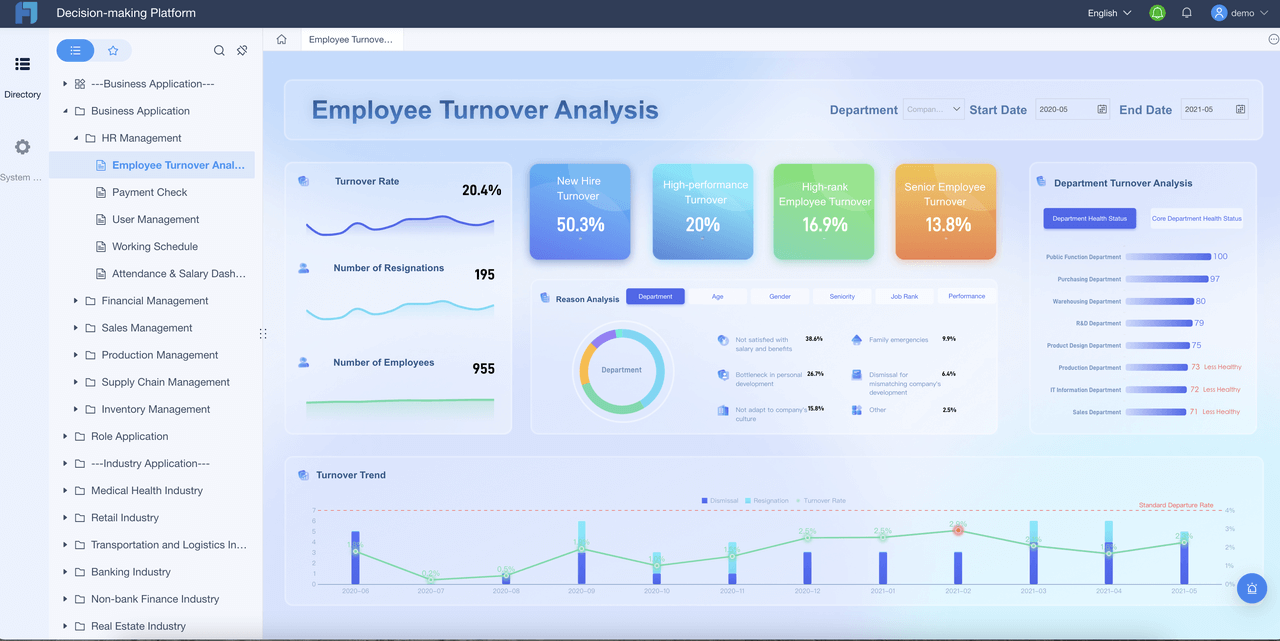
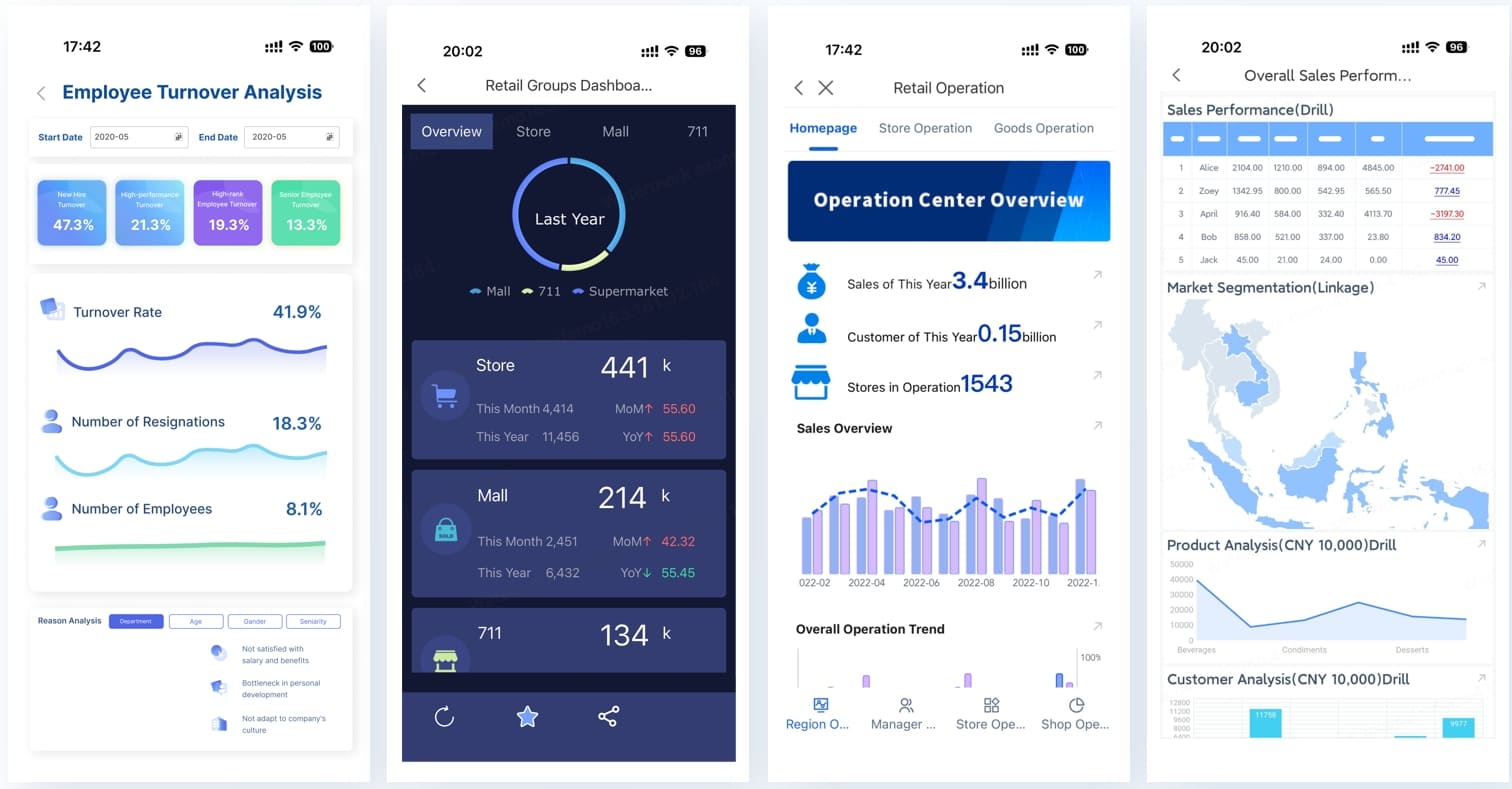
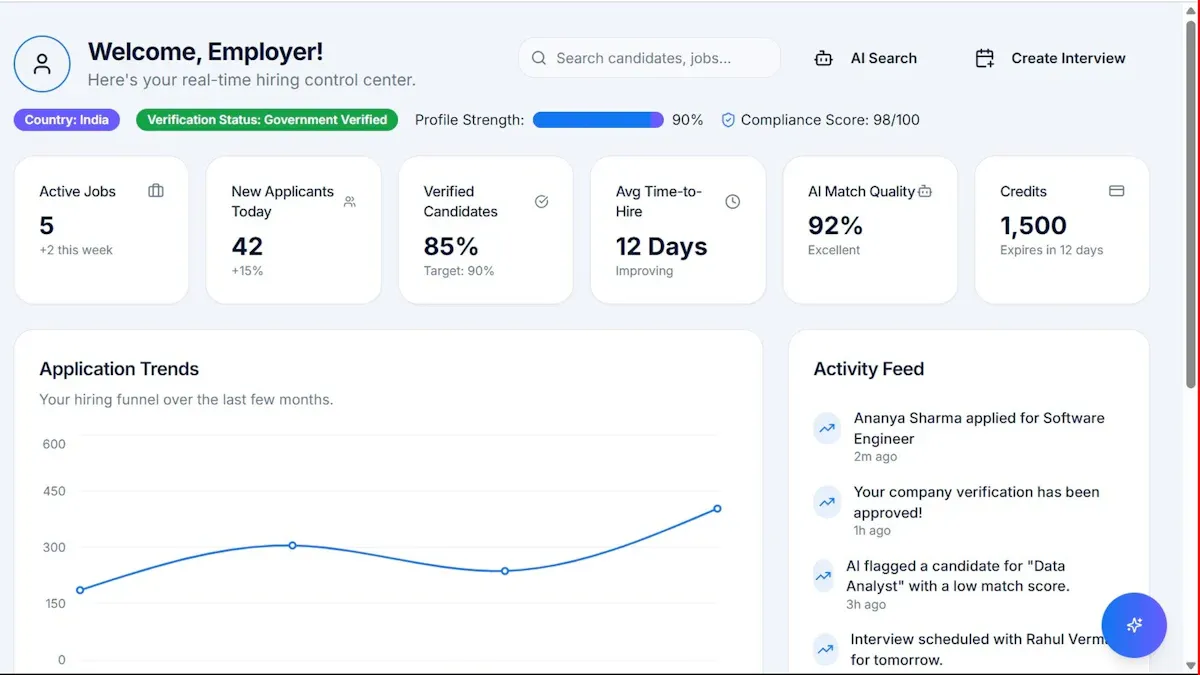
Dashboards for executive visibility
Variance analysis by period, department, cost center, or entity
Board-ready presentations with structured formatting and consistency
Dimensional reporting across region, business unit, product line, or legal entity
Drill-down analysis from summary metrics to transaction or account detail
Custom report building for internal and external reporting needs
Many tools are strong in dashboarding but weaker in highly formatted financial reporting. Others are excellent for structured reports but less flexible for self-service analysis. Finance leaders should test both.
Automation, controls, and audit readiness
Manual reporting breaks down as organizations grow. That is why automation and governance matter just as much as visual quality.
Look for capabilities such as:
Data syncing from ERP, accounting, CRM, and operational systems
Automated report refresh
Scheduled report distribution
Approval workflows
Version control
Role-based permissions
Audit trails
Repeatable monthly reporting workflows
For finance teams under pressure to improve close discipline and audit readiness, these features often matter more than attractive charts.
Fit by finance use case and team size
A startup finance team and a global multi-entity finance function do not need the same platform.
Consider best fit by environment:
Startups and smaller teams: often prioritize speed, simplicity, and fast implementation
Mid-market finance teams: typically need a balance of automation, flexibility, and governance
Accounting firms and outsourced finance providers: often need repeatable client reporting and spreadsheet-friendly workflows
Complex enterprises: usually need consolidation, multi-currency support, structured governance, and scalable deployment
Every option comes with trade-offs:
Ease of use vs flexibility
Fast setup vs deeper customization
Spreadsheet familiarity vs centralized governance
Lower upfront effort vs stronger long-term scalability
Compare 8 financial reporting tools by finance use case
Instead of ranking tools only by brand recognition, it is more useful to compare them by the finance problems they solve best.
Best for CFO dashboards and strategic visibility
These tools are typically strong when executives want:
KPI dashboards
board summaries
scenario visibility
visual trend analysis
rapid access to business performance signals
Best-fit options in this category:
Power BI for interactive analytics and dashboard-led exploration
Prophix for mid-market reporting plus planning and dashboarding
Workday Adaptive Planning for planning-driven organizations that want executive visibility tied to forecasting
These tools work well when visual management reporting is the main priority. However, some finance teams will still need an additional layer for print-ready packs, approval-driven workflows, or highly formatted recurring reports.
Prophix for mid-market teams looking to automate finance reporting processes
This category matters most for controllers, accounting managers, and finance operations leaders who need more than executive visuals.
Best for accountants, add-ins, and spreadsheet-based workflows
Many finance teams are still deeply Excel-centric, and that is not necessarily a weakness. It often reflects the need for familiar modeling logic, accountant-friendly layouts, and flexible adjustments.
These teams often prefer:
spreadsheet-like report creation
familiar formulas and structures
client reporting workflows
fast adoption with minimal change management
Best-fit options in this category:
Vena for finance organizations wanting to retain Excel familiarity while adding governance
Reach Reporting for accountant and client reporting workflows
Power BI, when paired with an Excel-heavy process, for analysis rather than formal finance pack creation
The trade-off is that spreadsheet-led environments can still face limitations in workflow standardization, audit control, or structured enterprise reporting at scale.
Best for forecasting, consolidation, and multi-entity reporting
For growing businesses, reporting often becomes more complex before it becomes more insightful. As soon as multiple legal entities, currencies, or ownership structures are involved, basic reporting tools can become fragile.
Key needs in this category include:
consolidated reporting
cross-entity rollups
intercompany visibility
planning and forecasting alignment
dimensional analysis
stronger data governance
Best-fit options in this category:
OneStream for enterprise consolidation-heavy organizations
Workday Adaptive Planning for planning-led reporting environments
Prophix for mid-market organizations needing reporting plus planning support
Each review below focuses on the criteria finance teams usually care about most:
core strengths
ideal use case
standout reporting capabilities
integration approach
implementation considerations
pricing style or buying model
notable limitations
practical pros and cons
Comparison criteria used in the reviews
The reviews use these comparison lenses:
Reporting flexibility
Automation depth
Consolidation support
Dashboard quality
Audit controls
Usability
Scalability
1. FineReport
Best for: Finance teams that need a mix of dashboards, pixel-perfect reports, paginated reporting, scheduled distribution, and operational reporting workflows.
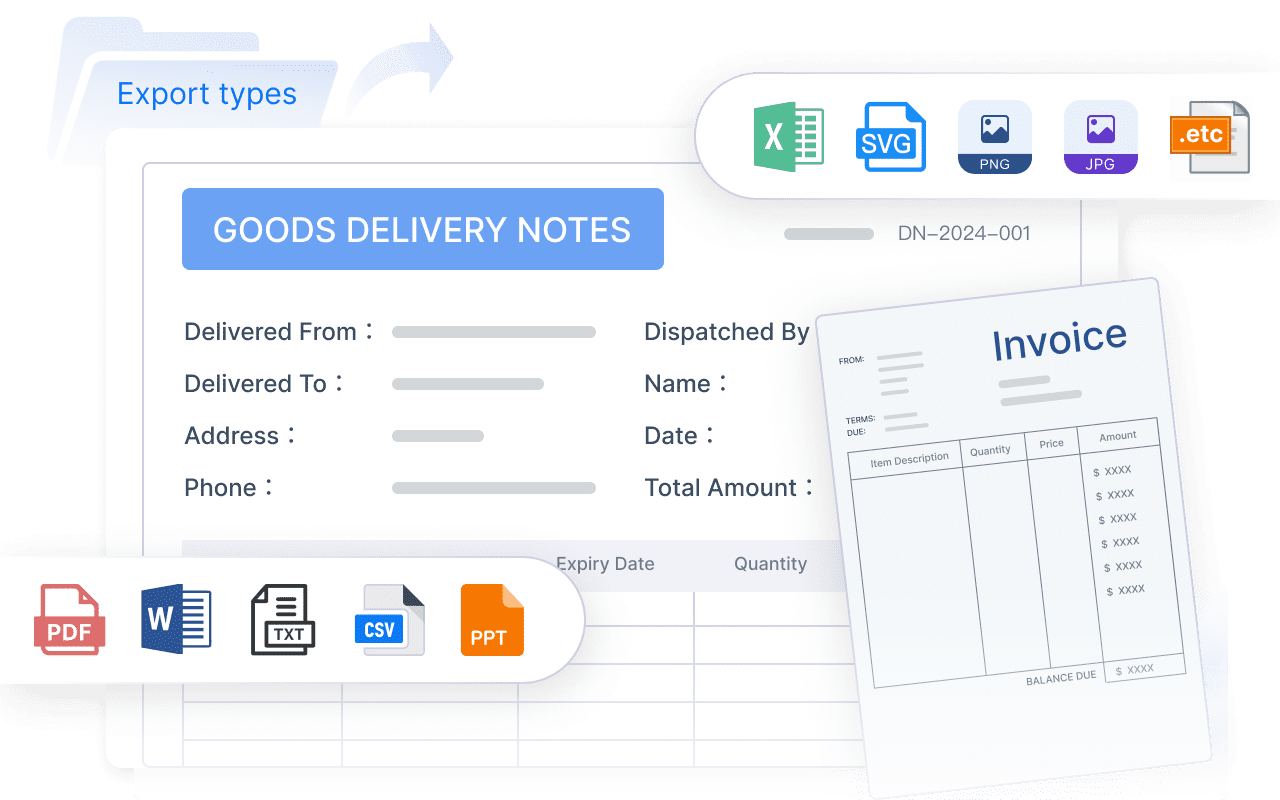
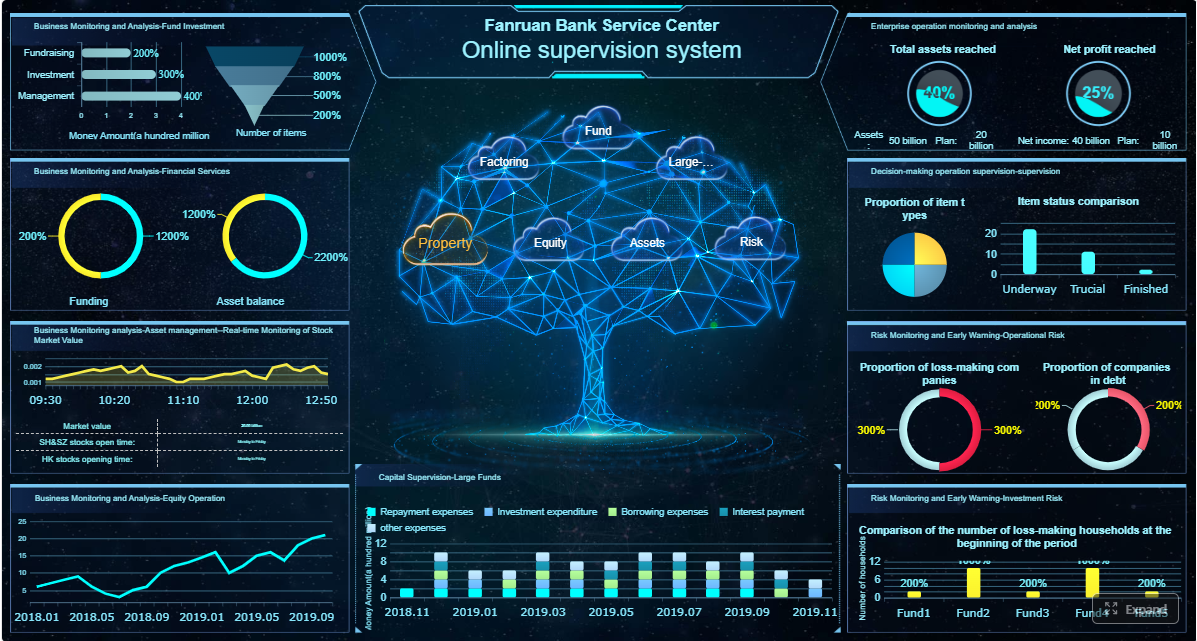
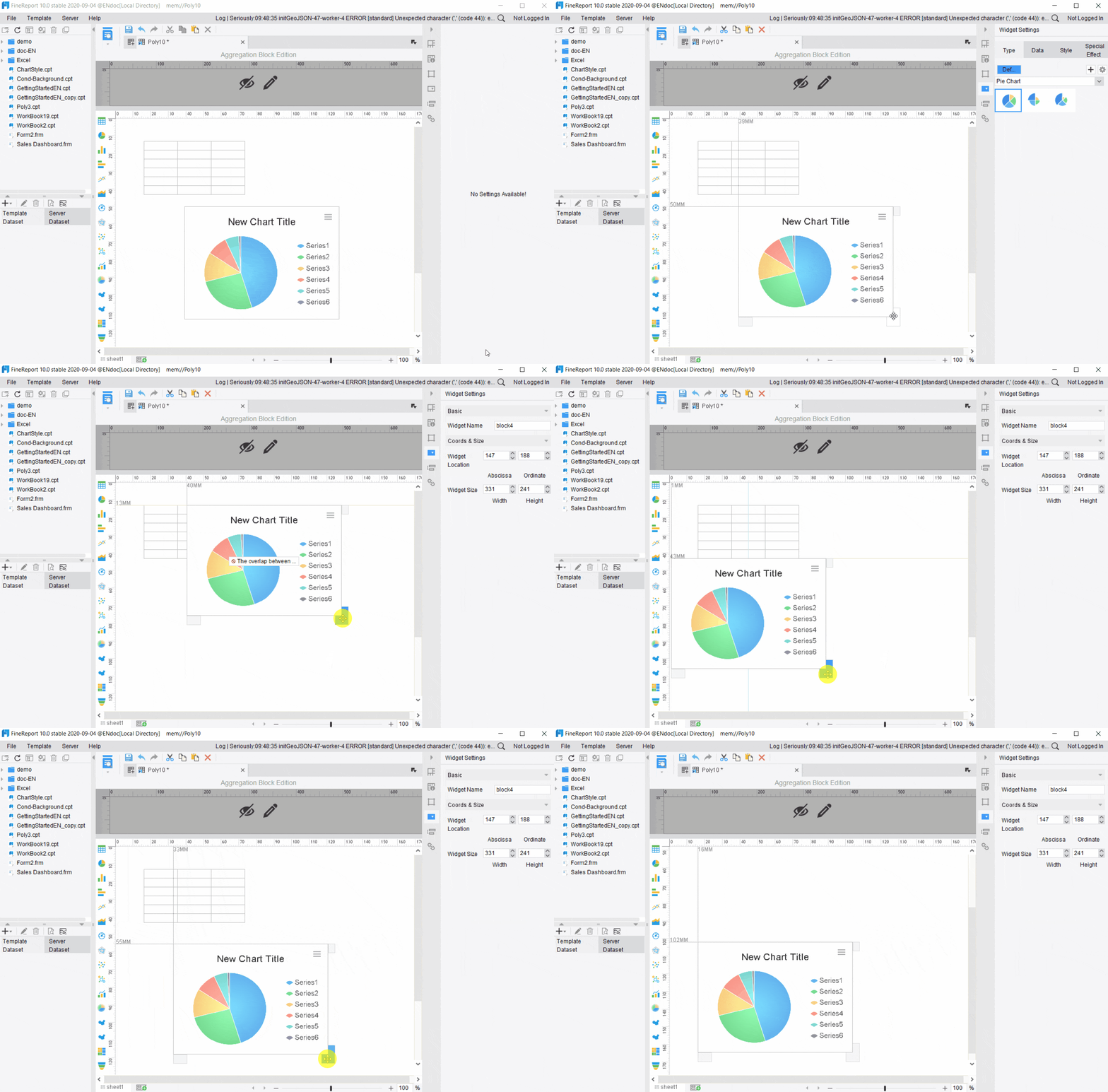
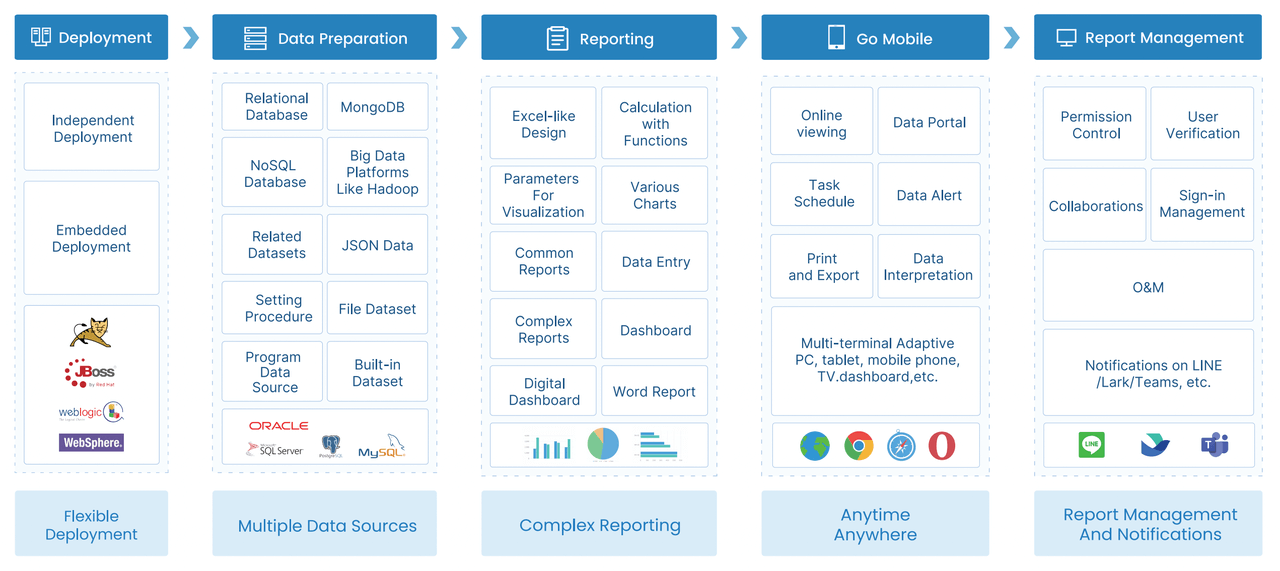
FineReport is an enterprise reporting and dashboard platform suited to organizations that need more structure than a dashboard-only BI tool can provide. For finance teams, its value is strongest when reporting requirements include formal layouts, printable statements, scheduled management packs, parameterized queries, and report workflows across departments or entities.
It is especially relevant when finance reporting is tied to broader business operations, such as sales reporting, budget tracking, cost center control, inventory-finance reporting, or management reporting across multiple systems.
Support for data entry and form-based workflows where finance processes require input or approvals
Implementation considerations
FineReport is usually a stronger fit when organizations have clear reporting requirements and need governed output formats. It may require more design planning than lightweight dashboard tools, but that effort can pay off for teams with recurring, standardized reporting demands.
Pricing approach
Contact-based enterprise sales model.
Notable limitations
It is not purely a finance planning platform, so teams looking for deeply specialized consolidation or planning workflows may still compare it with CPM-focused tools. Its sweet spot is reporting depth and operational reporting flexibility.
May be more than smaller teams need for simple KPI reporting
Planning-led organizations may also want a dedicated CPM layer depending on scope
Tools like Power BI and Tableau are widely used for visualization and BI analysis, but teams with complex reporting workflows may also need a dedicated enterprise reporting platform like FineReport. That is particularly true when finance outputs must be printable, standardized, controlled, and distributed on a recurring schedule.
Get Ready-to-Use Dashboard and Report Templates in Fine Gallery
2. Workday Adaptive Planning
Best for: Mid-market and enterprise finance teams that want reporting tied closely to planning, forecasting, and scenario modeling.
Workday Adaptive Planning is commonly chosen by organizations that want a cloud platform for planning and finance visibility rather than standalone reporting alone. It is often strongest when FP&A, budgeting, and scenario planning are central to the selection criteria.
A good fit for organizations that want planning and reporting together. Teams focused primarily on formal, highly formatted financial packs should validate whether its reporting output matches their board and statutory presentation expectations.
Pricing approach
Enterprise pricing, typically quote-based.
Notable limitations
Can involve meaningful implementation effort. Some finance teams may find it stronger for planning-led analysis than for highly customized formatted reporting.
Pros
Strong planning and forecast integration
Good executive visibility
Suitable for larger finance organizations
Cons
Can be more complex than smaller teams need
Formal reporting requirements may need careful validation
3. OneStream
Best for: Large enterprises with complex consolidation, governance, and enterprise reporting requirements.
OneStream is often considered where finance complexity is high: multi-entity structures, intercompany relationships, regulated reporting demands, and enterprise control requirements.
Well suited to large organizations with substantial reporting and consolidation needs. Typically not the lightest or fastest option for small teams.
Pricing approach
Enterprise quote-based pricing.
Notable limitations
Can be resource-intensive to implement and administer. Smaller teams may find it heavier than necessary.
Pros
Strong consolidation and enterprise control support
Good fit for complex reporting environments
Robust governance orientation
Cons
Higher complexity
Often better suited to larger organizations than smaller finance teams
4. Prophix
Best for: Mid-market finance teams that want a balance of reporting automation, planning support, and management visibility.
Prophix is often evaluated by finance teams looking to improve close workflows, budget visibility, and reporting consistency without moving immediately to a very large enterprise CPM stack.
Often attractive for mid-sized teams that want more structure than spreadsheets but do not need the complexity of the largest enterprise platforms.
Pricing approach
Typically quote-based.
Notable limitations
Organizations with highly specialized formatting or deep enterprise-scale consolidation requirements may compare it against more specialized alternatives.
Pros
Balanced mix of reporting and planning
Useful automation for mid-market teams
Better governance than manual spreadsheet processes
Some teams may still need specialized formatting workflows
5. Vena
Best for: Excel-centric finance teams that want stronger governance, workflow, and automation while preserving familiar spreadsheet processes.
Vena is commonly selected by finance organizations that want to keep Excel as a core user experience but reduce the version control and workflow issues that come with unmanaged spreadsheets.
Standout reporting features
Excel-based reporting workflows
controlled templates
automation for recurring reporting
permission and version support
finance-friendly adoption path
Implementation considerations
Usually attractive where user adoption depends on preserving spreadsheet familiarity. Teams should still assess how far they want to move toward centralized reporting versus maintaining Excel as the primary interface.
Pricing approach
Quote-based.
Notable limitations
Teams seeking highly interactive dashboards or non-spreadsheet operational reporting experiences may want to compare broader reporting platforms.
Pros
Familiar experience for finance users
Easier transition from spreadsheet-heavy processes
Stronger control than unmanaged Excel workflows
Cons
Excel dependence may still shape process design
Less ideal if your long-term goal is a more unified reporting experience beyond spreadsheets
6. Fathom
Best for: Smaller businesses, advisors, and finance managers needing quick management reporting, KPI tracking, and straightforward forecasting.
Fathom is widely known for making financial analysis and management reporting easier for smaller teams. It is often favored by businesses that want cleaner reporting output without a large implementation project.
Usually faster to adopt than enterprise-heavy tools. Best suited where simplicity and speed matter more than deep enterprise governance or highly custom report architecture.
Pricing approach
Subscription-style pricing is common in this category.
Notable limitations
Larger enterprises or teams with complex approval, audit, or multi-source reporting requirements may outgrow it.
Best for: Accounting firms, outsourced finance teams, and finance professionals who need client-friendly report packaging.
Reach Reporting is typically considered by accountants and advisory firms that want to produce polished reports quickly for multiple clients or business units.
Standout reporting features
accountant-friendly report assembly
visual client reporting
repeatable advisory workflows
presentation-focused output
Implementation considerations
Best when the main use case is recurring client or stakeholder reporting rather than large-scale enterprise integration and governance.
Pricing approach
Usually subscription-oriented for this type of software.
Notable limitations
May not be the right fit for organizations requiring deep consolidation, complex workflow controls, or broad operational reporting integration.
Pros
Friendly for accounting and advisory use cases
Fast to adopt
Good for client communication
Cons
Narrower enterprise scope
Less suited to complex internal reporting architecture
8. Power BI
Best for: Finance teams and analysts prioritizing interactive dashboards, self-service analysis, and Microsoft-oriented analytics workflows.
Power BI is one of the most widely used BI tools for financial dashboards and ad hoc analysis. It works well when the goal is to explore data visually, monitor KPIs, and enable stakeholders to interact with finance metrics.
A strong option for dashboarding, but finance teams should separately assess formal reporting requirements such as print-ready packs, paginated finance statements, approval workflows, and controlled recurring distribution.
Pricing approach
Tiered licensing exists, often depending on user and capacity model.
Notable limitations
Dashboard strength does not automatically equal strong financial reporting process support. Some finance teams need additional tooling for structured report production and governed distribution.
Pros
Excellent for visualization and interactive analysis
Strong ecosystem familiarity
Good for finance KPI monitoring
Cons
Formal management pack creation may require extra process work
Not always the best standalone answer for controlled finance reporting
How to choose the right platform for your finance team
The best financial management reporting software is the one that matches your current reporting maturity and the complexity you expect over the next few years.
Match the tool to your reporting maturity
If your team mainly produces month-end statements and a few management summaries, a lighter-weight tool may be enough.
But as reporting maturity increases, the software requirements change:
Reliable data integration: Connect to trusted source systems and reduce manual exports.
Structured report design: Support both executive dashboards and formal finance report layouts.
Parameterized filtering: Allow users to analyze by entity, department, region, time period, or account.
Automated distribution: Schedule recurring reports to reduce manual effort.
Governance and auditability: Use permissions, version control, and audit trails to improve trust in the output.
Scalable workflow support: Ensure the platform can support growing complexity across entities and teams.
Final recommendations by scenario
Based on finance use case rather than hype, here is a practical shortlist.
Best overall for balanced reporting depth and automation:Prophix or FineReport, depending on whether you prioritize finance planning linkage or broader enterprise reporting flexibility
Best for smaller finance teams that need fast setup:Fathom
Best for Excel-centric reporting processes:Vena
Best for multi-entity and consolidation-heavy organizations:OneStream
Best choice when auditability and process control matter most:OneStream for consolidation-heavy environments, or FineReport where governed reporting workflows and standardized report distribution are central
Best for dashboard-led financial visibility:Power BI
Best for accountant or advisory workflows:Reach Reporting
Best for planning-led finance organizations:Workday Adaptive Planning
Practical recommendations before you decide
Here are five practical steps an experienced reporting consultant would suggest before making a final choice.
Start with your reporting outputs, not the product demo. List the exact reports you produce monthly, quarterly, and annually.
Separate dashboard needs from formal reporting needs. Many teams need both, but not always from the same workflow.
Test one real finance pack. Ask each vendor to replicate a realistic board pack, variance report, or multi-entity statement.
Map governance requirements early. Include approvals, versioning, audit history, and access controls in your evaluation.
Plan for scale. Even if current reporting is simple, consider whether acquisitions, new entities, or broader operational reporting are likely.
When FineReport is a good fit for financial management reporting
FineReport is a strong option when finance teams need reporting that goes beyond dashboard visualization and into structured, governed, and repeatable enterprise reporting.
It is particularly worth considering if your team needs:
Pixel-perfect report design for management packs, statements, and board-ready documents
Paginated and printable reports
Parameterized query reporting across entity, region, department, or time period
Scheduled distribution for recurring finance reports
Dashboard and report integration in one environment
Data entry or form-based workflows for finance processes that require input, review, or correction
Operational reporting that combines finance with sales, manufacturing, logistics, or management data
This makes FineReport relevant for organizations where financial reporting is part of a wider enterprise reporting landscape, not a standalone finance-only process. For example, a controller may need standardized monthly packs, while operations leaders need cost center reports, and executives need dashboards tied to the same governed reporting environment.
The market for financial management reporting software is broad because finance reporting needs are broad. Some teams need quick KPI dashboards. Others need controlled close reporting. Others need consolidation, planning, or accountant-friendly workflows. And many larger organizations need a mix of all of these.
The smartest buying decision is to choose based on:
your reporting maturity
your finance workflow complexity
your need for automation and control
your preferred user experience
your future reporting scale
If your priority is governed, enterprise-grade reporting with strong formatting control, scheduled distribution, dashboards, and operational reporting flexibility, FineReport is a practical platform to evaluate alongside more finance-specific CPM and reporting tools.
It helps finance teams create, automate, and distribute reports such as management packs, KPI dashboards, variance analysis, and multi-entity financial statements. The goal is to reduce manual work, improve accuracy, and give leaders clearer visibility into performance.
Key features include dashboarding, formatted and paginated reporting, scheduled distribution, drill-down analysis, multi-entity consolidation, approvals, and audit trails. Strong integration with ERP and accounting systems is also important for maintaining a trusted data source.
Start by matching the tool to your reporting process, not just its demo features. Consider whether your team needs board-ready reports, Excel familiarity, consolidation, workflow controls, or self-service analytics.
Yes, many tools reduce close time by automating data refreshes, standardizing report templates, and scheduling recurring report delivery. This cuts spreadsheet rework and helps finance teams produce consistent reports faster.
Tools with strong pixel-perfect reporting, governed workflows, version control, and audit trails are usually the best fit for board and audit use cases. These capabilities help finance teams deliver consistent, reviewable reports with better control over changes.
Product Trial
FineReport
Pixel-perfect reports · Interactive dashboards · Easy data entry · Digital twins


 Best for: Finance teams that need a mix of dashboards, pixel-perfect reports, paginated reporting, scheduled distribution, and
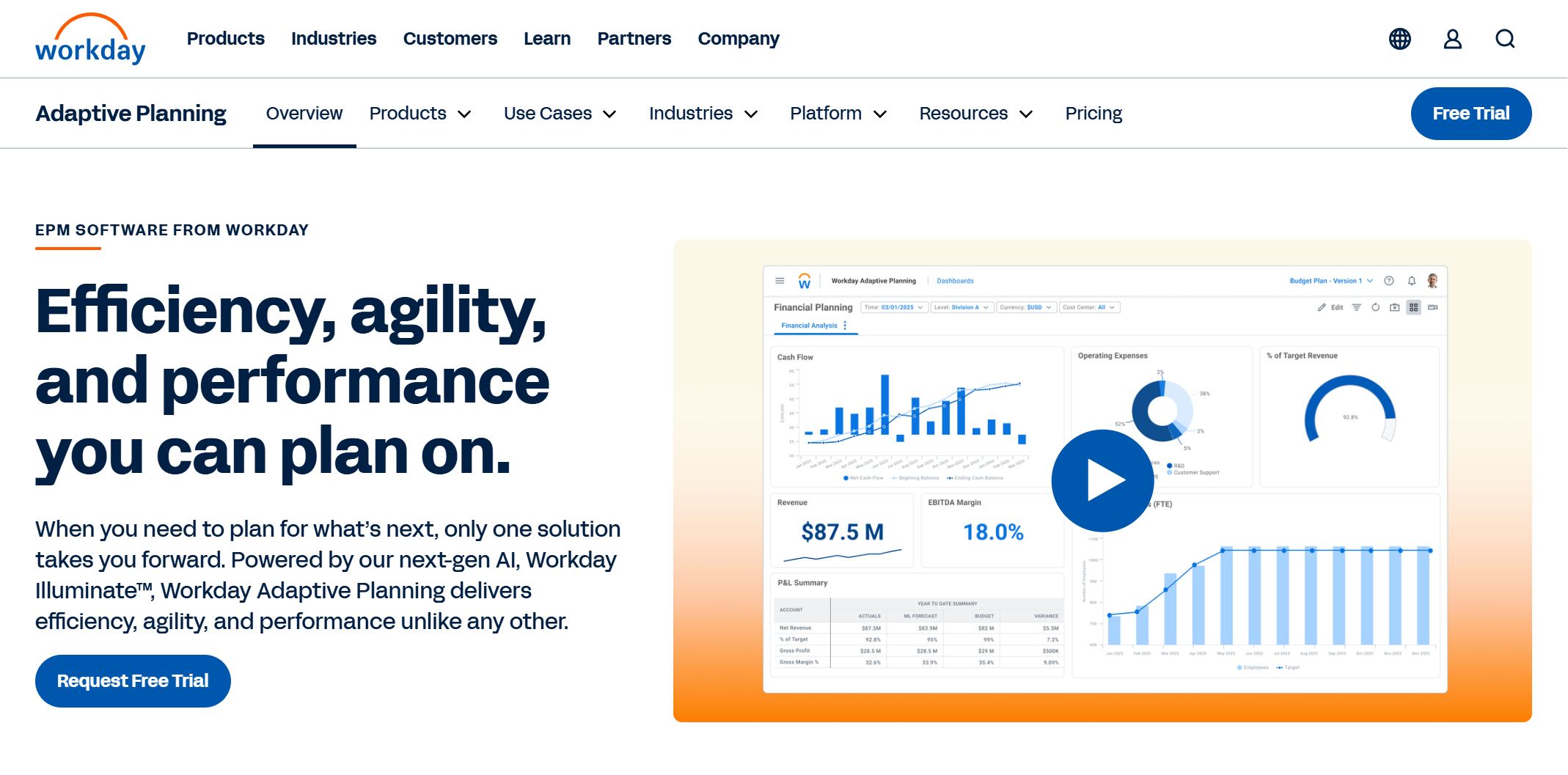 Best for: Mid-market and enterprise finance teams that want reporting tied closely to planning, forecasting, and scenario modeling.
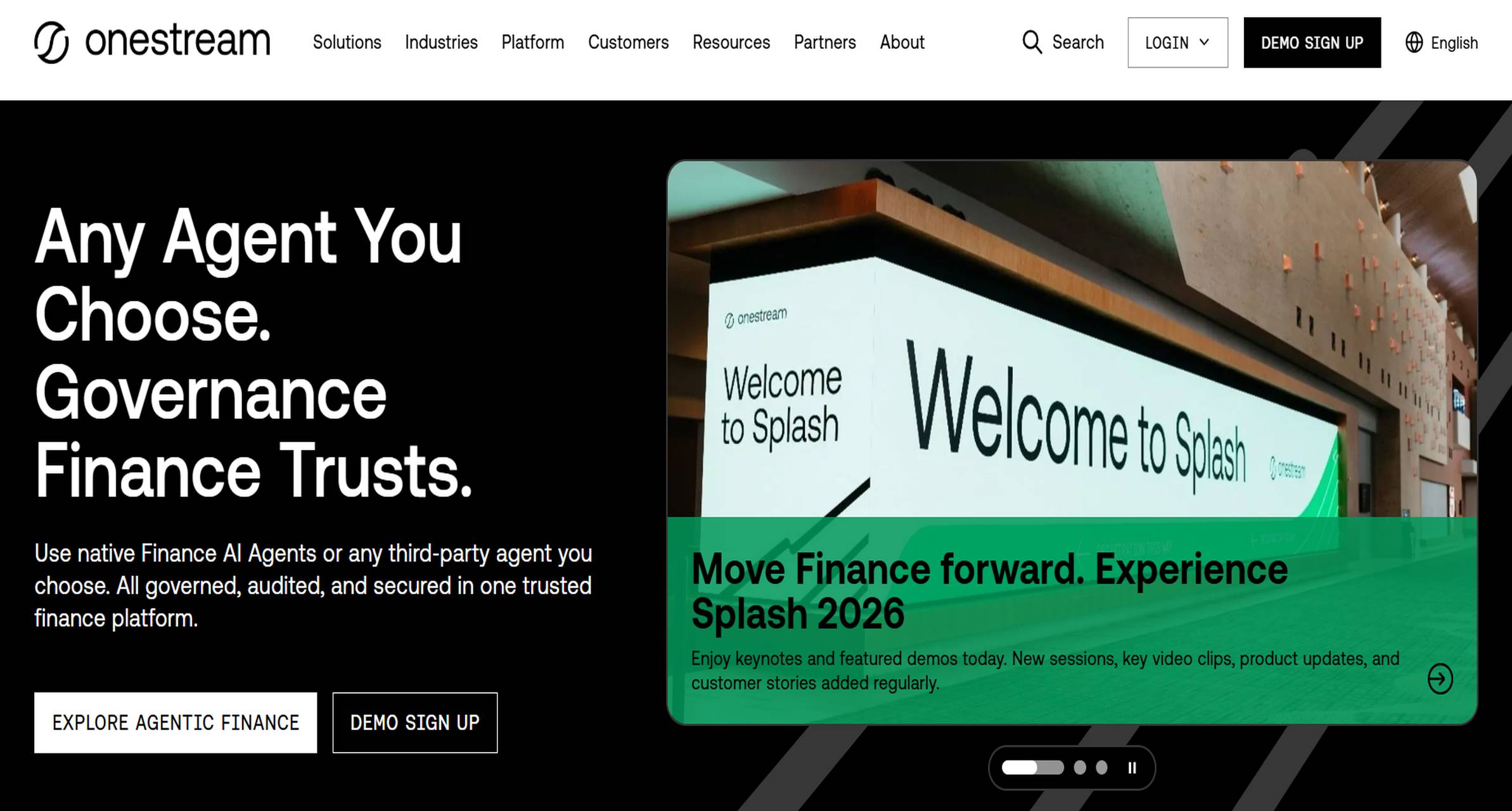 Best for: Large enterprises with complex consolidation, governance, and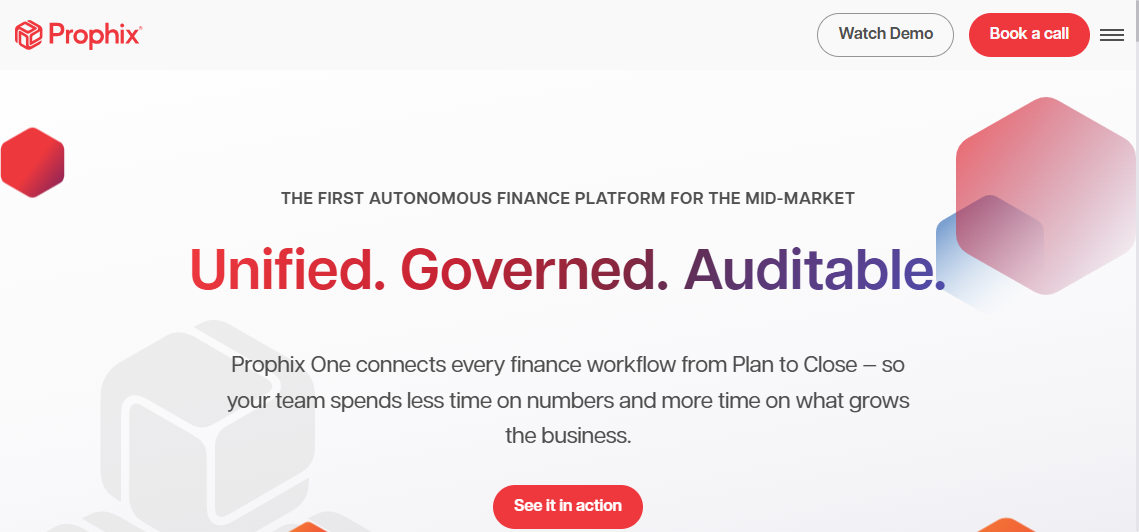
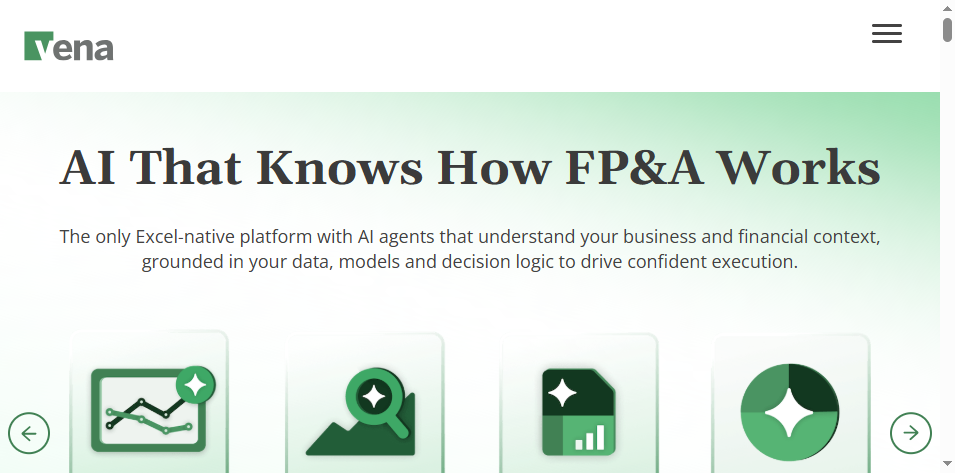 Best for: Excel-centric finance teams that want stronger governance, workflow, and automation while preserving familiar spreadsheet processes.
 Best for: Smaller businesses, advisors, and finance managers needing quick
  Best for: Accounting firms, outsourced finance teams, and finance professionals who need client-friendly report packaging.
 Best for: Finance teams and analysts prioritizing interactive dashboards, self-service analysis, and Microsoft-oriented analytics workflows.